✒️ Signature Tool
Extract Signatures from Images Instantly
Turn smartphone photos of handwritten signatures into clean, transparent PNGs ready for any digital document. Fast, free, and precise.
Stop struggling with scanners. Our AI separates handwriting from paper backgrounds in seconds.
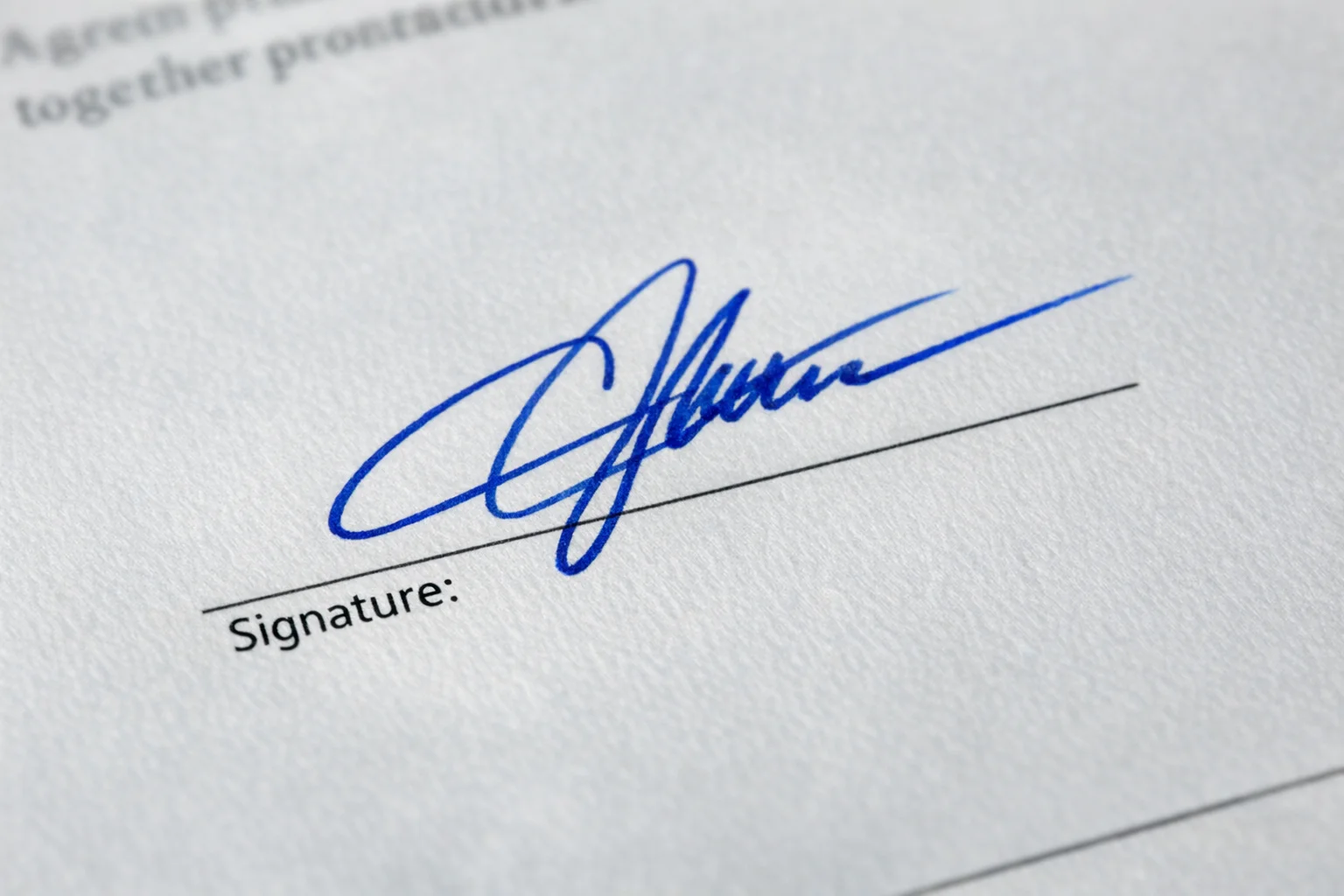
AI Signature Extractor
Upload a photo of your signature to get a transparent PNG.
Images generated by free users will have a watermark
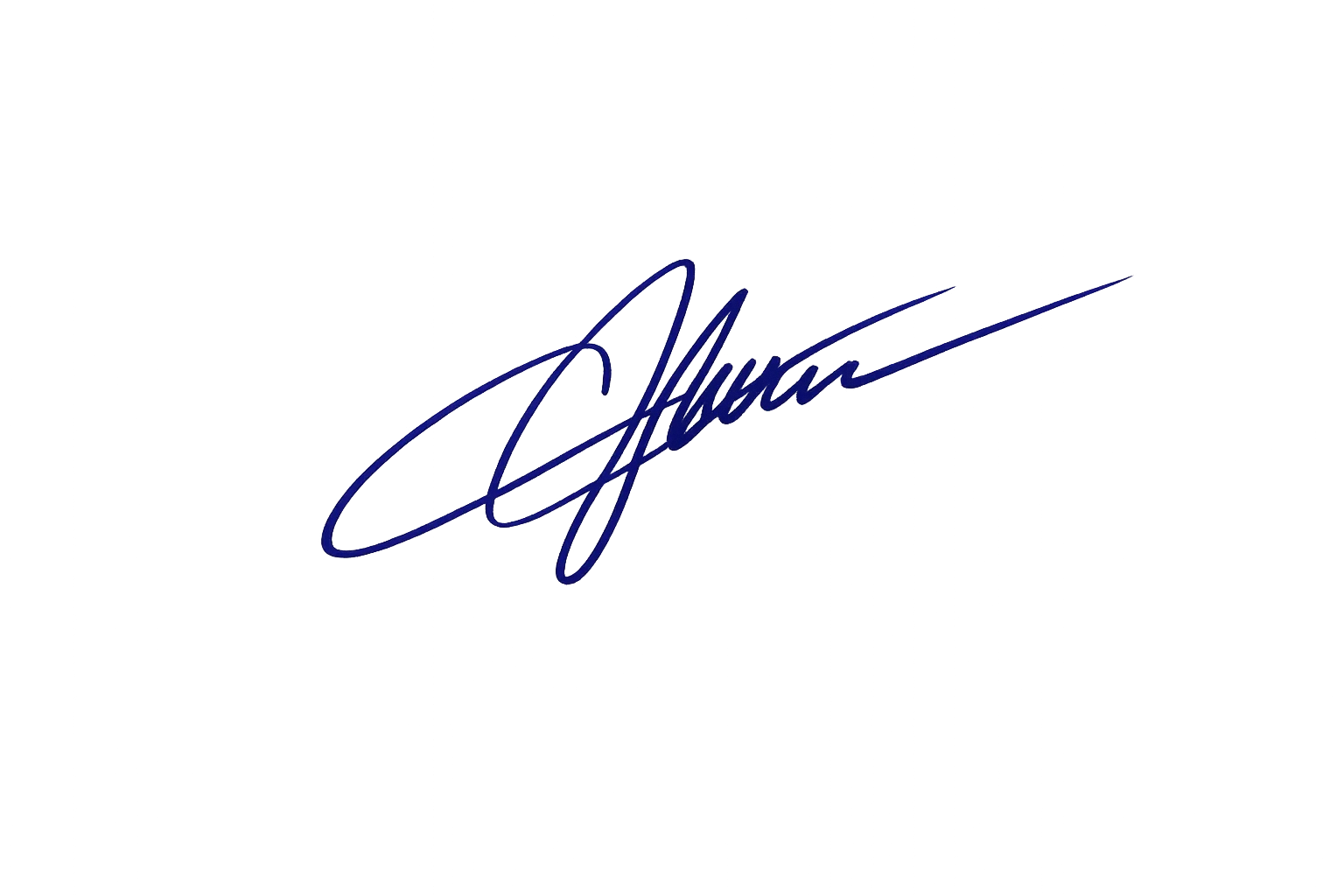
Business Contract
Extract signature from white paper
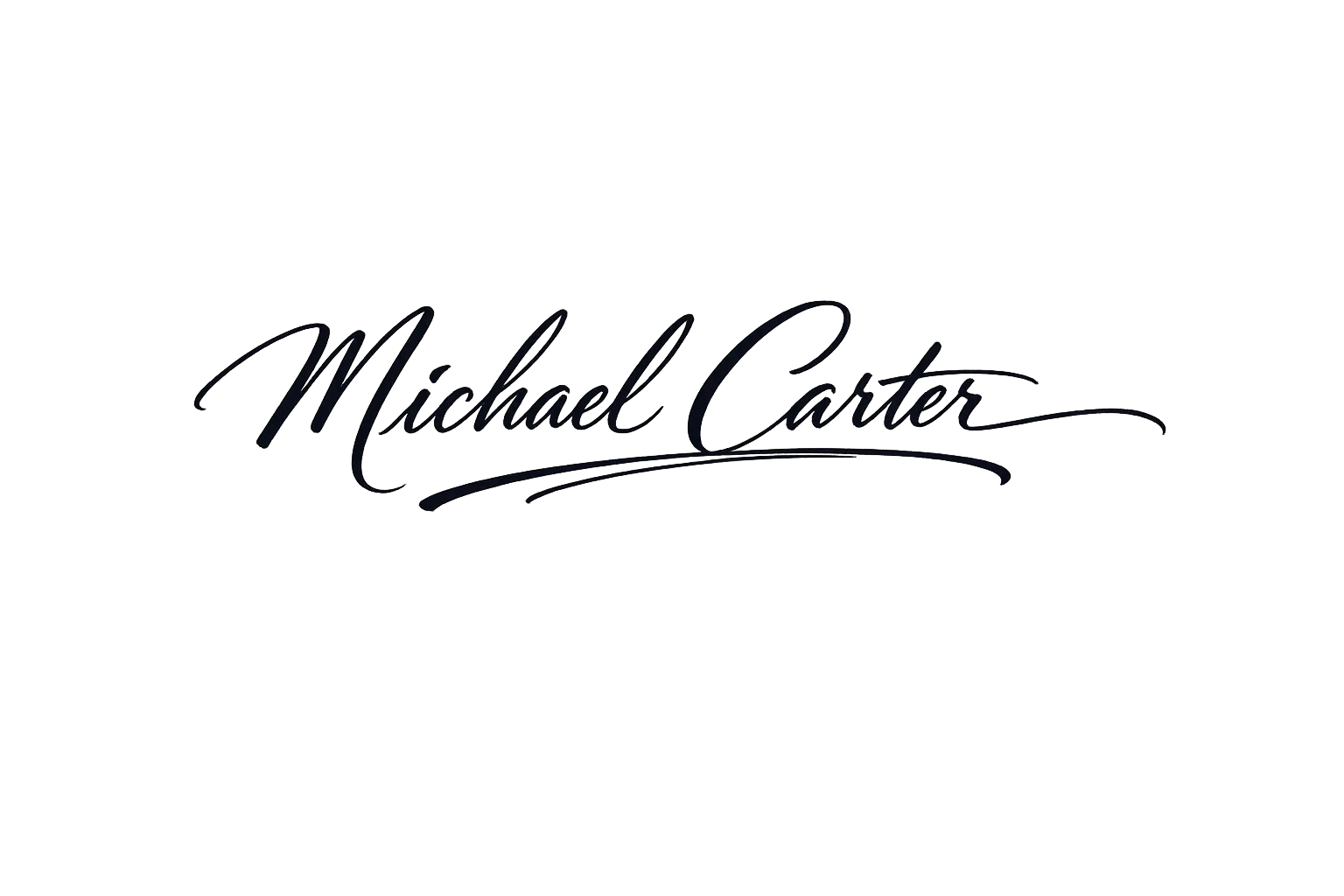
Creative Lettering
Extract calligraphy from textured paper
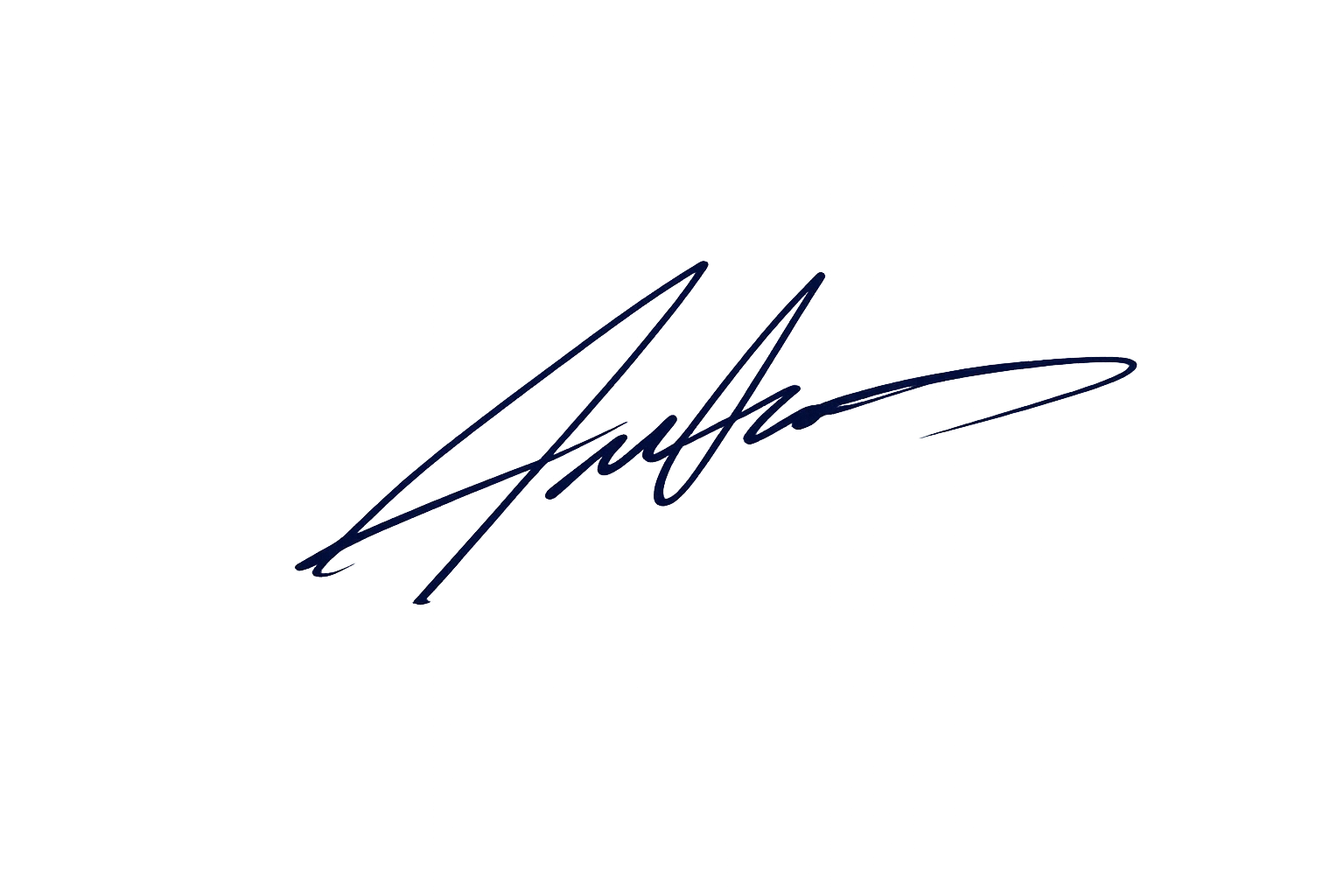
Official Form
Extract signature from lined paper
FEATURES
Why Use Our Signature Extractor?
Powerful AI tools designed to make your document workflow seamless and professional.
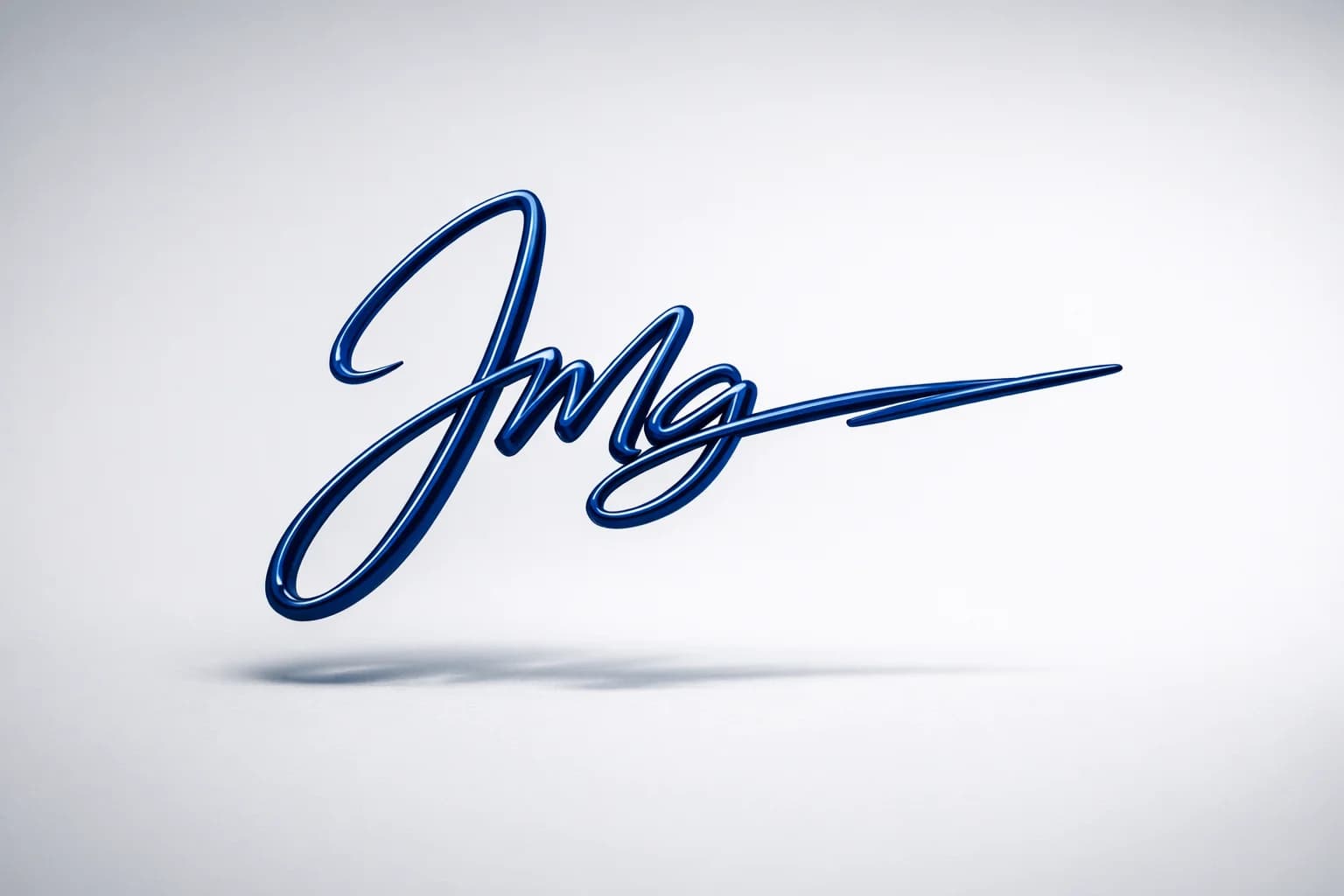
Instant Background Removal
Automatically remove paper textures and shadows to create a clean transparent background. Perfect for placing signatures on PDFs without ugly white boxes.
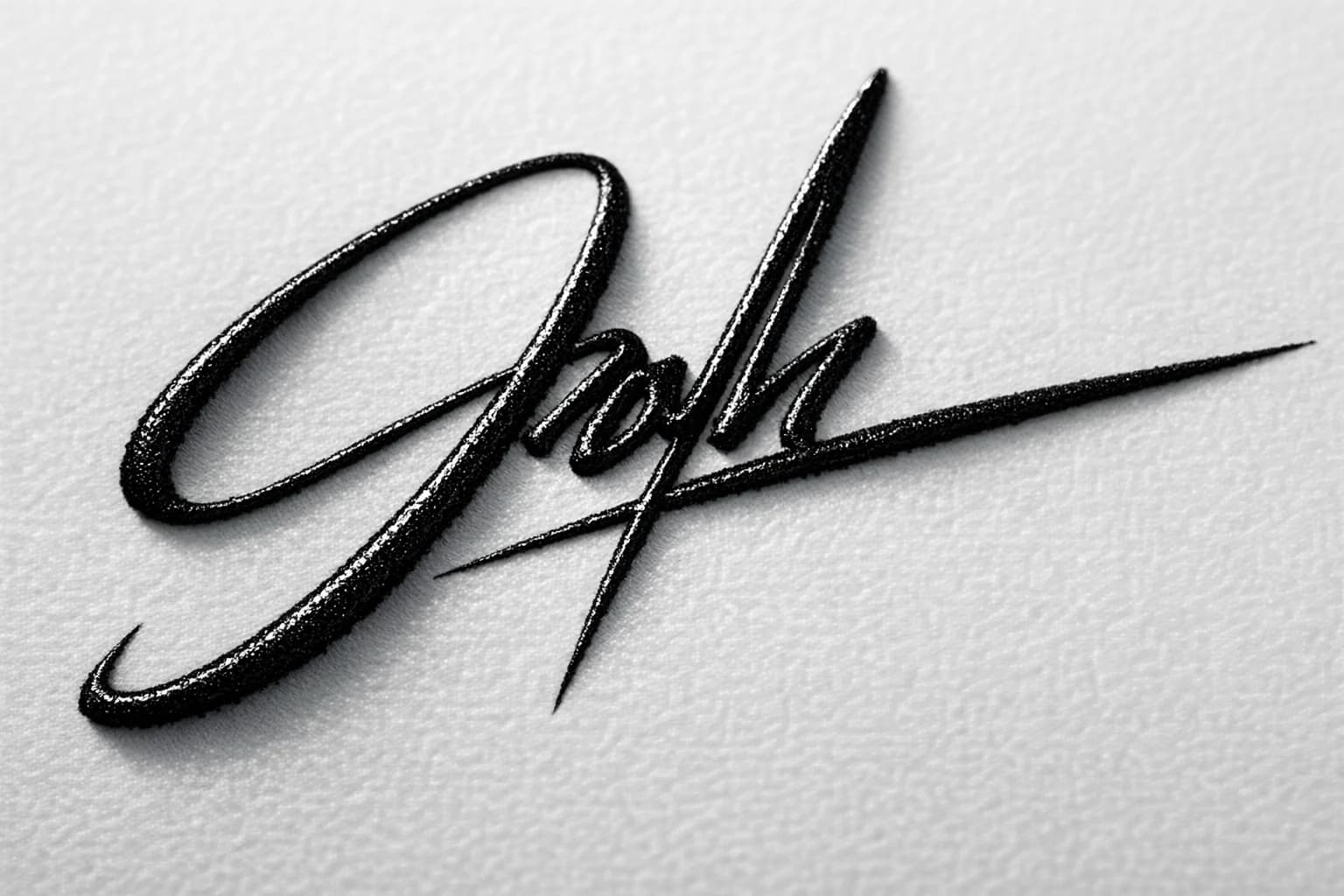
Ink Enhancement Technology
Enhance faint or blurry handwriting into bold, professional digital ink. Our tool sharpens edges and corrects contrast for a high-quality result.
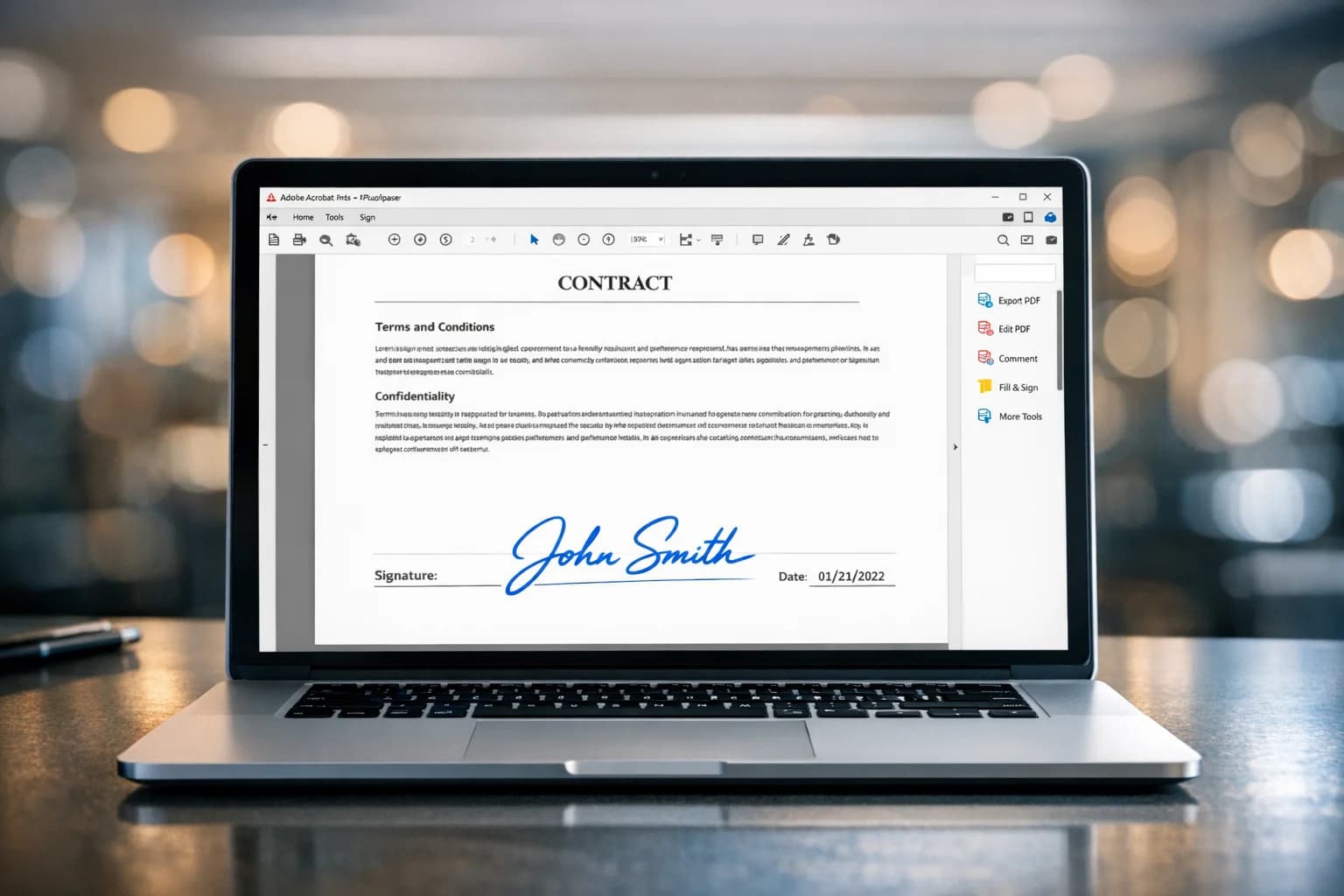
Document-Ready PNGs
Download your extracted signature as a high-resolution PNG file instantly. Compatible with Word, Google Docs, Adobe Acrobat, and DocuSign.
Secure Processing
Your privacy matters. Uploaded images are processed securely and automatically deleted after a limited period — never stored permanently. See our Privacy Policy for details.
FAQ
Frequently Asked Questions
Common questions about extracting signatures from images.
We support common image formats including JPG, PNG, WebP, and GIF for uploads. The extracted signature is provided as a transparent PNG.
You can upload images up to 10MB in size with a maximum resolution of 4096×4096 pixels. You can process up to 4 images per batch.
The AI typically processes your image and extracts the signature in approximately 15 seconds.
Yes, we offer a free tier that includes free trial access after you register an account, so you can test the quality of the extraction.
This tool produces a clean, transparent PNG of your own handwritten signature that you can place into documents. Whether a signature image is legally sufficient depends on the document type and the e-signature laws that apply to you (such as the US ESIGN Act/UETA or EU eIDAS) — these turn on the signer's intent and consent, not on the image itself. Many everyday agreements accept a simple electronic signature, but some documents (such as wills, trusts, court orders, certain statutory notices, and some property or family-law instruments) require specific signing methods or wet ink. For legally binding signatures with an audit trail and identity verification, use a dedicated e-signature service. This is general information, not legal advice.
Absolutely. Our AI is trained to detect various writing instruments, including ballpoint pens, markers, and pencils, regardless of ink color.
Simply upload the photo of your signature. Our tool automatically detects the handwriting and removes the paper background, leaving you with a transparent image.
Join thousands of professionals who use PicFixer to sign documents faster.
Digitize Your Signature Today
No scanner needed. Just use your phone and our AI.
Secure & Private
AI-Powered
No credit card requiredFree trial includedCancel anytime





See how professionals are saving time with our signature extractor.
What Our Users Say
I needed to sign a PDF contract urgently but didn't have a scanner. This tool saved me by perfectly extracting my signature from a phone photo.
Michael Chen
Freelance Designer
The transparency quality is amazing. No more ugly white boxes around my signature when I paste it into Word documents.
Sarah Johnson
HR Manager
Super fast and easy to use. It even picked up my faint pencil signature and made it look like bold ink.
David Miller
Real Estate Agent
I use this for all my client agreements now. It looks much more professional than the digital drawing tools in PDF readers.
Emily Wilson
Consultant
Great for creative work too — I digitized my own signature into a crisp transparent PNG and dropped it straight into a custom design. Exactly what I needed.
James Anderson
Artist
Simple, effective, and free to try. Exactly what I was looking for to sign my rental lease remotely.
Jessica Taylor
Graduate Student