✨ AI Photo Enhancer
Unblur Photos and Enhance Blurry Pictures with AI
Sharpen soft or shaky photos, restore detail in old prints and improve low-resolution images with AI.
Whether you need to fix a shaky shot or restore a vintage family treasure, our AI photo enhancement techniques deliver professional results.
Experience AI Photo Enhancement
Upload a blurry or low-quality image to see the magic happen.
Images generated by free users will have a watermark
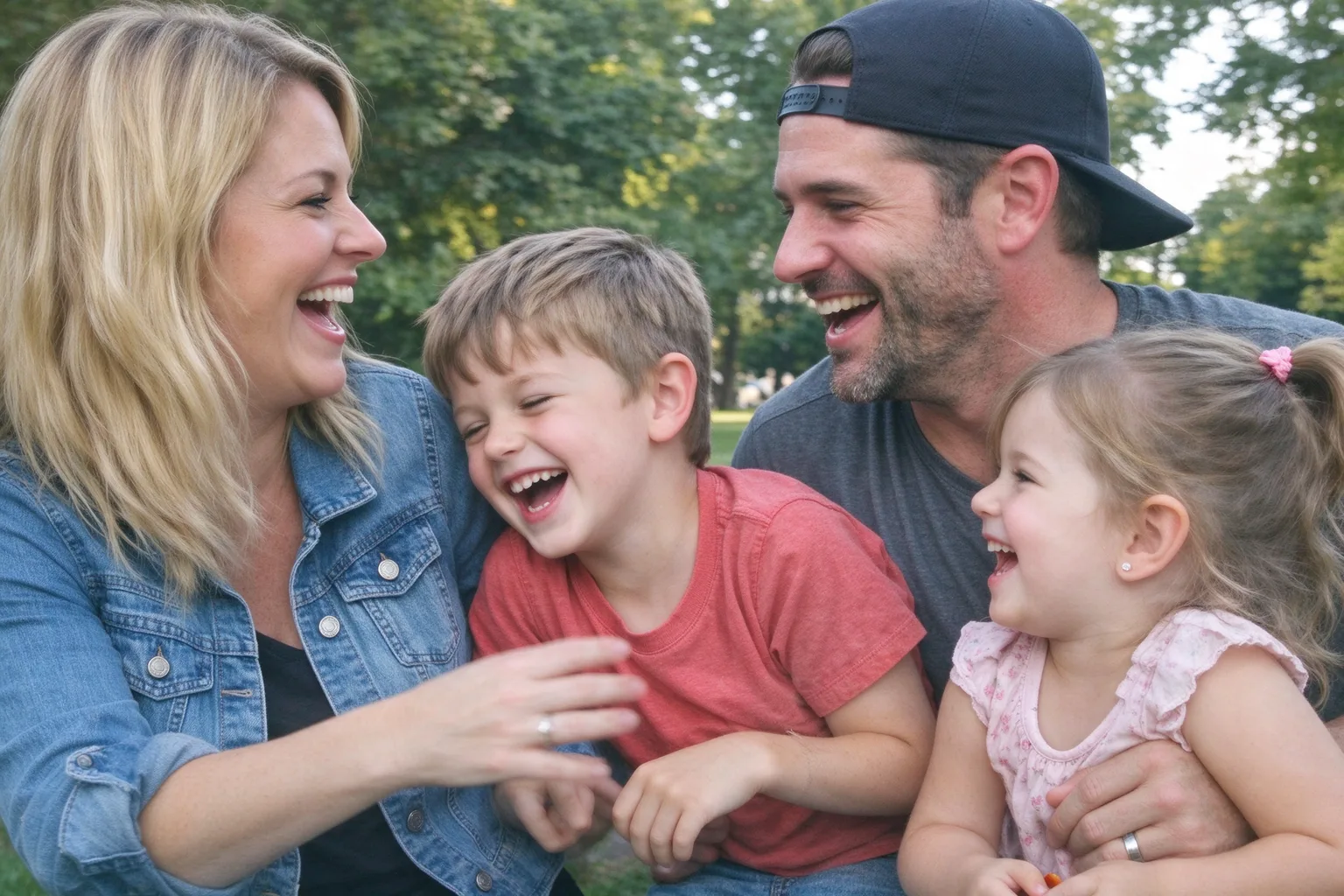
Fix Blurry Portraits
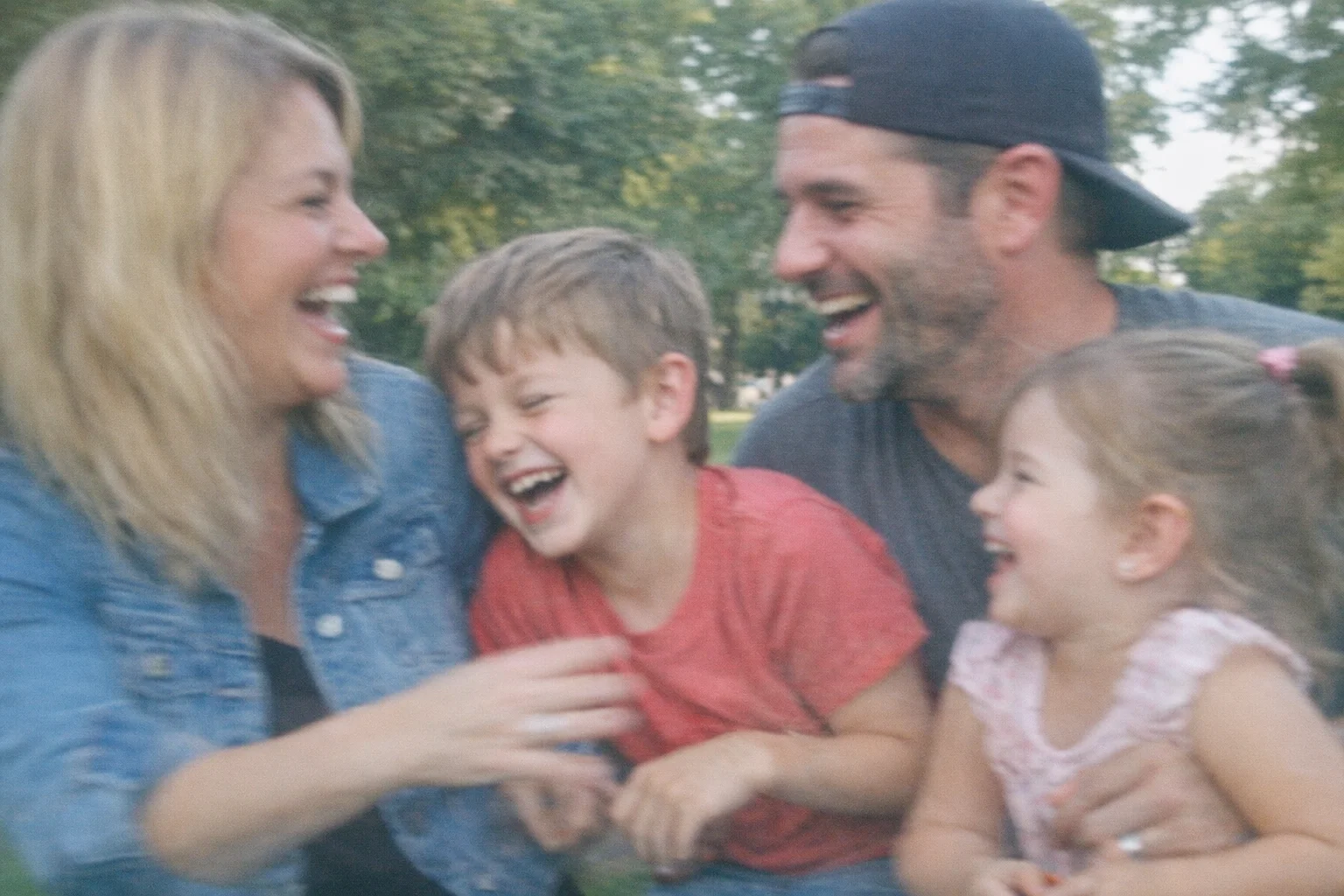
Fix this blurry photo of my family
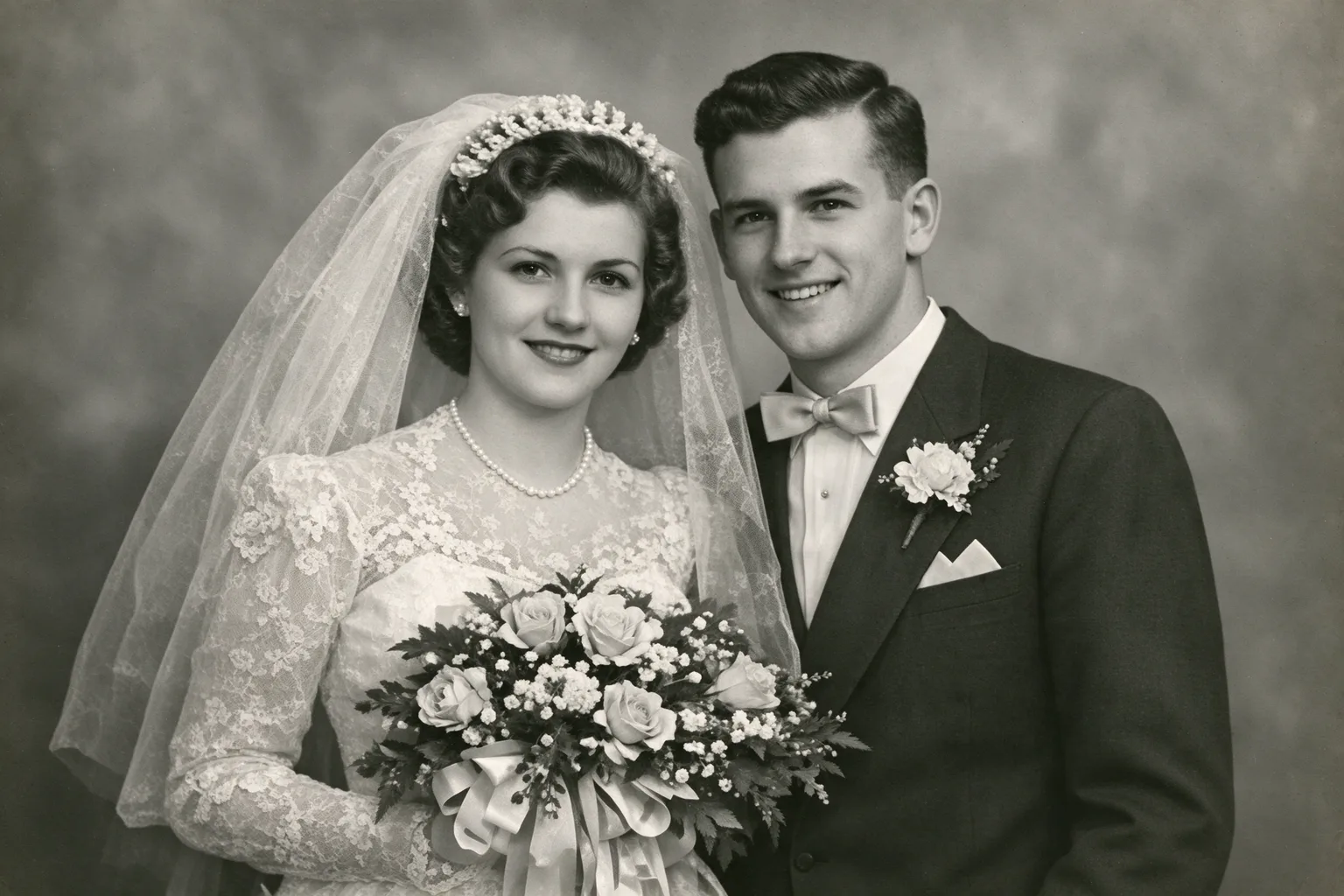
Restore Old Photos
Restore this old damaged wedding photo
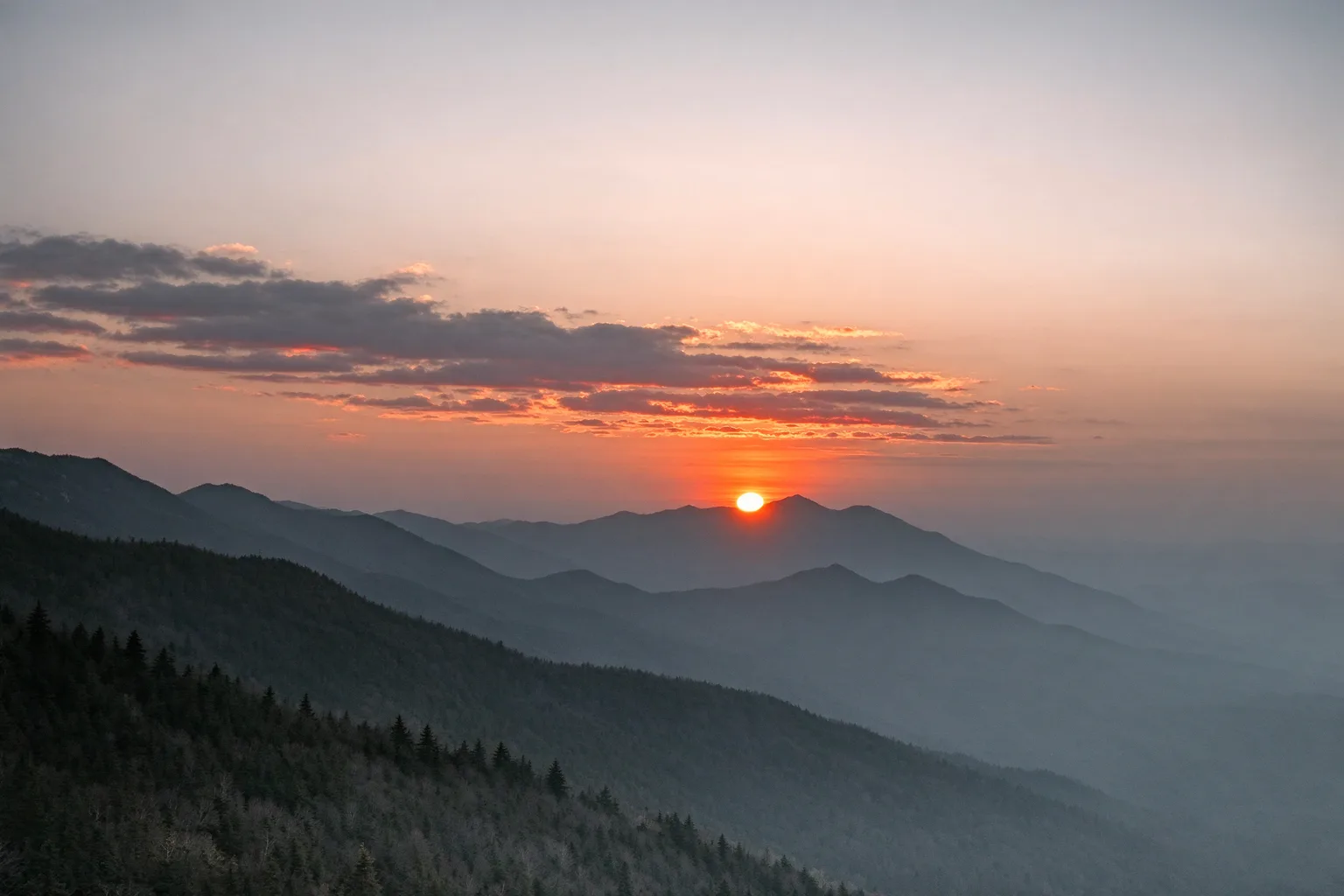
Upscale Landscapes
Upscale this low resolution sunset photo for printing
FEATURES
Professional Photo Enhancement Techniques
Our advanced AI algorithms handle everything from deblurring to restoration for photographers and casual users alike.
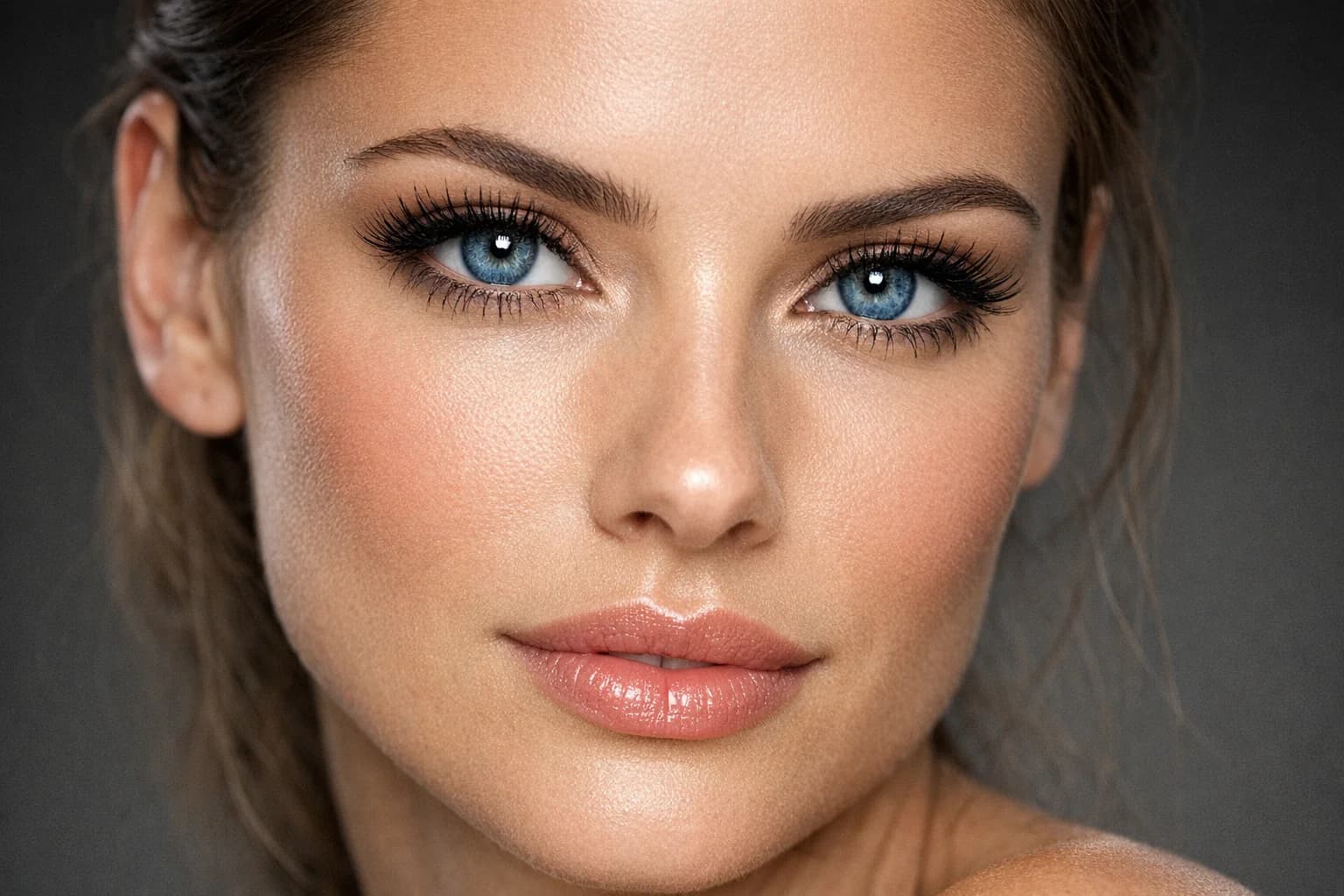
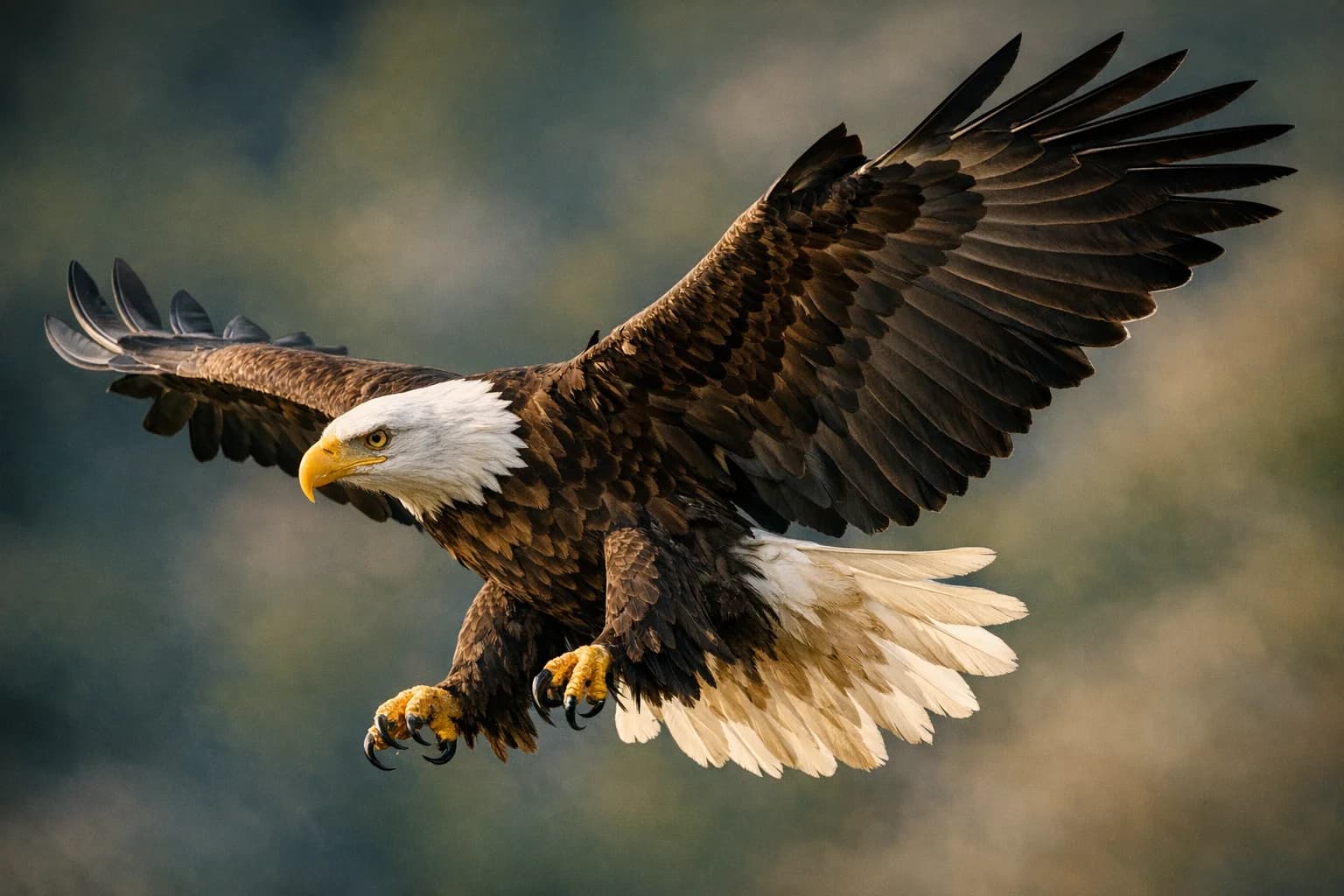
AI Deblurring
Learn how to enhance a blurry photo effortlessly. Our AI detects motion blur and focus issues to sharpen your images.
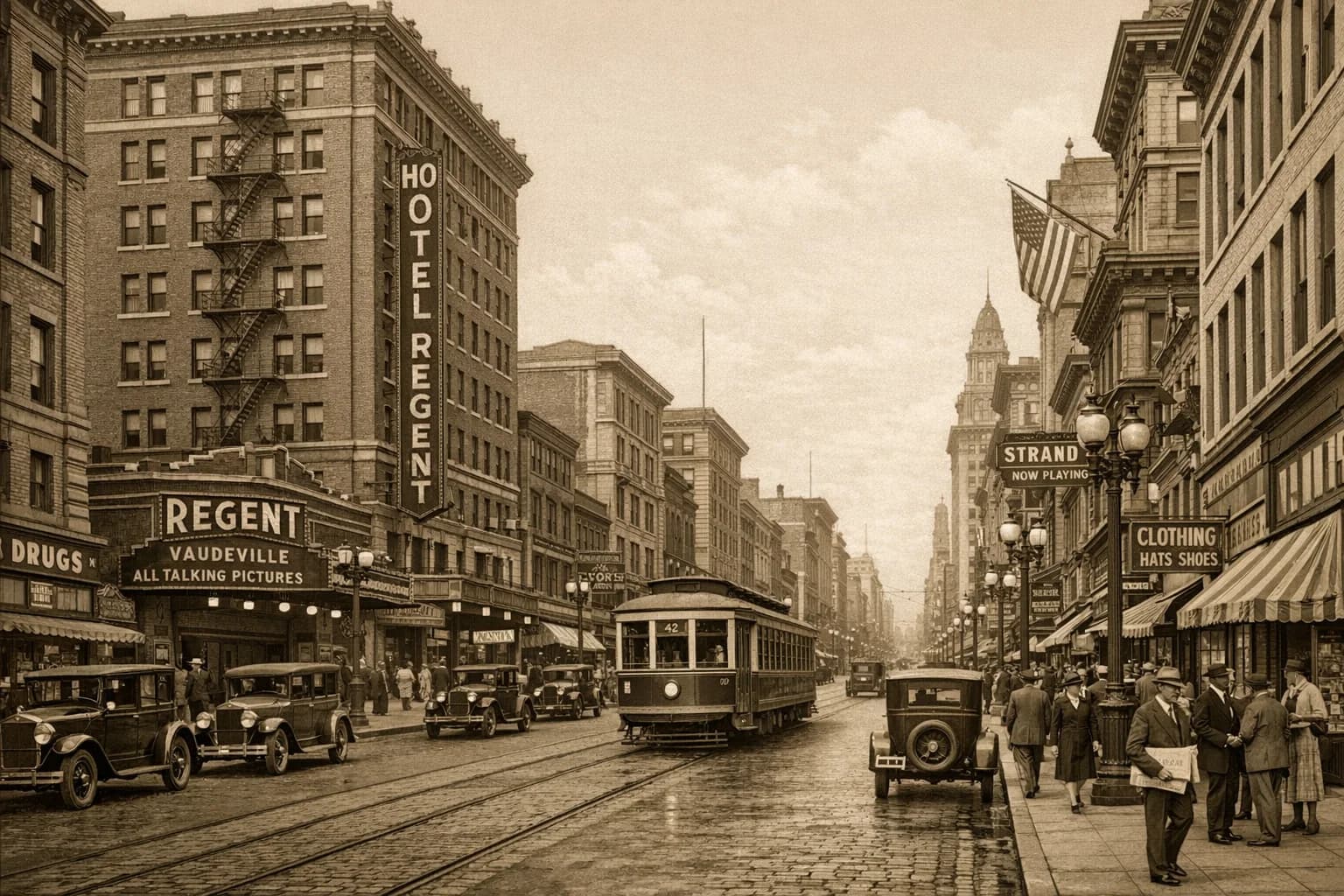
High-Resolution Upscaling
Transform low-res images into print-ready masterpieces. The best photo enhancing software for enlarging images without losing quality.
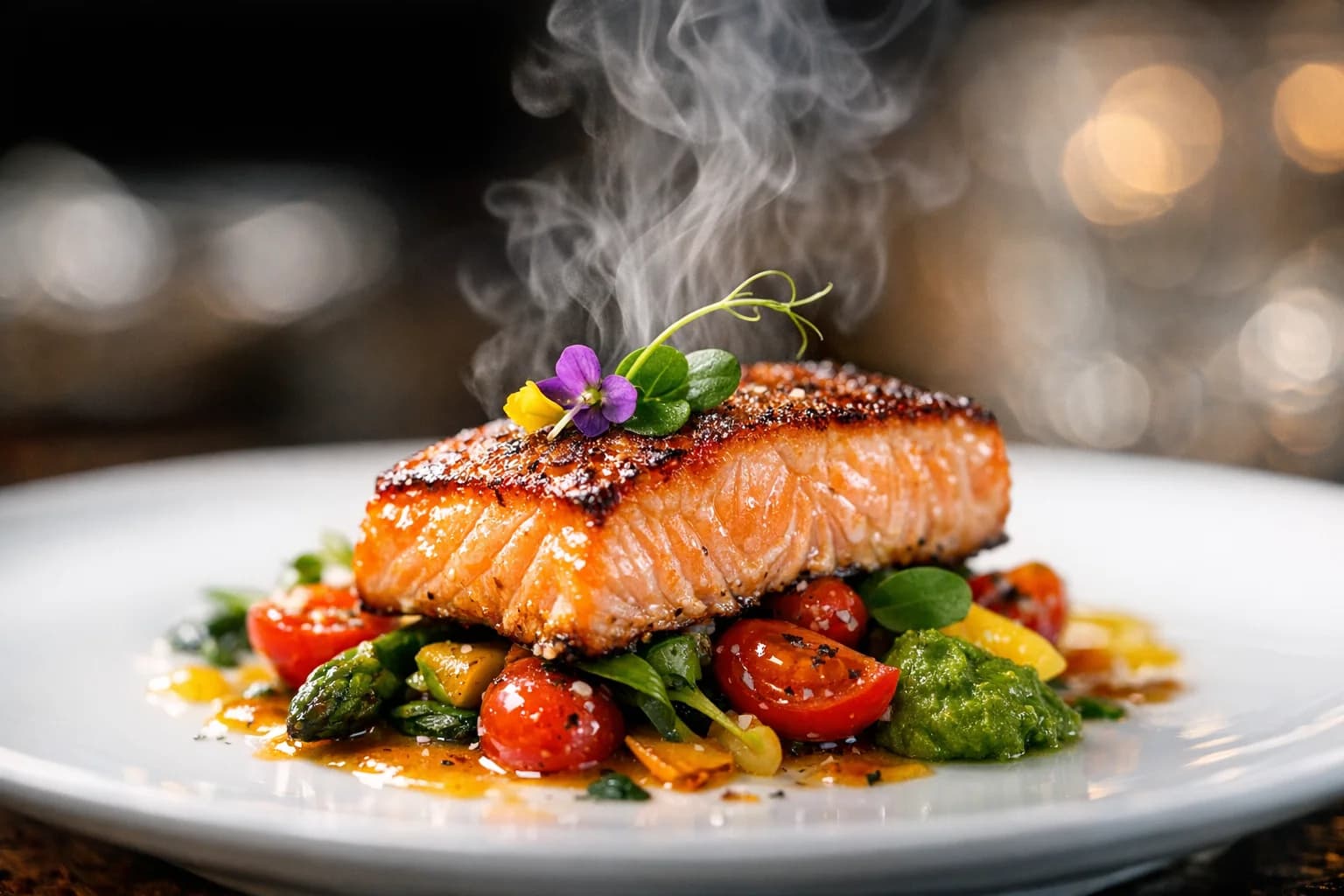
Old Photo Restoration
Bring history back to life. Remove scratches, tear marks, and fading from vintage photographs with automated restoration tools.
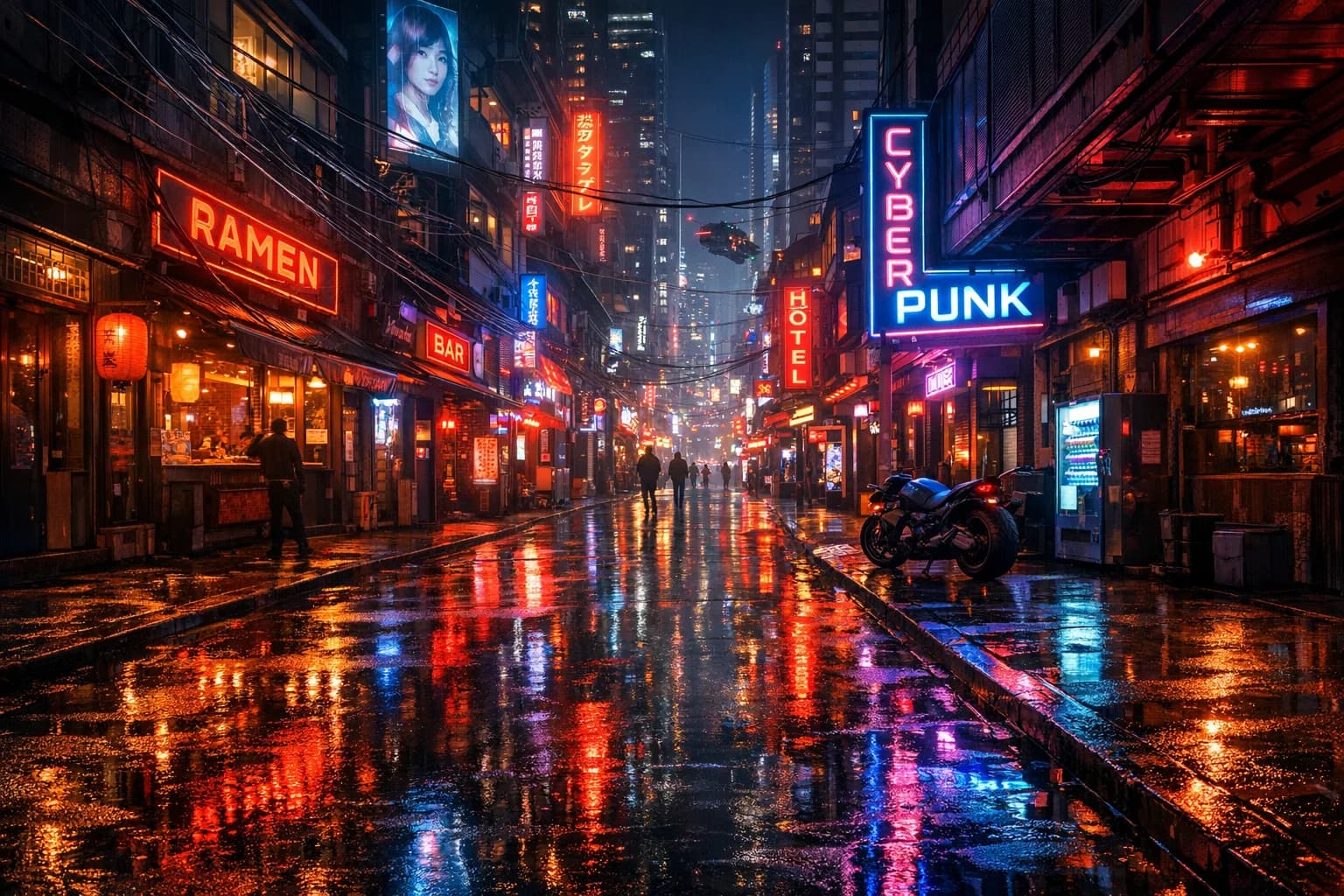
Intelligent Color Correction
Fix dull or washed-out colors automatically. Our photo enhancement techniques balance exposure and saturation for vibrant results.
Mac & PC Compatible
Access the best mac photo enhancement software directly from your browser. No heavy installations required to get professional results.
FAQ
Frequently Asked Questions
Everything you need to know about enhancing your photos with AI.
We support JPG, PNG and WebP images. Whether you are using a Mac or PC, you can easily upload and enhance your files.
Photos larger than 4096 pixels on the longest side are scaled down automatically before upload, so you don't need to resize them. Each request can include up to 4 reference images.
Each photo takes a short wait while the AI model enhances it, depending on the complexity of the enhancement, the output size and current demand.
You can start for free: on our free tier, eligible new accounts get free credits after registering, so you can test our best photo enhancing software before paying. Free-plan results include a watermark.
Absolutely. PicFixer is a web-based platform, making it the perfect mac photo enhancement software solution that works directly in your browser without downloads.
Our deep learning models analyze the pixel patterns to predict and reconstruct lost details, effectively reversing motion blur and focus errors.
We prioritize your privacy. Uploaded images are sent to a third-party AI provider (fal.ai) for processing, and processed images are stored on our cloud storage (Cloudflare R2) and retained as described in our Privacy Policy. We don't use your images to train AI models, and you can request deletion.
Get professional-quality enhancements for your blurry photos with PicFixer.
Ready to Enhance Your Photos?
Stop settling for blurry images. Start using the best photo enhancing software today.
Secure & Private
AI-Powered
No credit card requiredFree credits for eligible new accountsCancel anytime