👾 AI Pixel Art
Turn Any Photo or Picture into Pixel Art with AI
Create retro 8-bit avatars, game sprites and Minecraft-style art from your photos with our AI photo to pixel art converter.
Whether you want to pixelate an image for a social media profile or generate assets for your indie game, our AI pixel art generator delivers crisp, vibrant results.
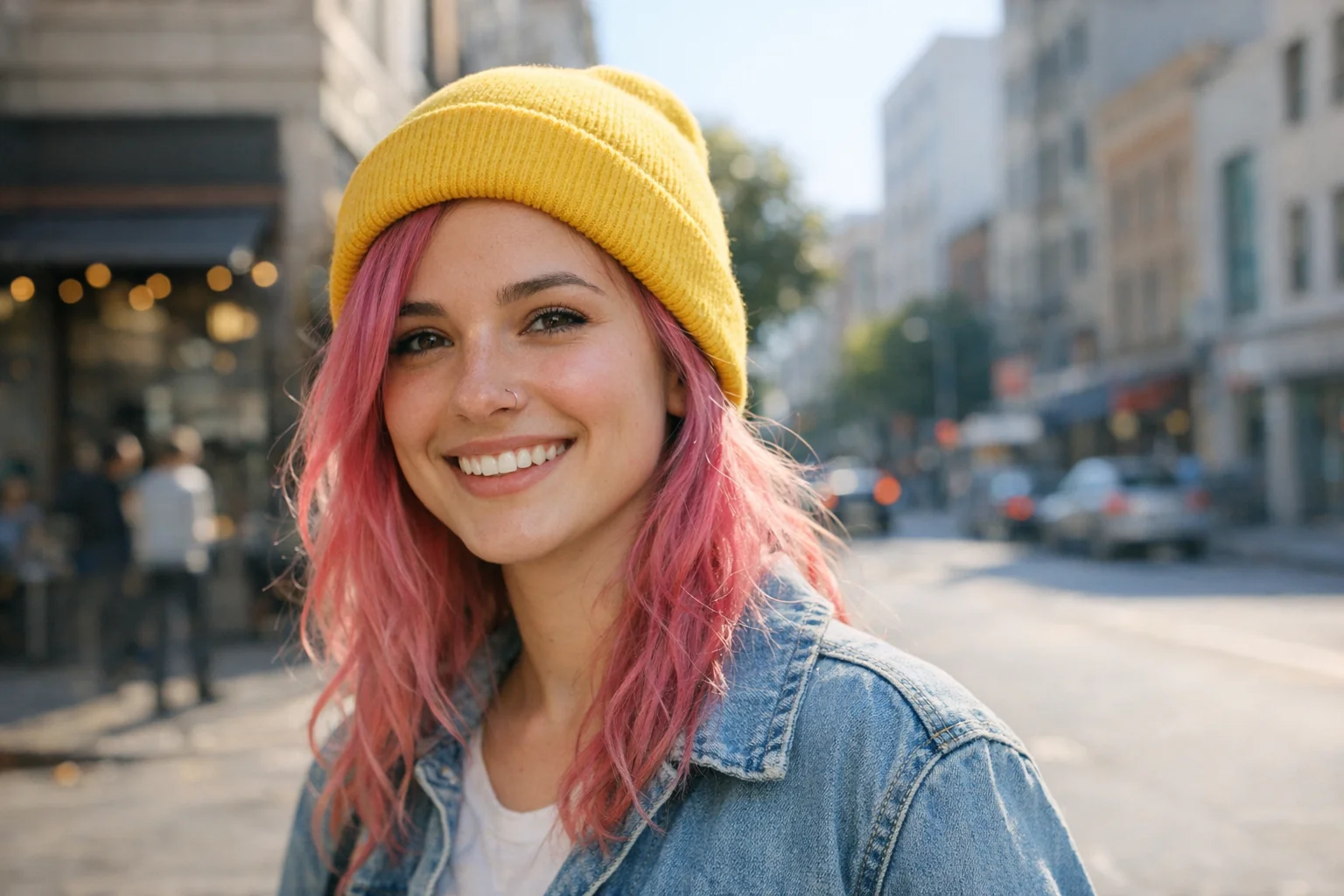
AI Pixel Art Generator
Convert your picture to pixel art with AI. Adjust settings for 8-bit, 16-bit, or Minecraft styles.
Images generated by free users will have a watermark
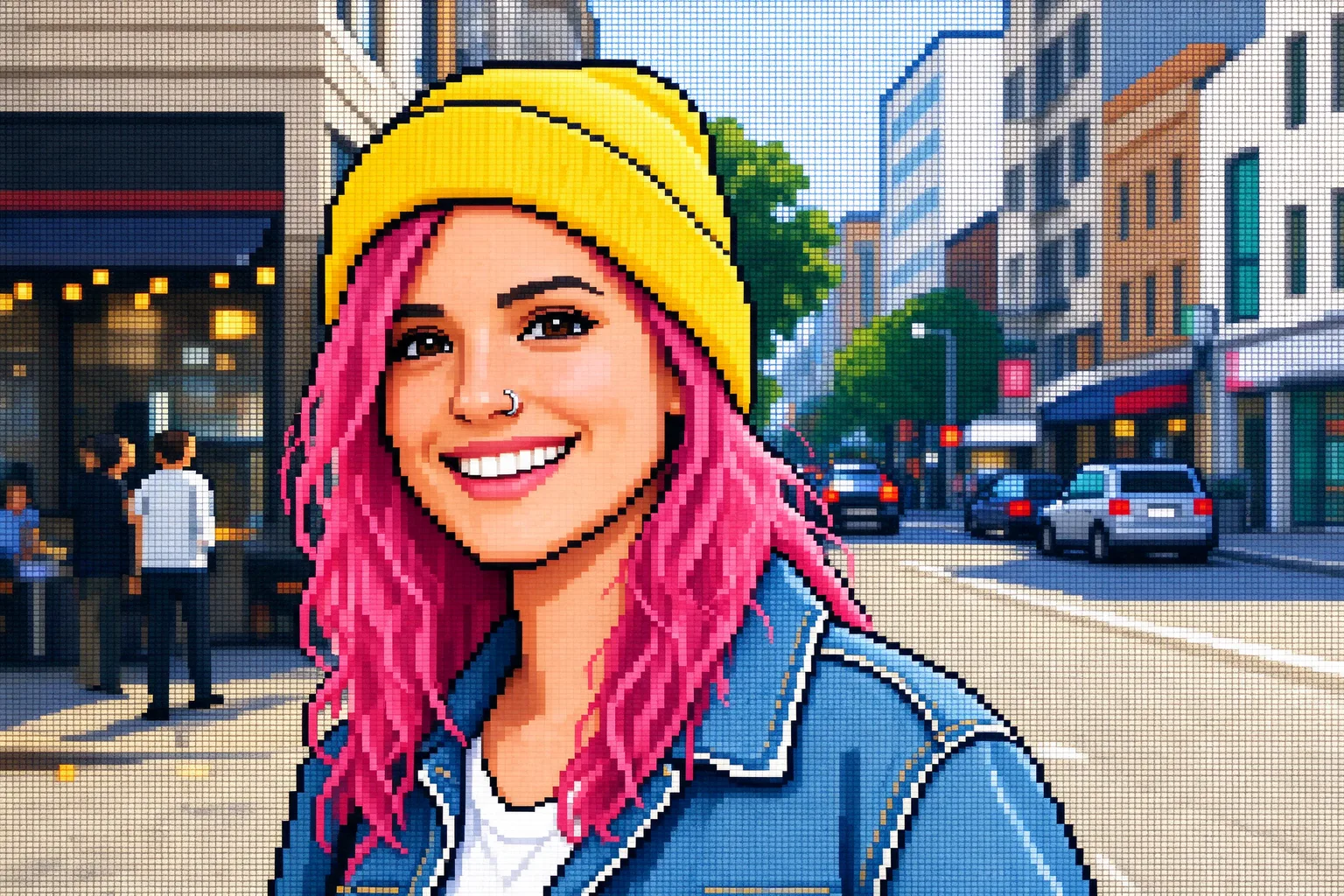
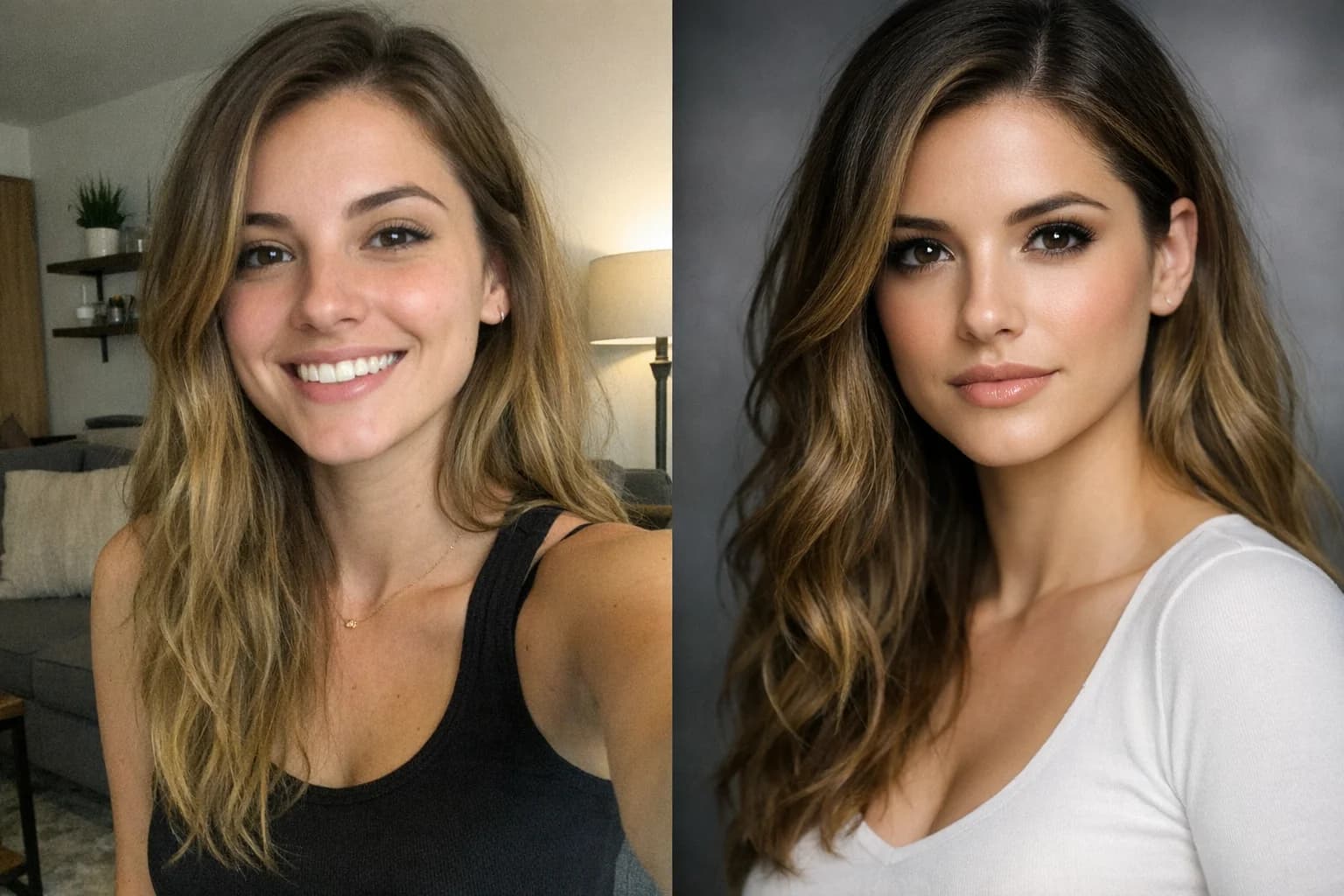
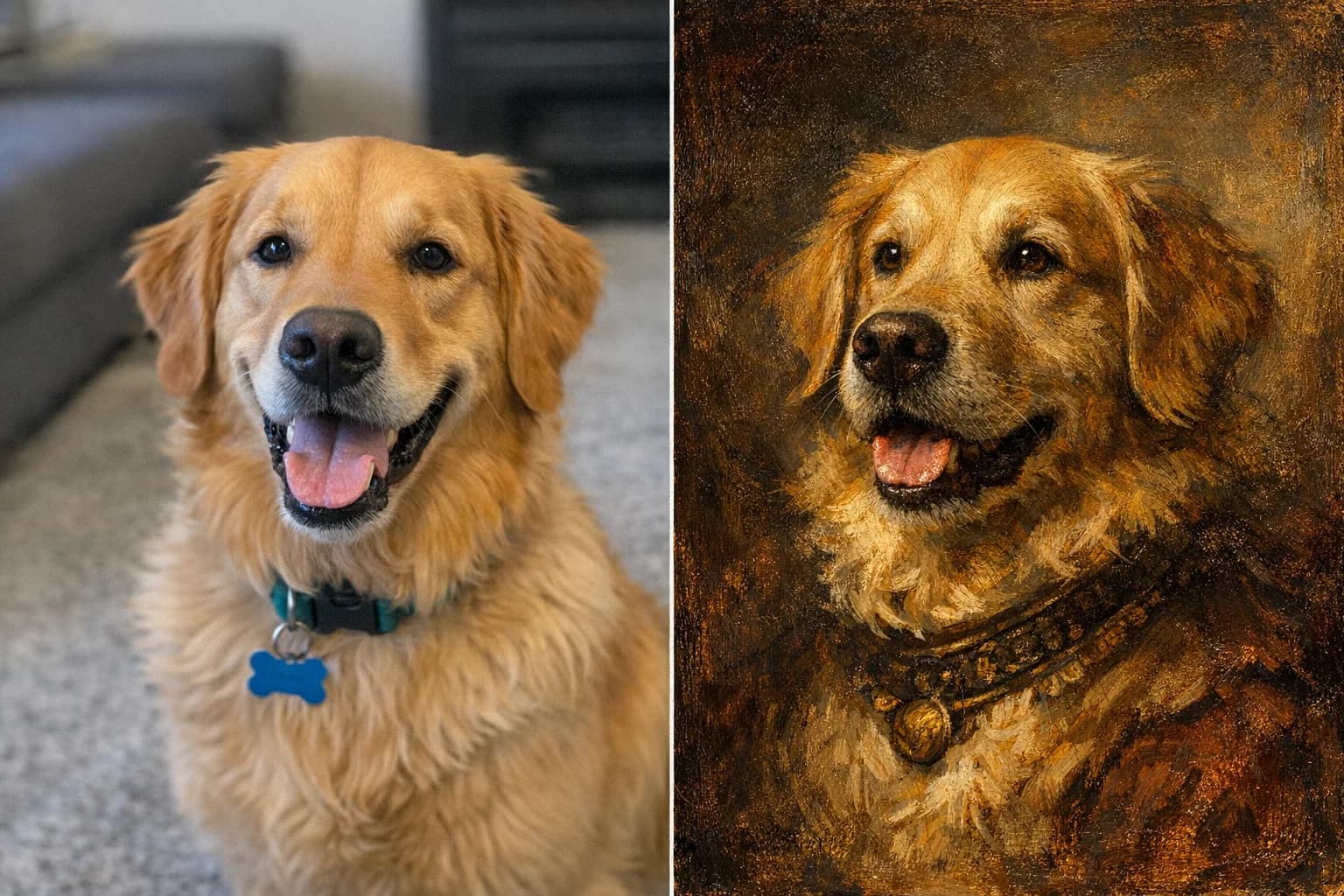
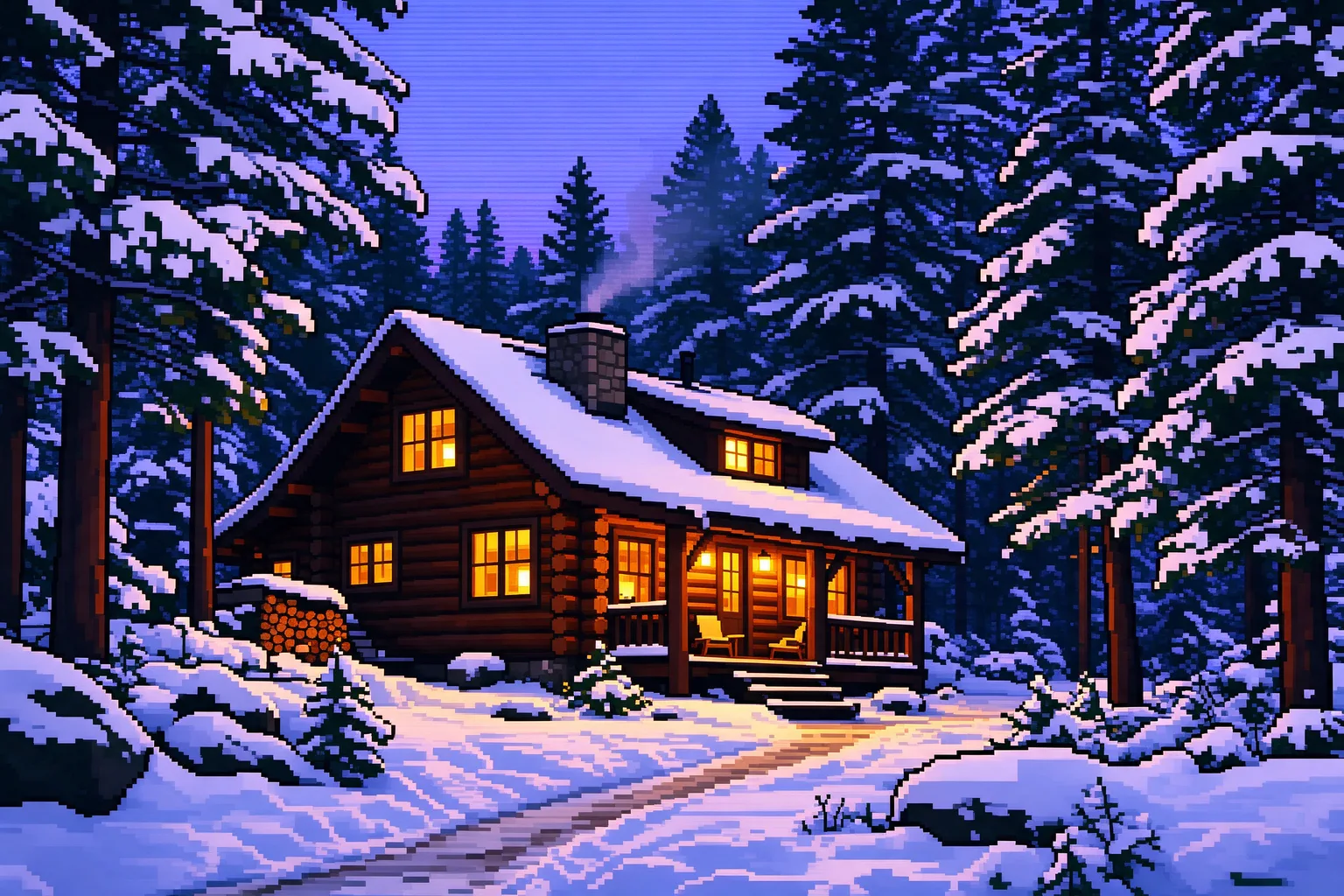
Social Media Avatar
Turn this selfie into a vibrant 8-bit retro gaming avatar
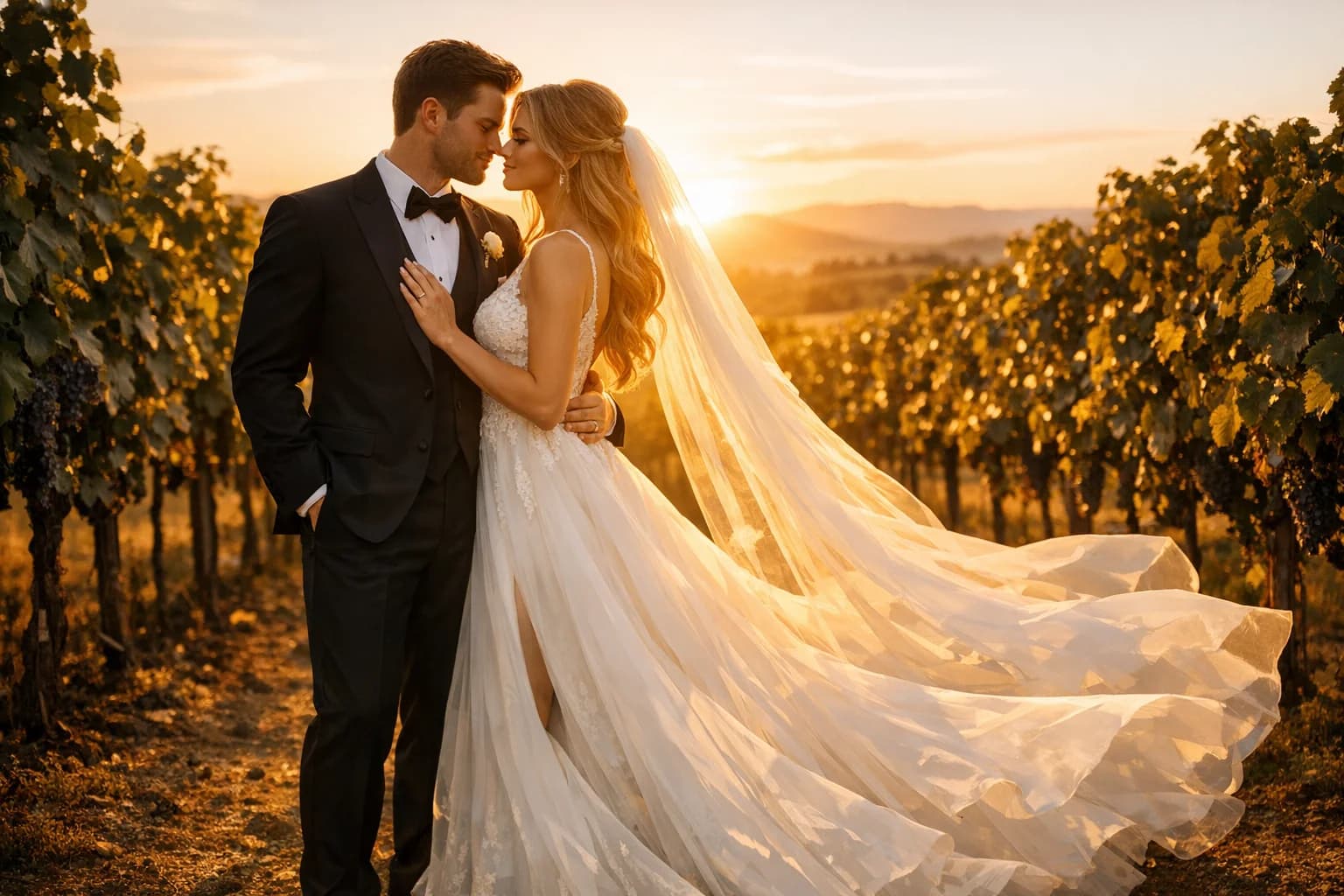
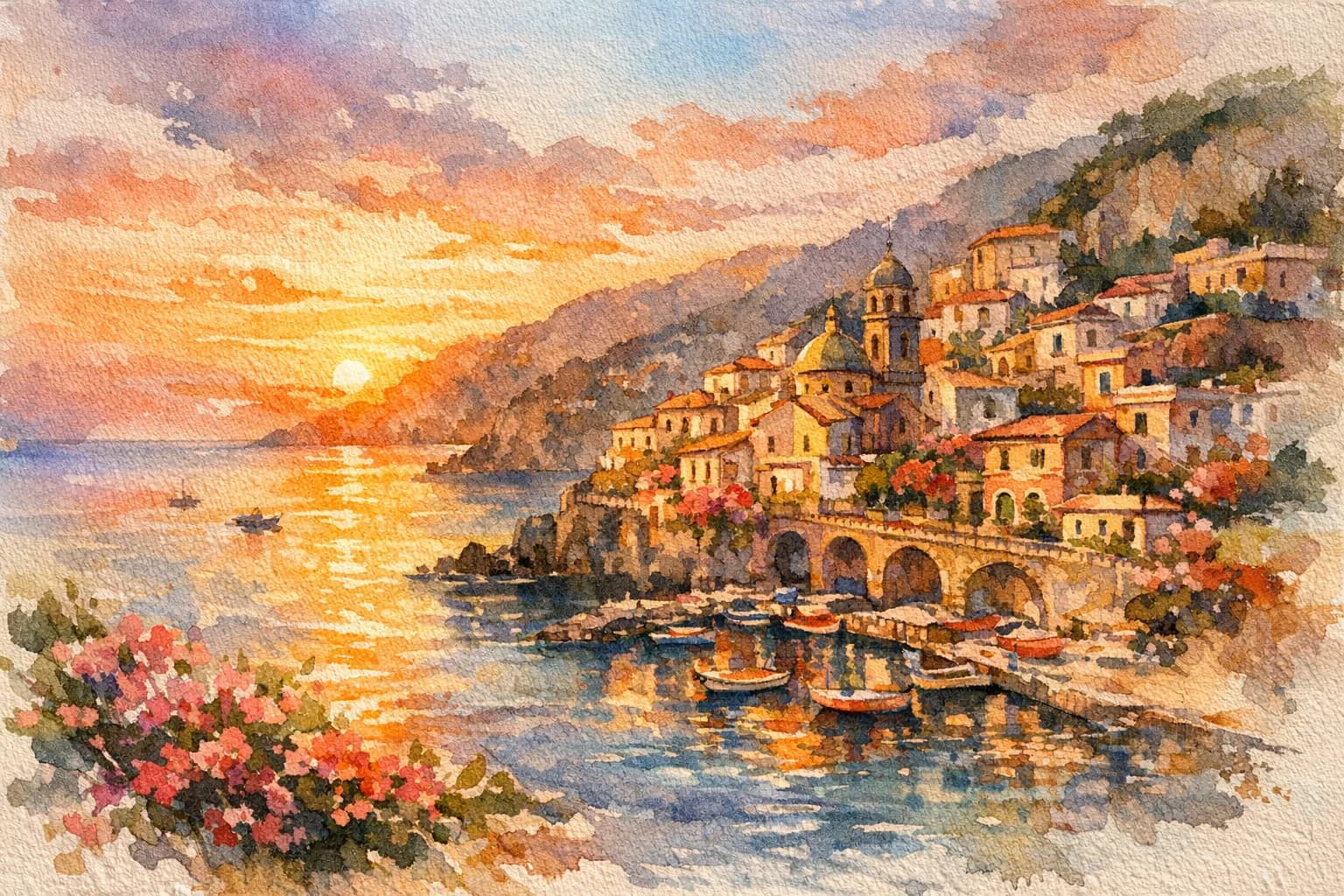
Minecraft Style Landscape
Convert this landscape photo into a blocky Minecraft pixel art background
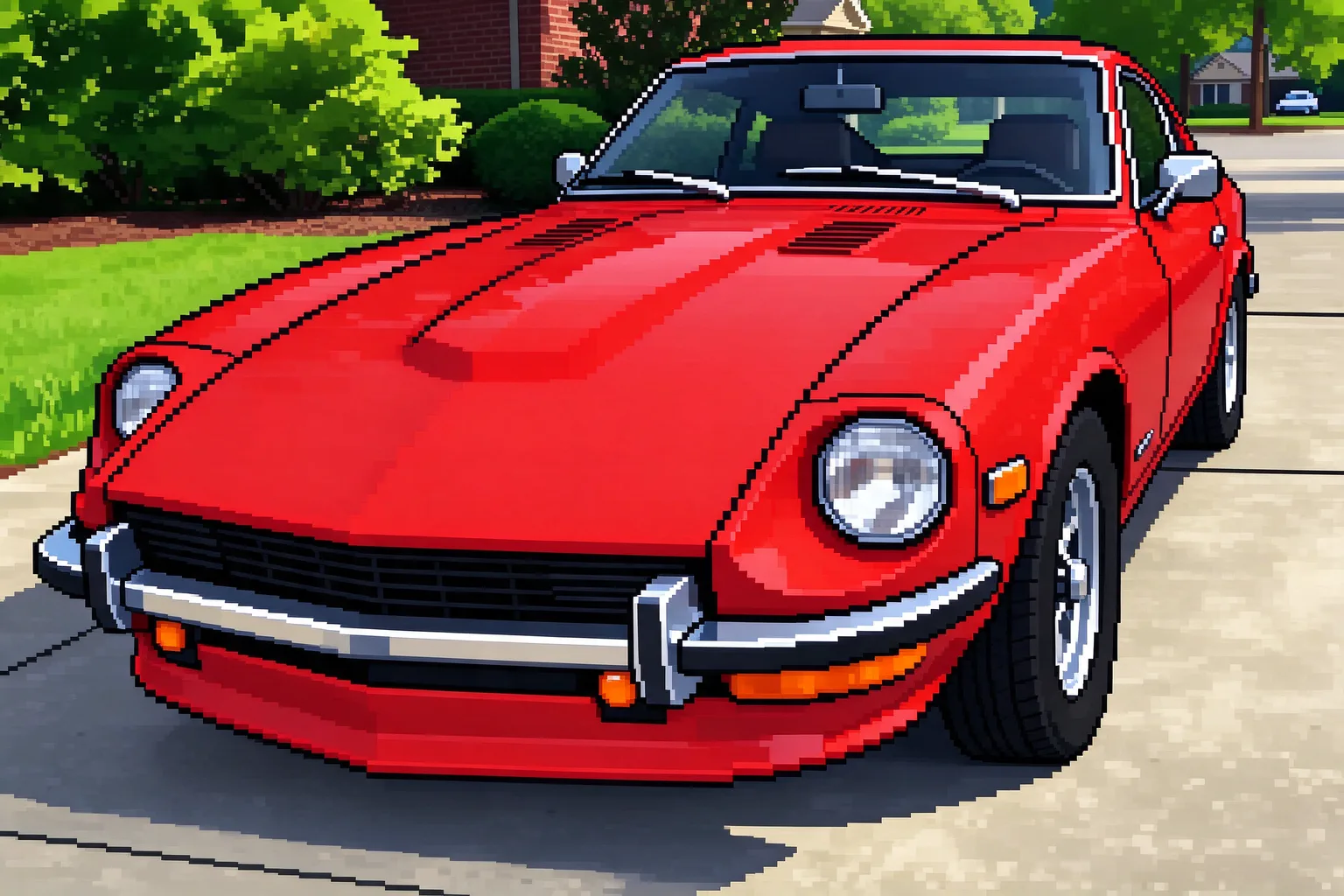
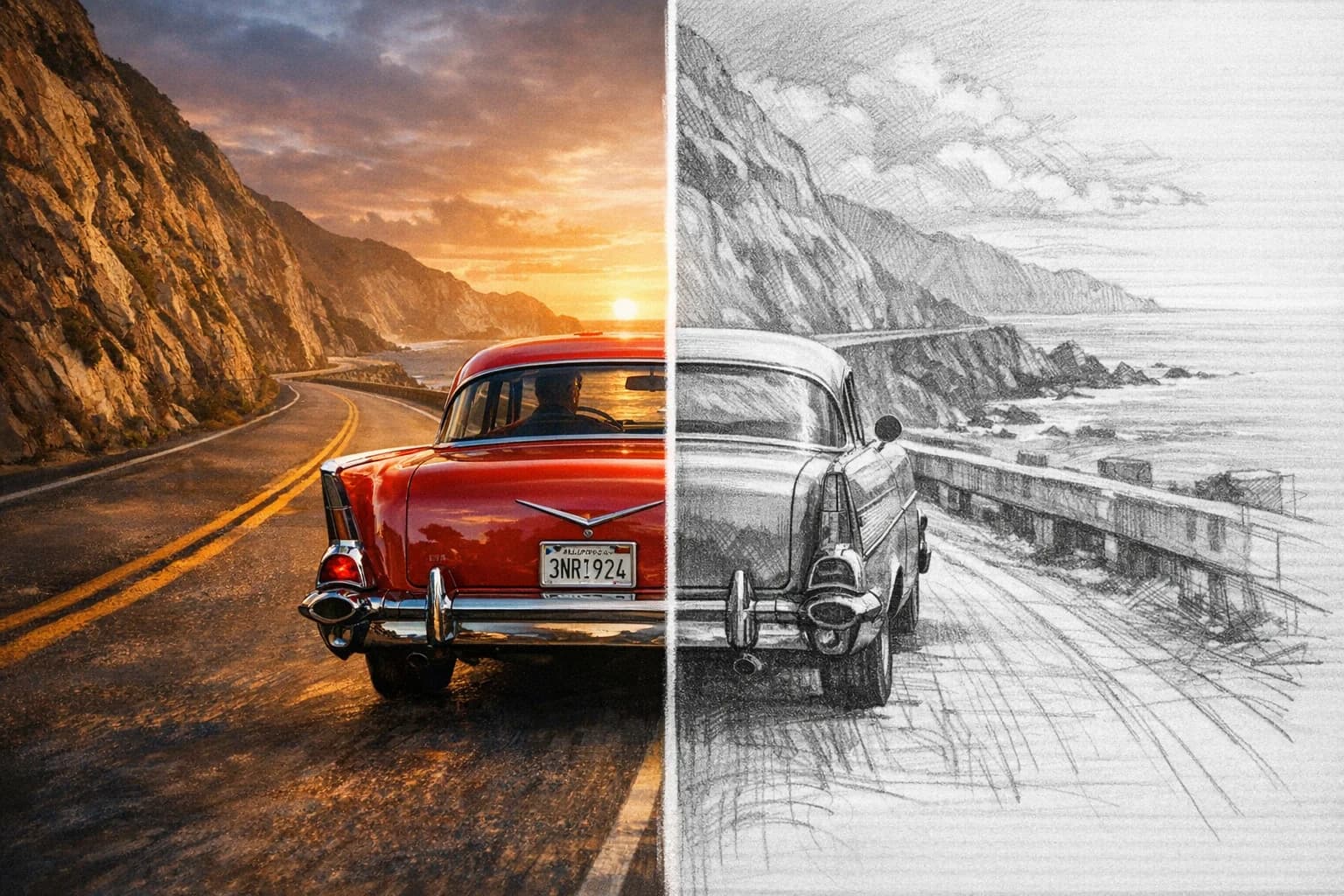
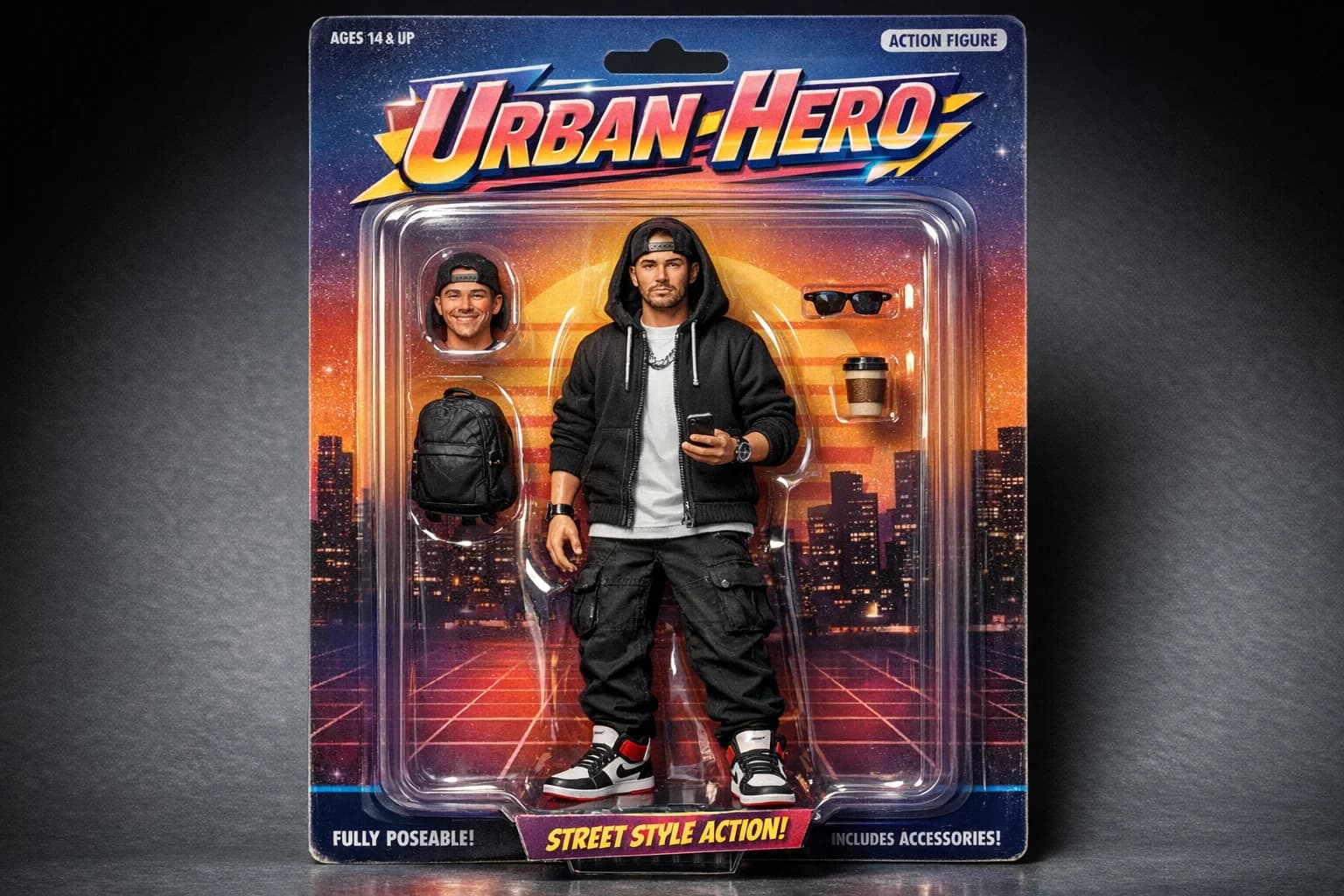
Retro Game Asset
Transform this object into a classic 16-bit arcade game sprite
FEATURES
Why Choose Our Pixel Art Converter?
Discover how our AI-powered tools make it incredibly easy to turn any photo into pixel art for games, art, and social media.
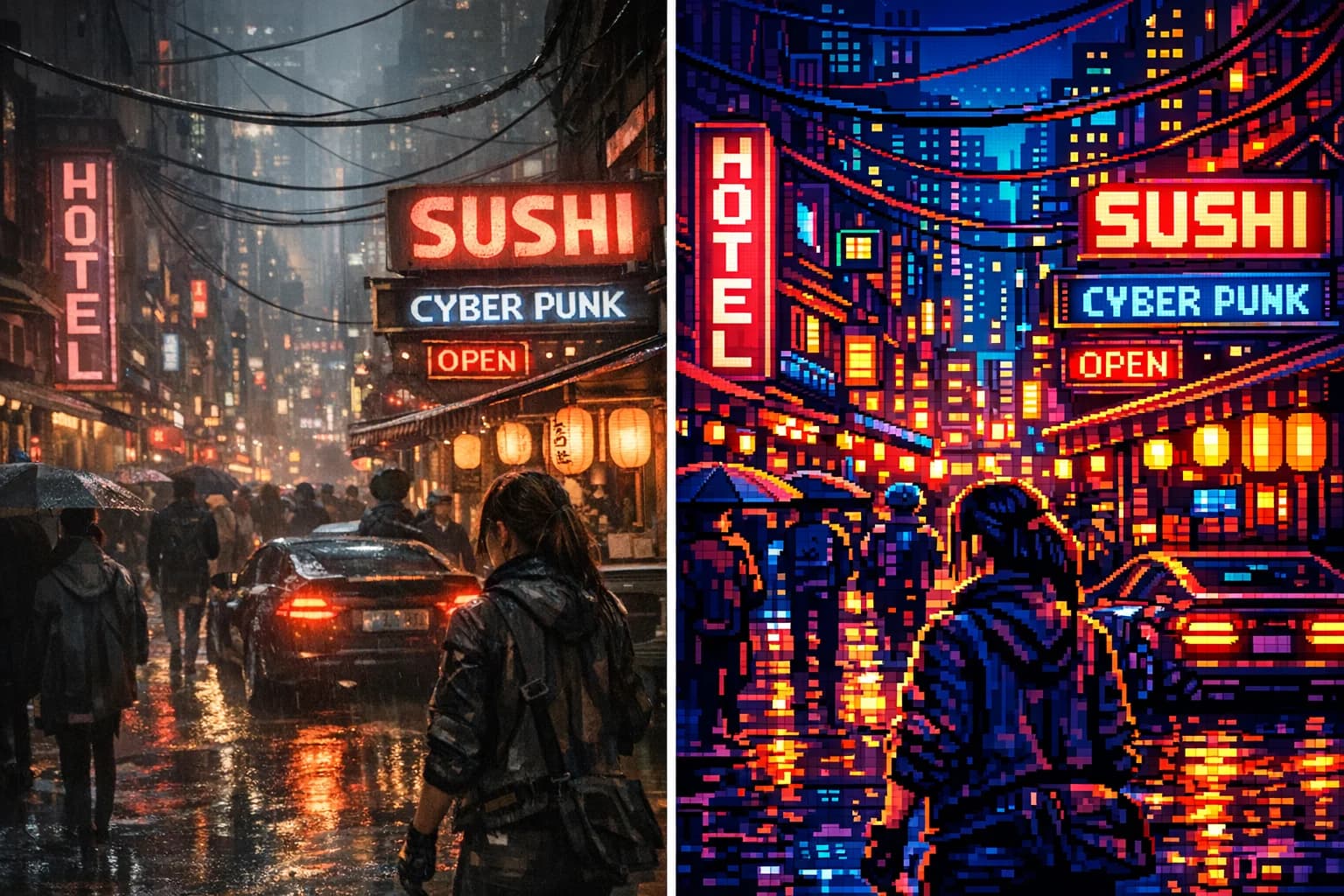
AI Photo to Pixel Art Converter
Convert any photo to pixel art with our AI-powered tool. The perfect pixel art converter for gamers, artists, and creative professionals.
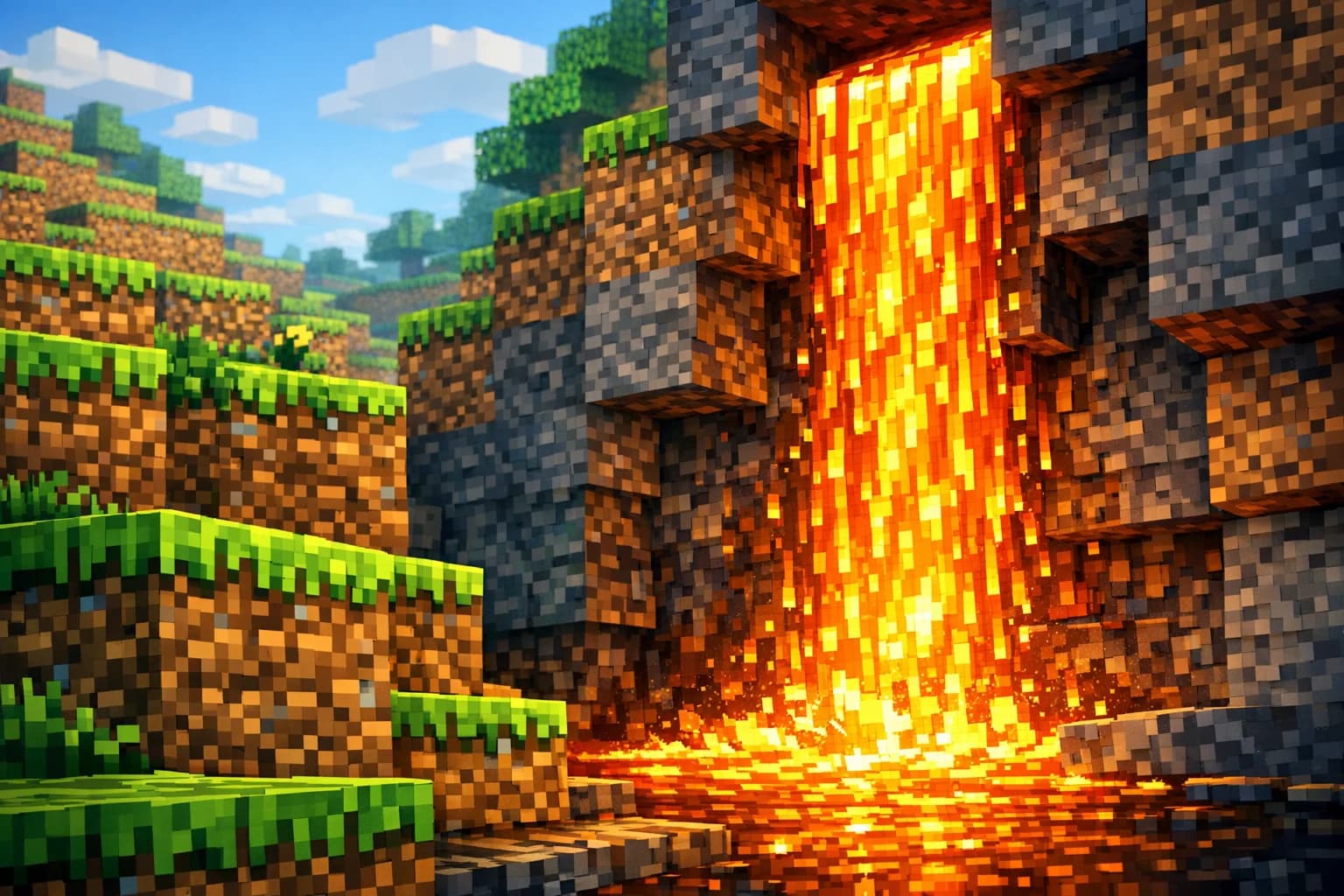
Perfect for Minecraft & Game Assets
Looking for how to make image into pixel art for games? Generate stunning Minecraft photo to pixel art assets and 8-bit backgrounds effortlessly.
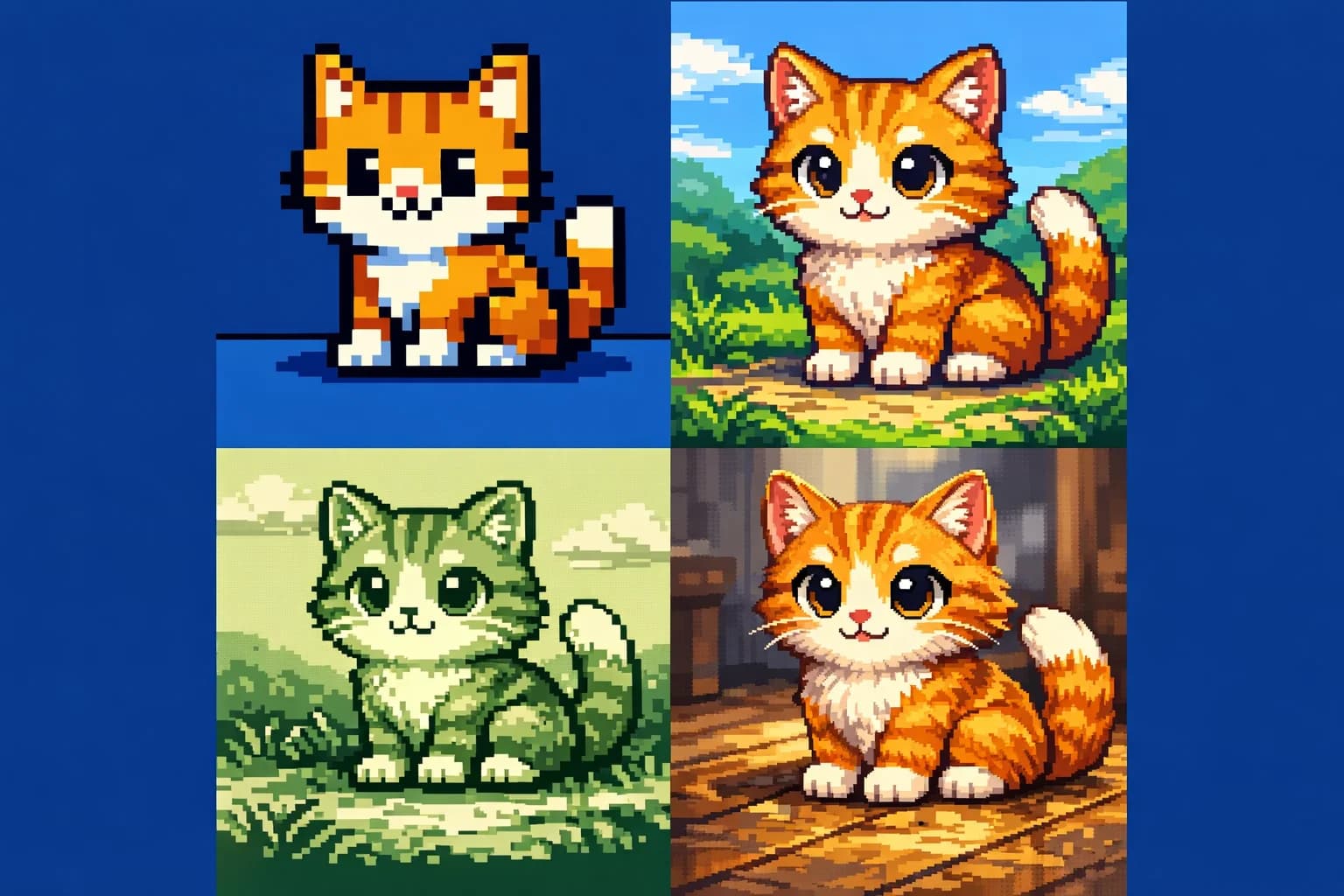
Multiple Retro 8-Bit & 16-Bit Styles
Our advanced pixel art generator offers multiple retro styles. Transform your picture to pixel art with customizable 8-bit and 16-bit color palettes.
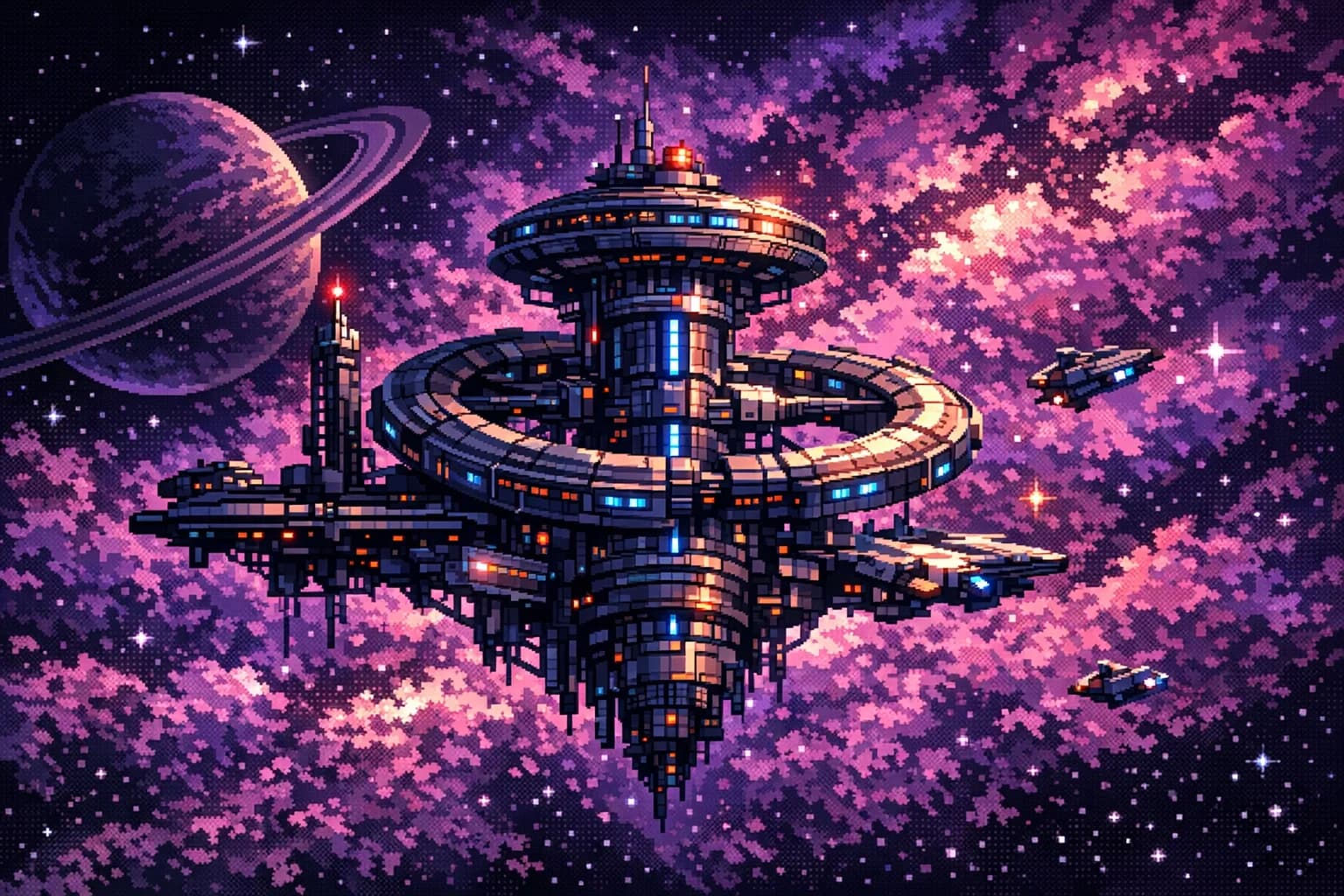
Preserves Details in High Resolution
Pixelate image files while preserving crisp details. High-resolution exports make this the ultimate image to pixel art solution for creators.
FAQ
Frequently Asked Questions
Everything you need to know about our photo to pixel art converter.
Our tool supports JPG, PNG and WebP images, so you can easily upload your picture for pixel art conversion.
Photos larger than 4096 pixels on the longest side are scaled down automatically before upload, so you don't need to resize them. Each request can include up to 4 reference images.
Pixelating an image and generating your retro artwork takes a short wait while the model works. Timing varies with the output size you choose and current demand.
You can start for free: on our free tier, eligible new accounts get free credits after a simple registration. No credit card is required to try our photo to pixel art converter.
Simply upload your photo, select the 'Minecraft' or 'Blocky' style preset in our generator, and click convert. The AI will automatically optimize the color palette and grid size to match the iconic Minecraft photo to pixel art aesthetic.
Absolutely. Once you use our image to pixel art tool to create your assets, you have full rights to use the generated output in your commercial indie games, Twitch overlays, or social media profiles.
Made for gamers and artists who want retro sprites: try the best free online pixel art converter.
Ready to Pixelate Your Images?
Transform your everyday photos into nostalgic 8-bit masterpieces with AI.
Secure & Private
AI-Powered
No credit card requiredFree credits for eligible new accountsCancel anytime