Create a Coloring Page from a Written Idea

Describe a subject or classroom theme and make a black-and-white coloring image.

Start with a short description. Ask for clear outlines and larger spaces to color, then review the generated image before downloading or printing it. Exact text, object counts, and age suitability are not guaranteed.
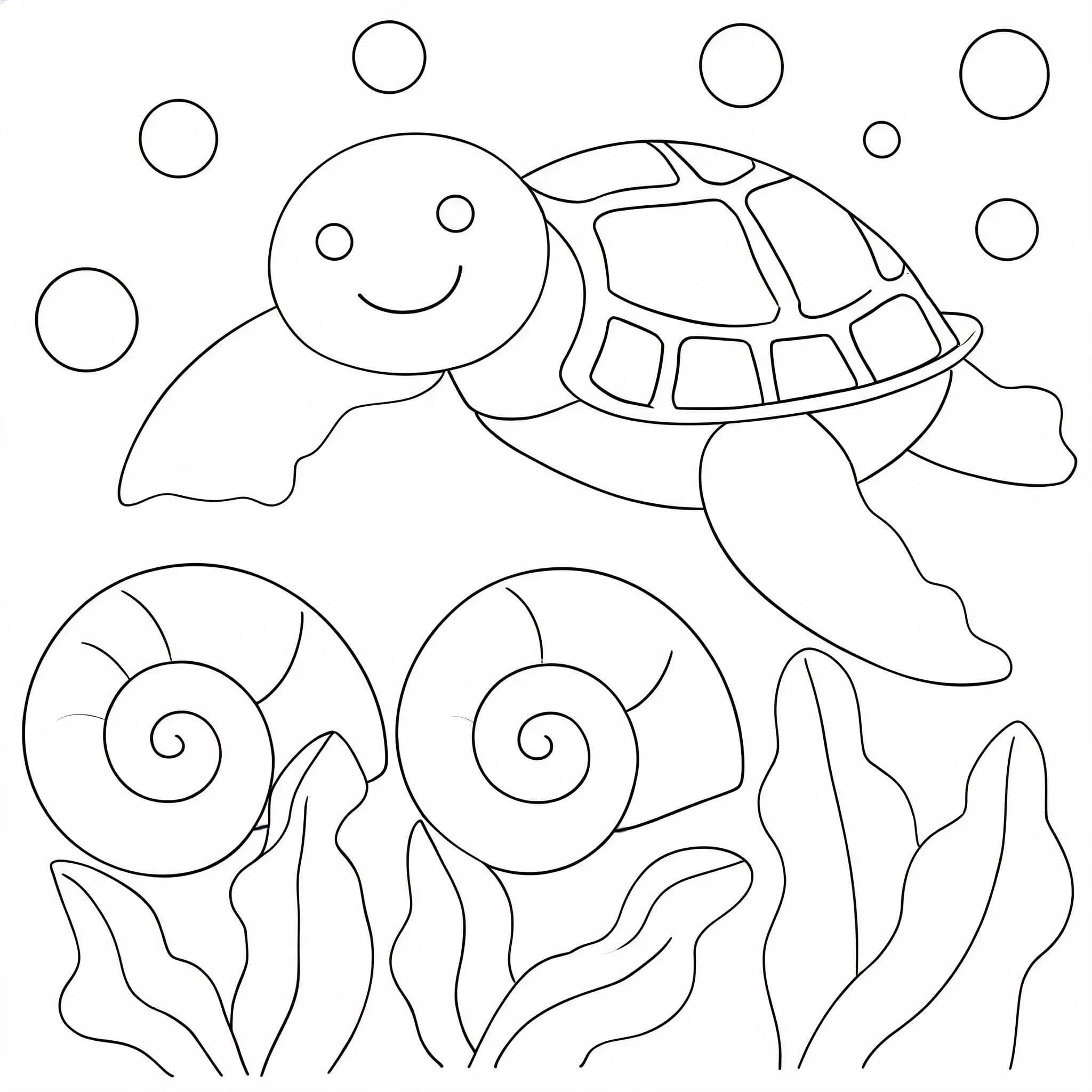

Black-and-white coloring image of a sea turtle, shells, and seaweed
Black-and-white coloring image of a watering can, sunflowers, and butterfly

Generate a Coloring Image from Text

Describe one main subject, the setting, and how simple the lines should be.

0 / 500

Images generated by free users will have a watermark
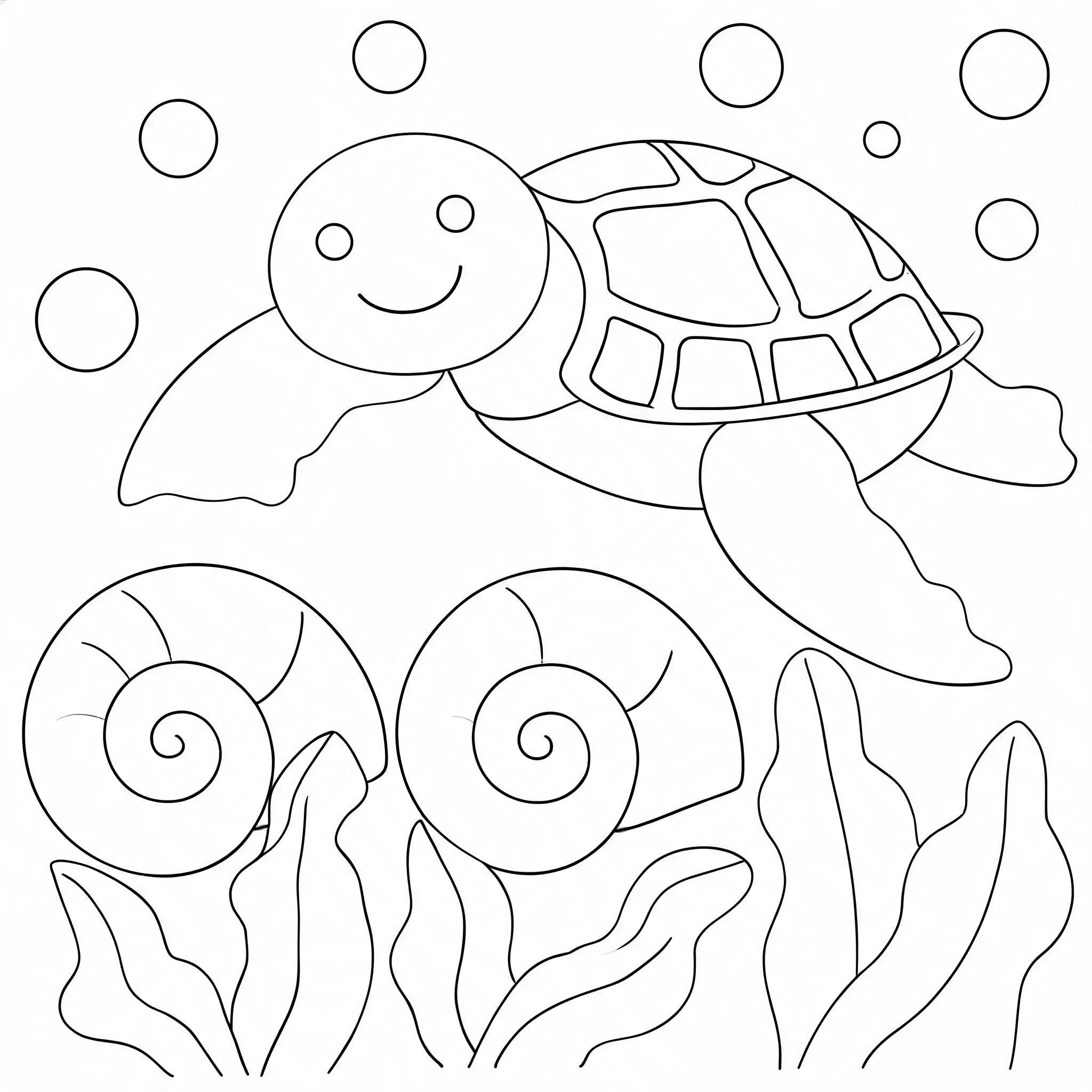
An ocean theme with a sea turtle

An ocean theme with a sea turtle

A friendly sea turtle swimming above two large seashells, with a few seaweed leaves and bubbles. Simple ocean background, broad enclosed shapes, large spaces to color, suitable for a classroom ocean theme.

A garden with sunflowers

A garden with sunflowers

A child-friendly garden scene: one watering can beside three large sunflowers, a small butterfly, and a simple path. Bold smooth outlines, broad enclosed petals and leaves, plenty of white space, no words or labels.

FROM A WRITTEN IDEA

Make a Coloring Image for a Specific Theme

These are two outputs generated with this page's SeedDream 5.0 Lite prompt. They show how a written scene can become an image; check every new result for the details your activity needs.
Black-and-white coloring image of a sea turtle, shells, and seaweed

Build a Classroom Theme

Our ocean prompt produced a turtle, shells, seaweed and broad spaces to color. It can give a teacher a visual starting point for a lesson, but the model does not check scientific or educational accuracy.
Black-and-white coloring image of a watering can, sunflowers, and butterfly

Choose Objects and Detail

Our garden prompt produced a watering can, three sunflowers, a butterfly and a path. Some leaves and background shapes have smaller spaces; ask for a simpler scene if those details are too dense for your activity.
HOW IT WORKS

How to Generate a Coloring Page from Text

Use a concrete scene and review the output as an image, especially when it is for children or a lesson.

1. Describe the Main Subject

Name a subject such as a sea turtle, garden, or bicycle and add one or two important objects. One focused scene is easier to inspect than a long list.

2. Choose the Detail Level

Ask for broad enclosed shapes or a simple background when you want more room to color. The model can still add fine lines, so check the result.

3. Generate and Review

Check the current credit cost on the Generate button before submitting. Inspect outlines, missing objects, extra details, and any text the model added.

4. Download the Image

Download the result you prefer. This tool returns an image, not a page-sized PDF or a multi-page book; adjust paper size and margins in your print settings.

Questions About AI Coloring Pages

No. Describe the image you want in words. If you already have a photo that should guide the result, use our Photo to Coloring Page tool instead.
You can describe a theme and generate a single image for review. Check the result yourself for lesson accuracy and age suitability; the model does not verify educational content.
Name the main subject, setting, and preferred level of detail. For example, ask for one sea turtle, a simple ocean background, and large spaces to color. Exact object counts are not guaranteed.
Do not rely on generated lettering for correct names or classroom labels. Add important text in another editor after downloading the image.
You can download the generated image and print it with your own print settings. This page does not make an A4 or US Letter PDF or set printer margins for you. Free-tier images may include a watermark.
The Generate button displays the current credit cost before you submit. Check the amount shown in the tool.
Start with a subject and a simple scene

Describe the Coloring Image You Need

Generate one image, inspect it for your use, and download it if it works. The current credit cost appears before you submit.