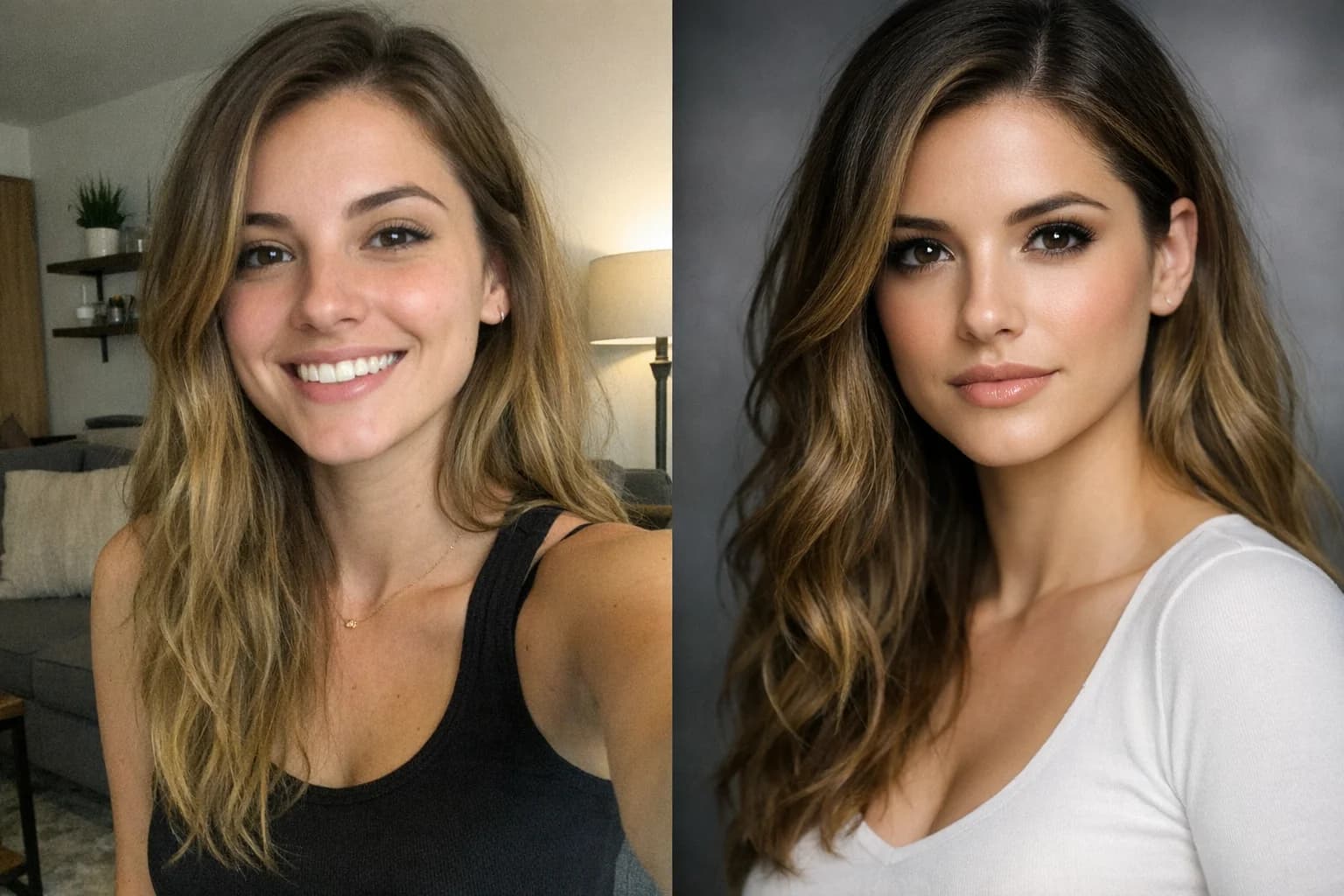
🕰️ Preserve Memories
Restore Old Photos with AI Photo Restoration
Restore old photos online: remove scratches, sharpen blurry faces and repair damage with our AI old photo restorer.
Transform torn, faded, and degraded family pictures into breathtakingly clear, pristine images.
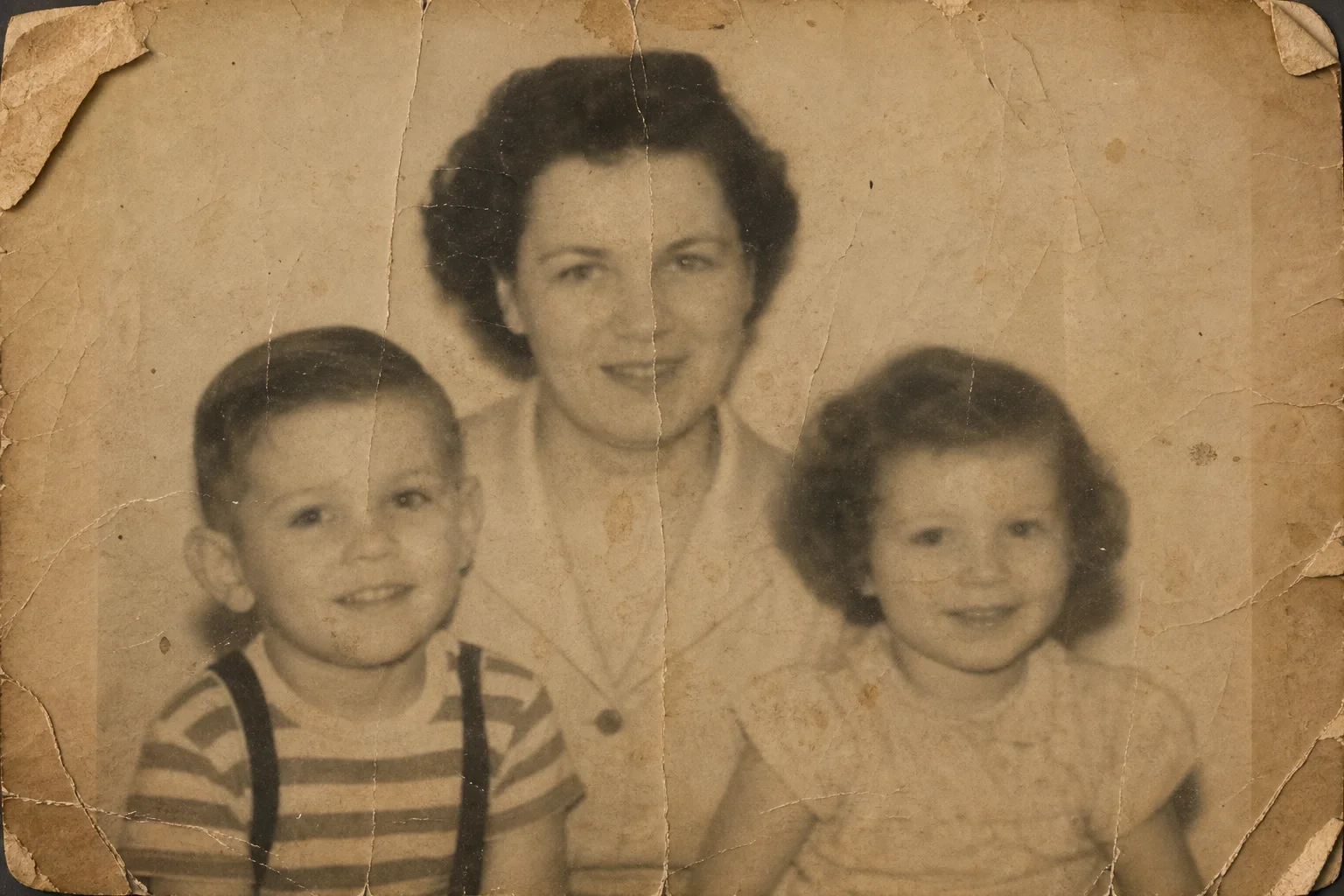
AI Old Photo Restorer
Upload your damaged, faded, or blurry vintage picture and let our AI restore its clarity.
Images generated by free users will have a watermark
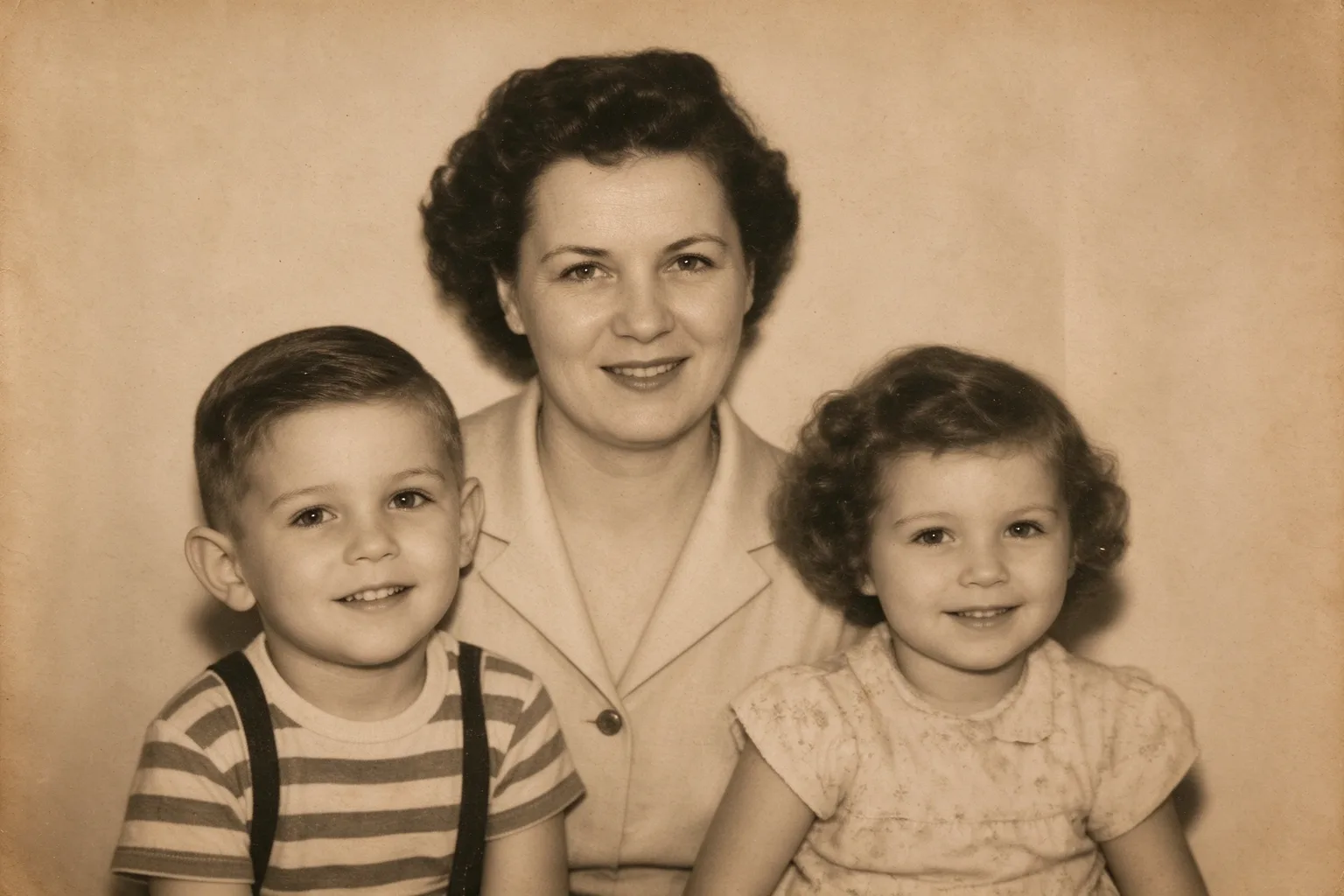
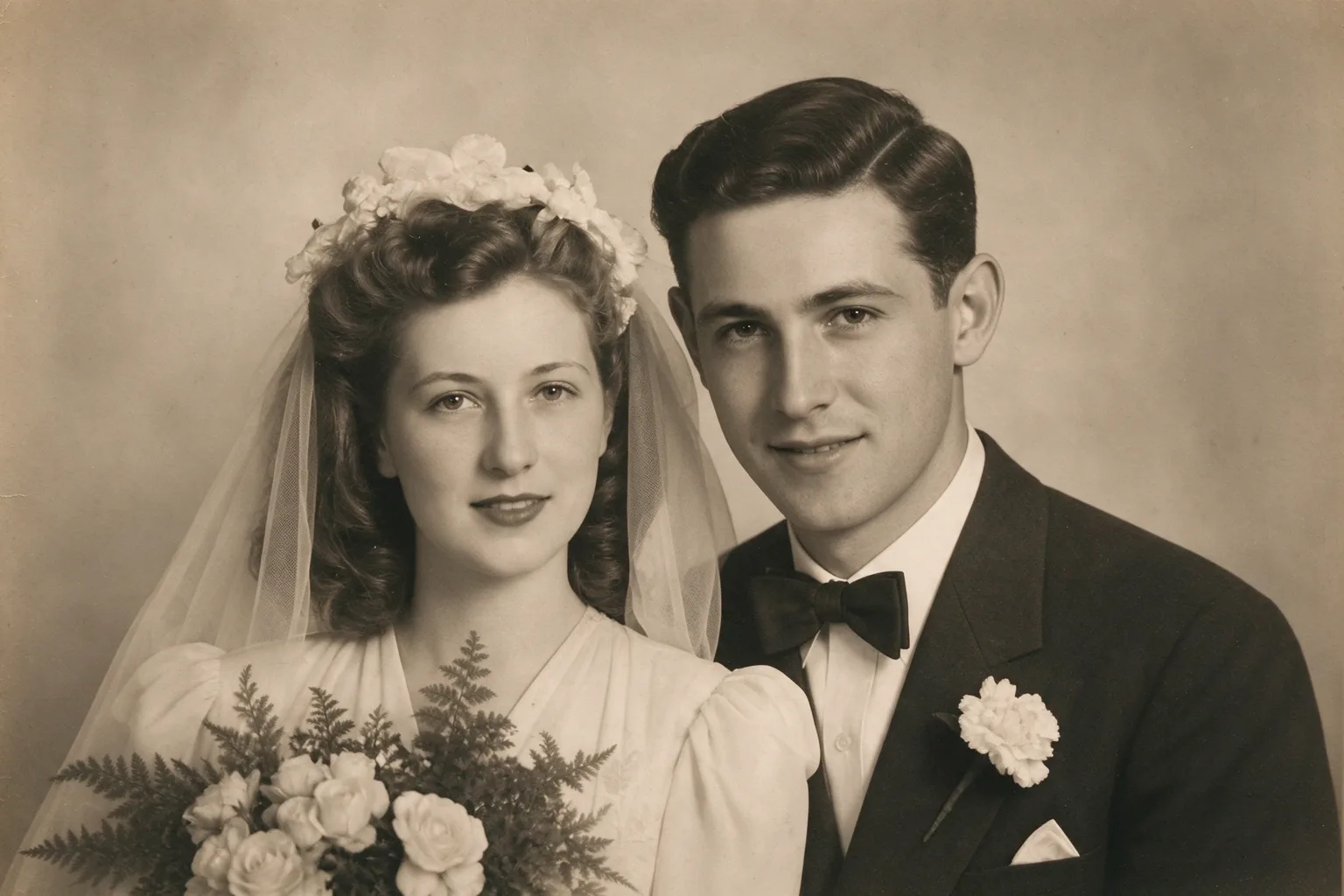
Family Portrait Repair
Remove the scratches and water damage, and sharpen the faces of my grandparents.
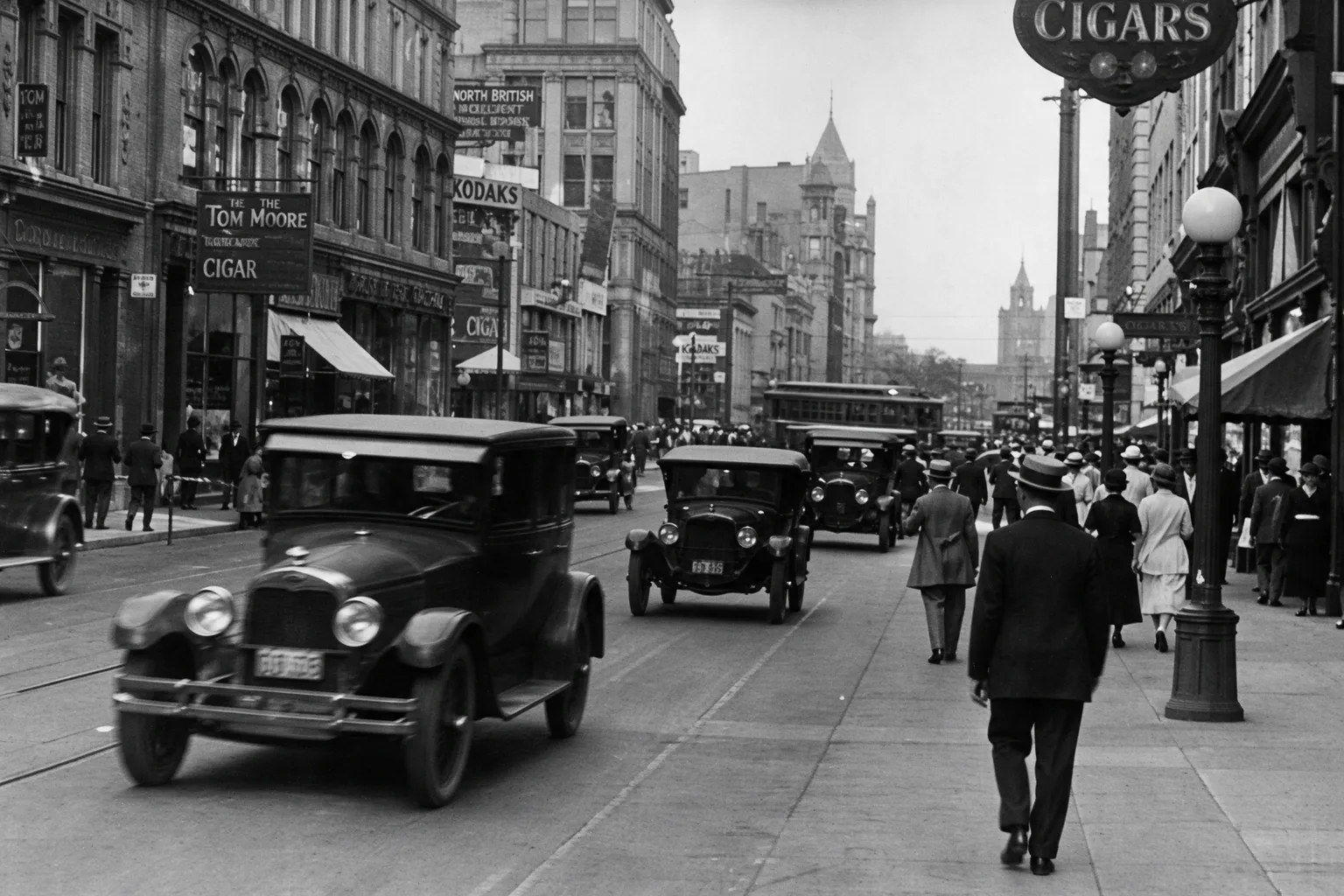
Historical Architecture
Clean up the dust and grain, improve contrast, and reveal the details of the old storefronts.
Severe Crease Removal
Fix the massive tear across the middle and restore the faded contrast.
FEATURES
Complete AI Photo Restoration
Everything you need to rescue and revive your precious historical memories.
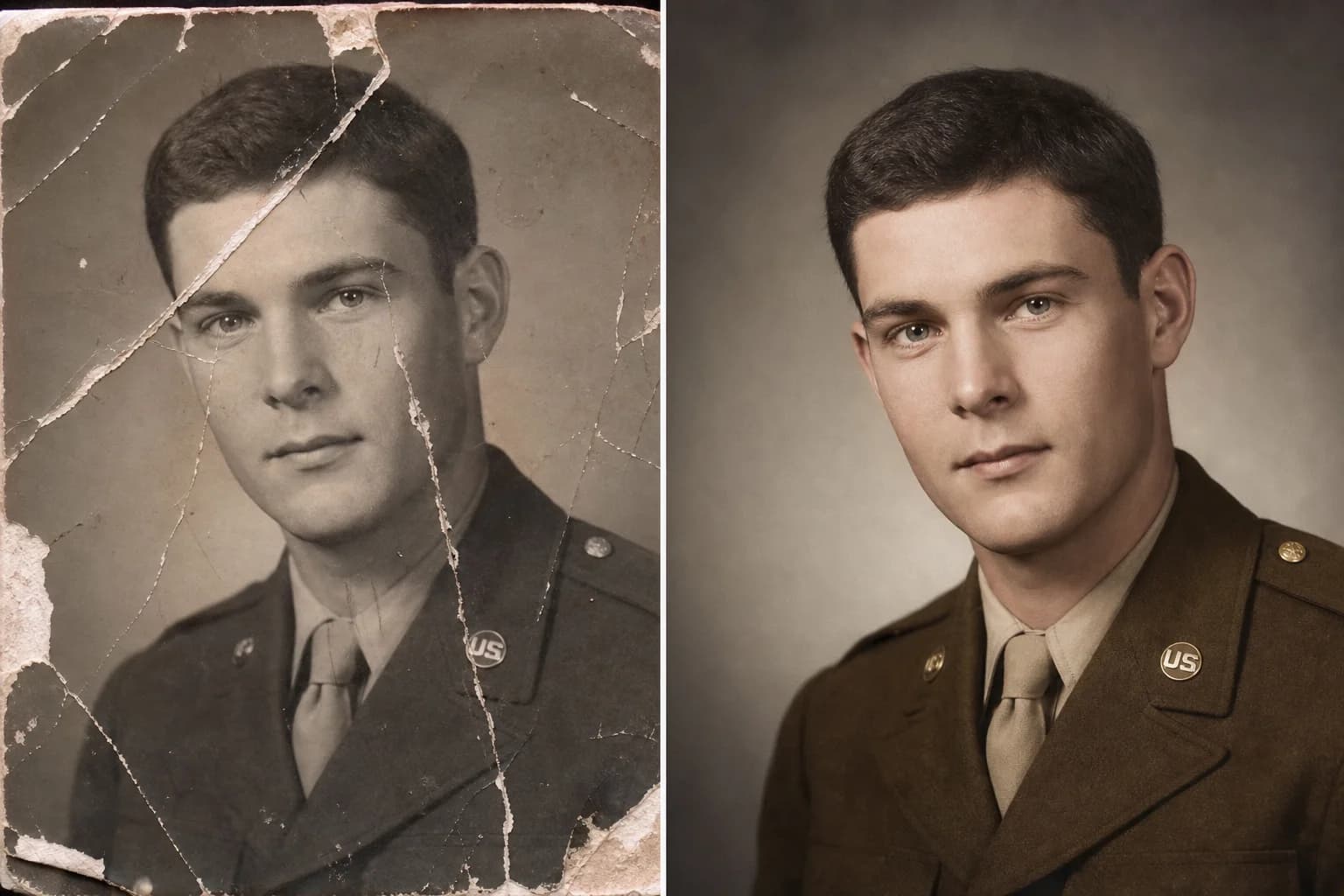
AI Scratch & Tear Removal
Easily restore old photos online by automatically eliminating deep scratches, tears, and dust spots. Our AI old photo restoration tool repairs physical damage seamlessly.

Intelligent Face Sharpening
Bring blurry, faded faces back into sharp focus with smart facial reconstruction. The AI photo restorer analyzes features to recover lost details with stunning clarity.
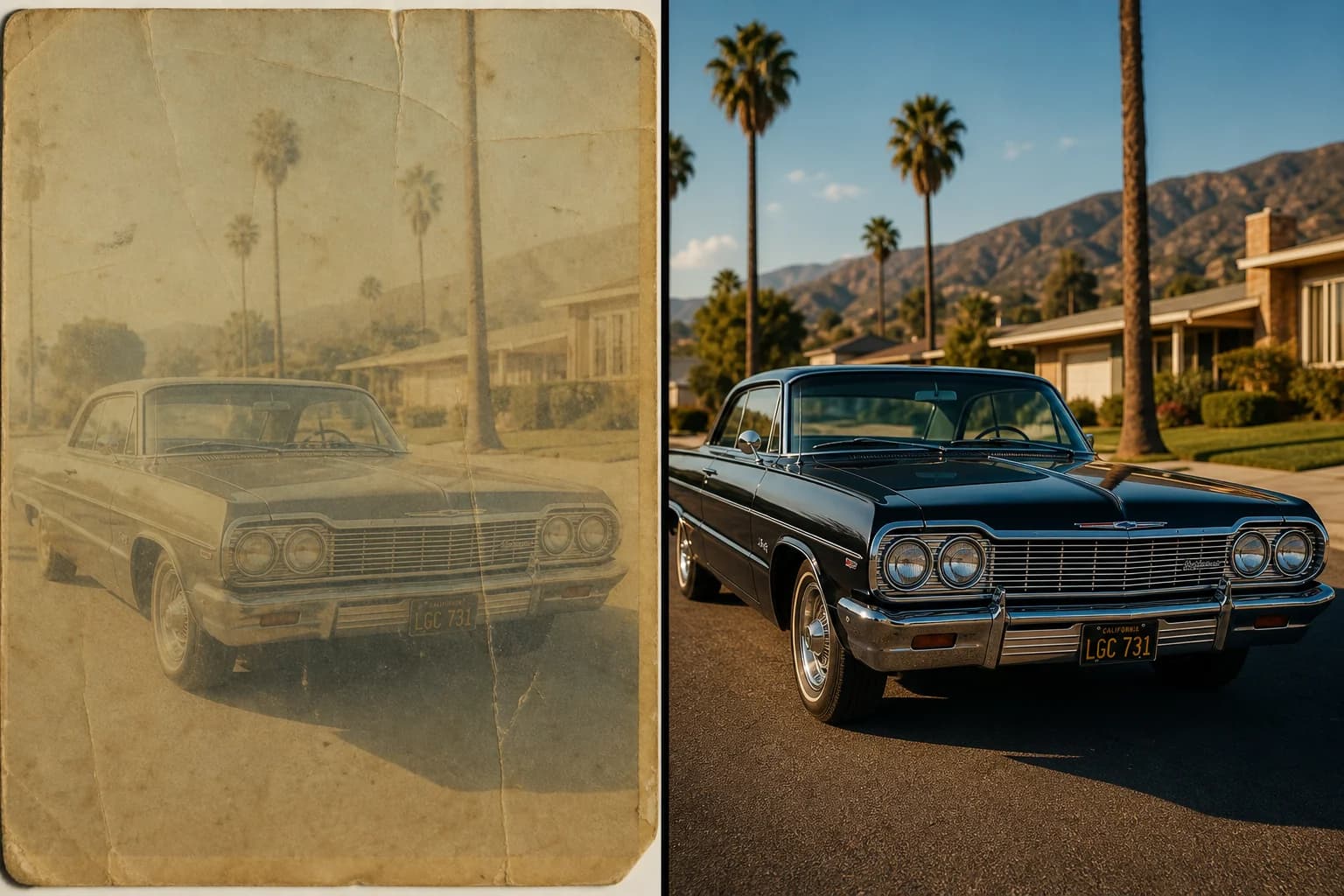
Contrast & Fade Correction
Revive washed-out, yellowed, or faded images to their original tonal glory. AI old photo restoration balances contrast and exposure for a vibrant, professional finish.
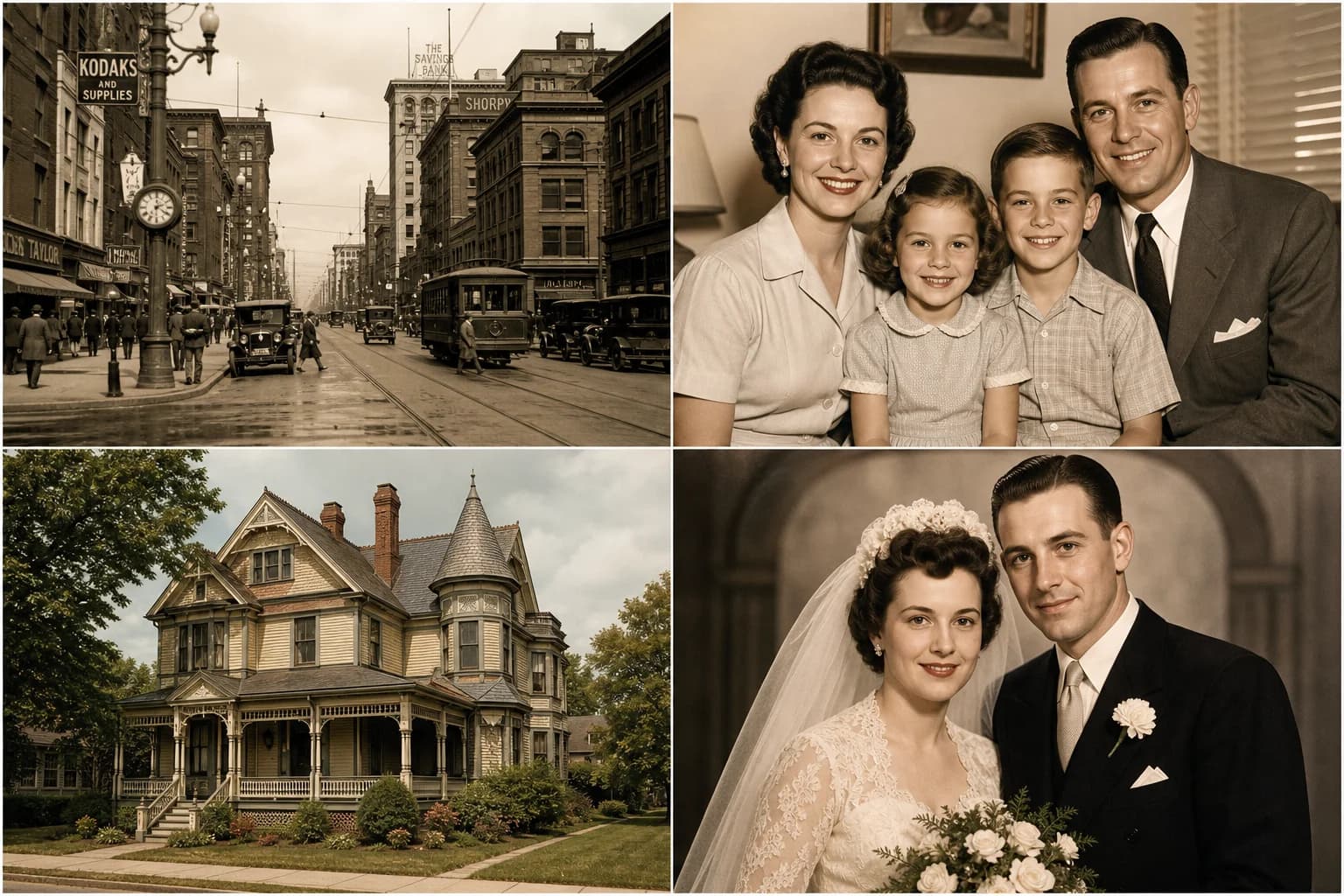
Built for Family Archives
Got an entire family album to fix? Restore your old photos one after another, saving hours of manual editing while delivering pristine results.
FAQ
Frequently Asked Questions
Everything you need to know about our AI photo restoration tool.
You can upload and restore old photos in JPG, PNG and WebP formats. For the best restoration results, we recommend uploading the highest resolution scan you have.
Photos larger than 4096 pixels on the longest side are scaled down automatically before upload, so you don't need to resize them. Each request can include up to 4 reference images.
Restoration isn't instant: each photo is repaired, sharpened, and enhanced after a short wait while the AI model works. Timing varies with the output size you choose and current demand.
It's free to start: eligible new accounts get free credits upon registration to test the AI old photo restoration capabilities. Affordable paid plans add more credits and remove the watermark.
Yes. Our restoration tool is designed to identify and fill in missing gaps caused by deep scratches, severe tears, folds, and water stains.
No, our AI is designed to preserve historical authenticity. It removes the physical damage and sharpens the underlying details without artificially altering the original subjects or the natural vintage aesthetic.
Your privacy is our top priority. Uploaded photos are sent to a third-party AI provider (fal.ai) for processing, and processed images are stored on our cloud storage (Cloudflare R2) and retained as described in our Privacy Policy. We don't use your photos to train AI models, and you can request deletion.
Stop letting time degrade your precious memories. Use our AI photo restorer to bring your vintage pictures back to life today.
Ready to Rescue Your Family Heritage?
Start saving your family archives today, one treasured photo at a time.
Secure & Private
AI-Powered
No credit card requiredFree credits for eligible new accountsCancel anytime