🎨 AI Watercolor
Turn Photos into Watercolor Paintings Instantly
Transform your favorite memories, landscapes, and pet portraits into breathtaking watercolor art with our free online AI watercolor converter.
Experience the magic of fluid brushstrokes, delicate color washes, and authentic paper textures. Create stunning artwork in seconds.
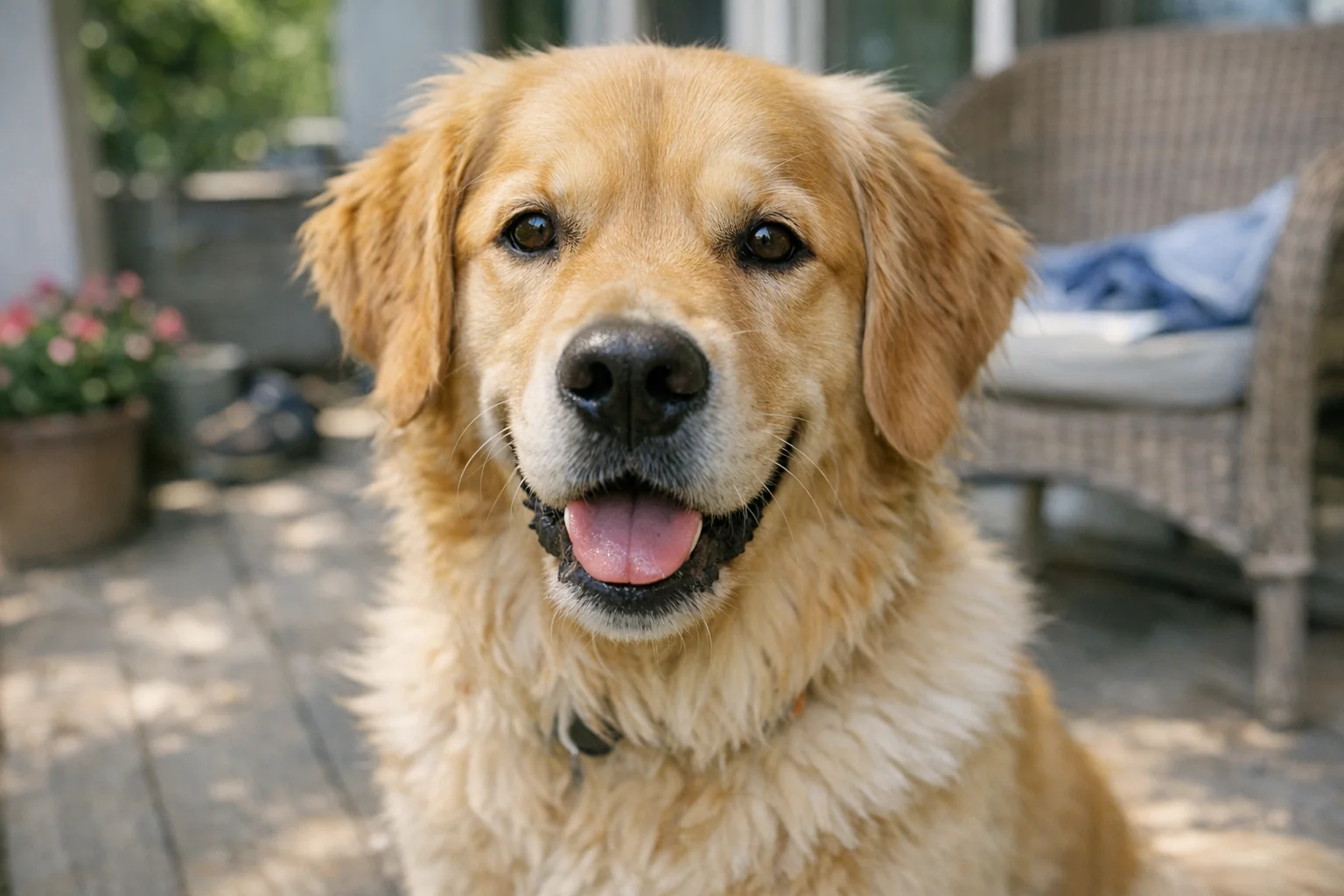
AI Watercolor Generator
Upload a photo and watch our AI turn it into a beautiful watercolor painting.
Images generated by free users will have a watermark
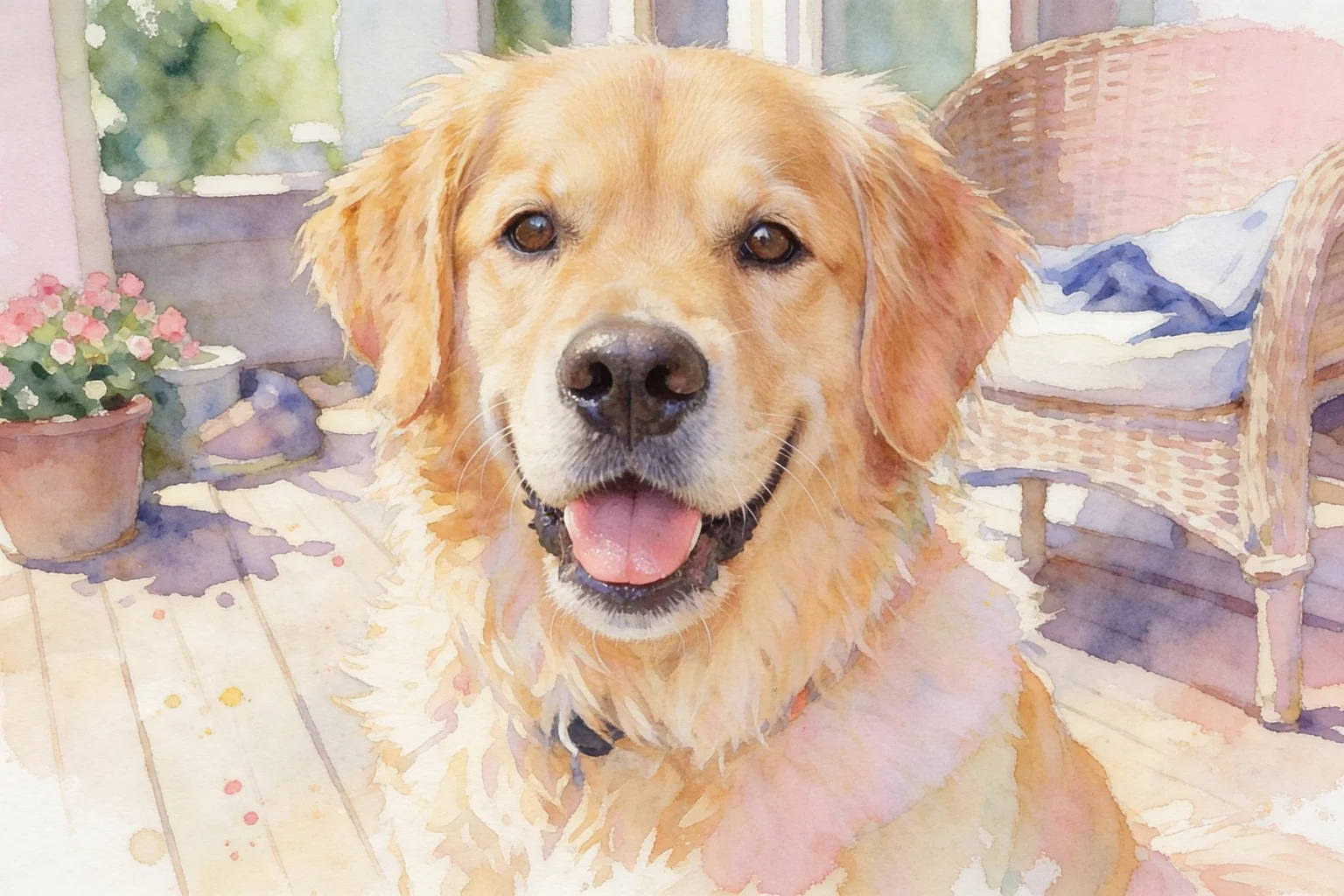
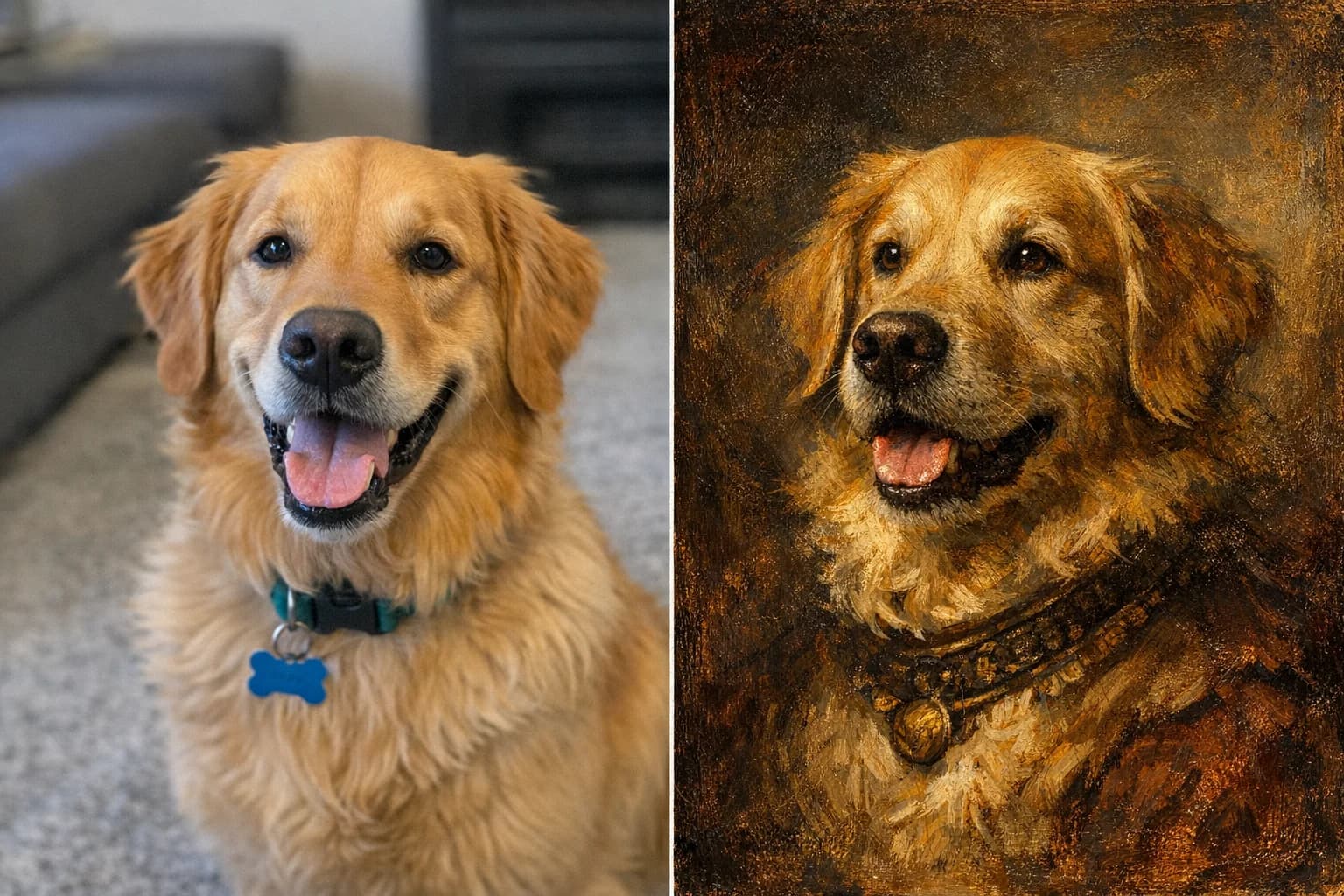
Pet Portraits
Make this dog look like a beautiful watercolor painting with soft pastel colors

House Custom Gifts
Convert this house into an elegant watercolor architectural sketch with vibrant greenery
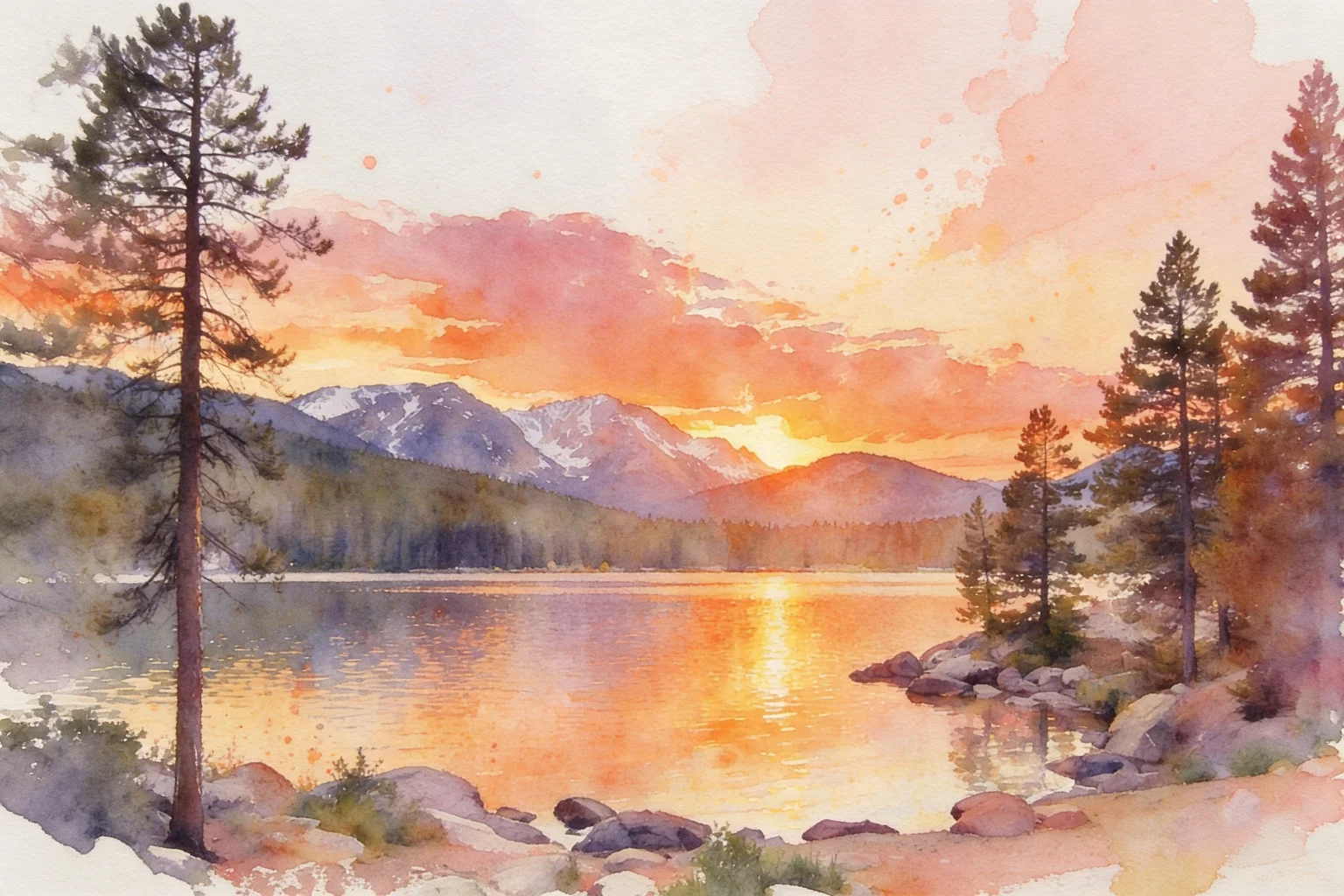
Landscape Wall Art
Turn this landscape into a vibrant watercolor painting with dramatic color washes
FEATURES
Why Choose Our Watercolor Converter?
Discover how our AI technology perfectly captures the essence of traditional watercolor painting.
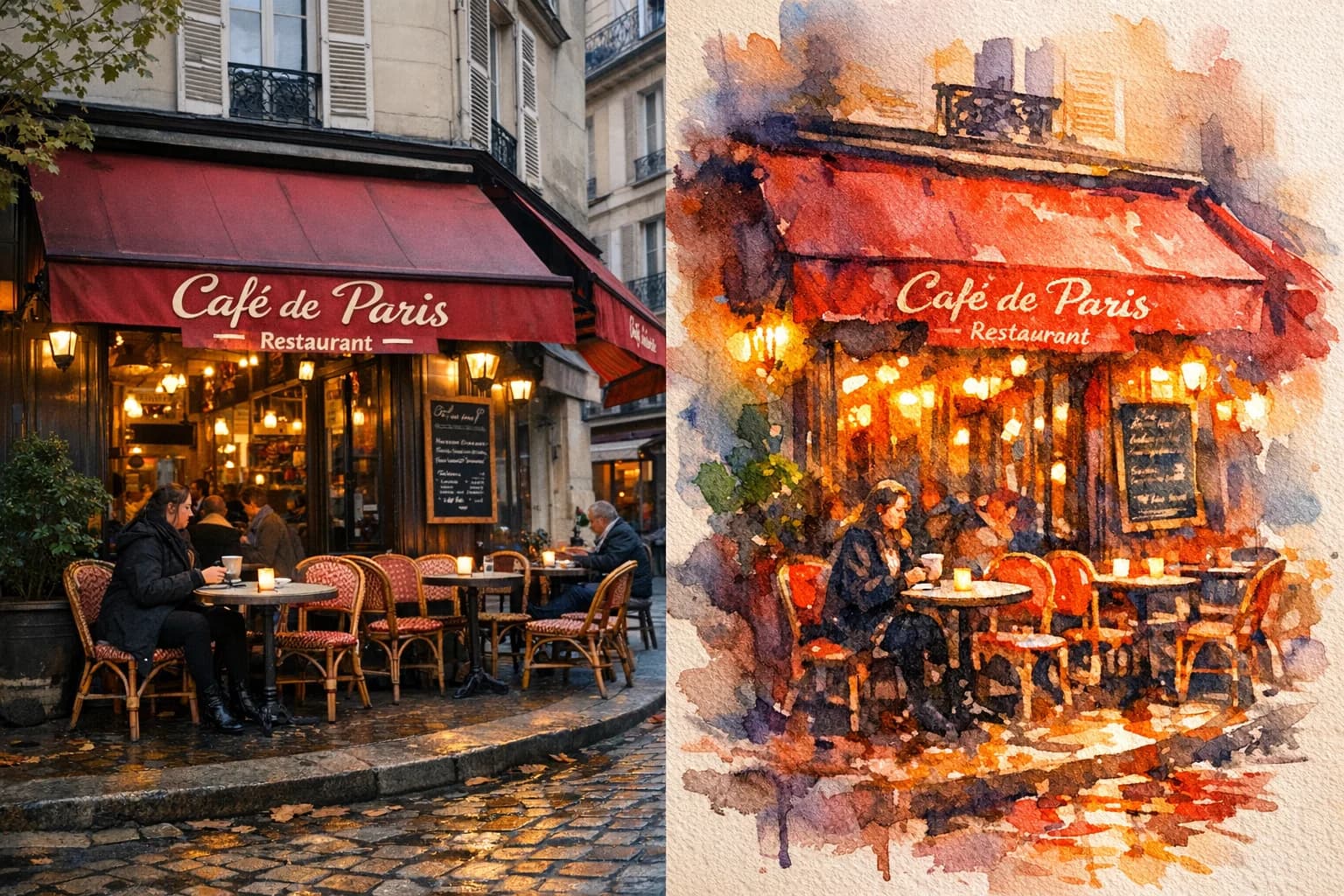
Instant AI Watercolor Conversion
Instantly turn any photo into a watercolor painting online with our advanced AI. Perfect for creating unique gifts or wall art from everyday snapshots.
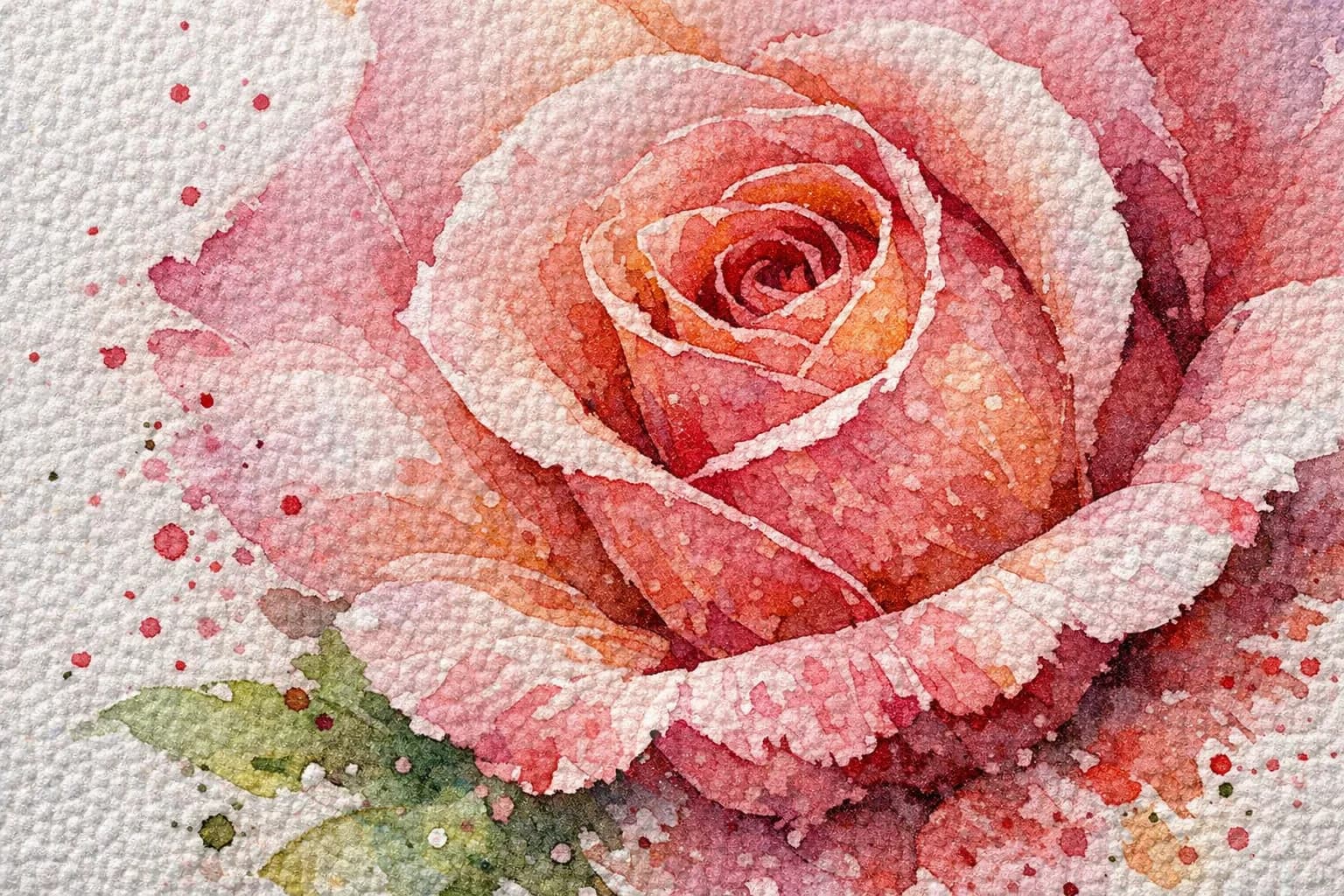
Authentic Texture & Brushstrokes
Our image to watercolor tool accurately replicates delicate washes, color bleeds, and textured cold-press paper. Get museum-quality results in seconds.
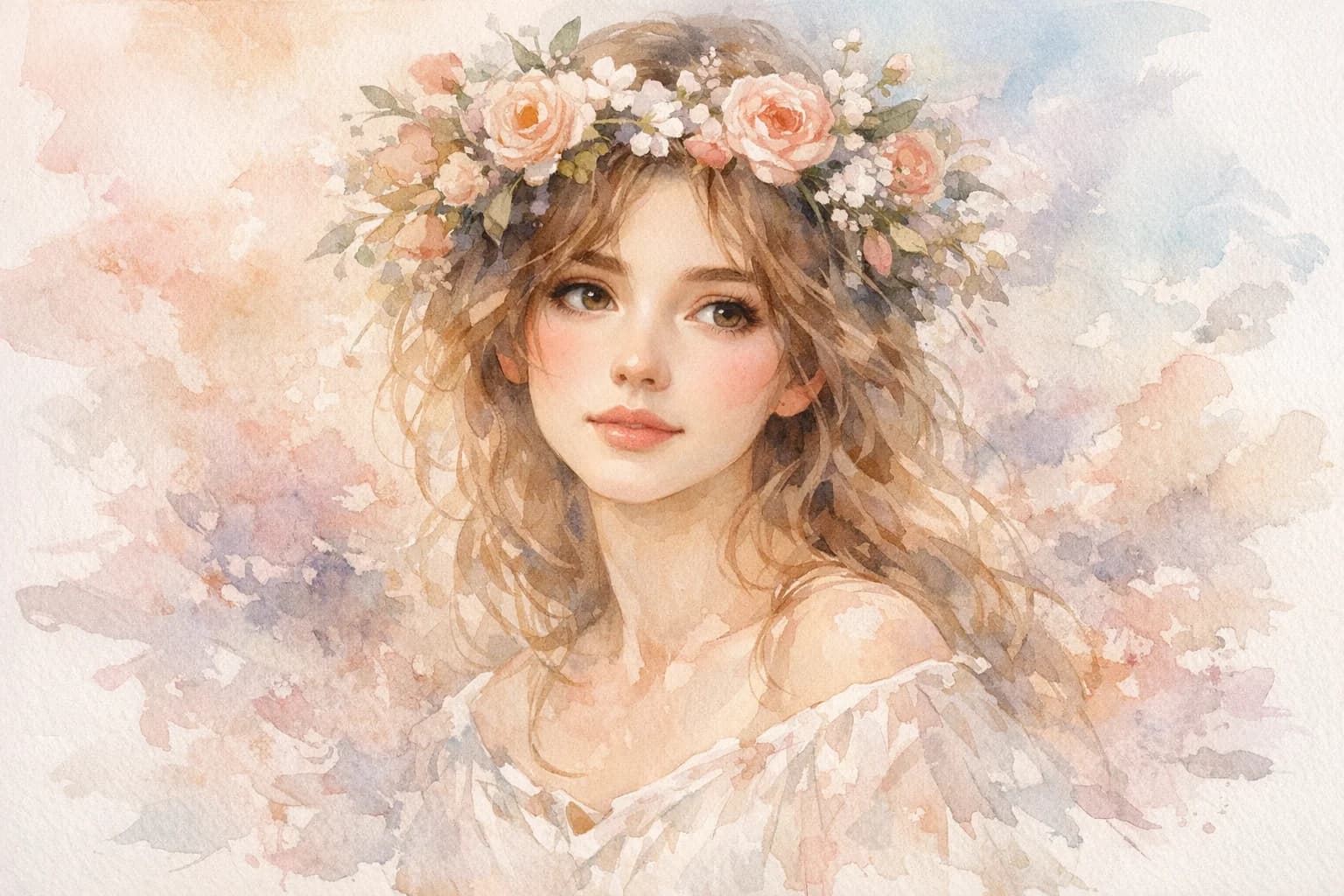
Perfect for Portraits & Pets
Easily convert portraits or pet photos into beautiful watercolor masterpieces. Our AI preserves facial details while applying a soft, artistic aesthetic.
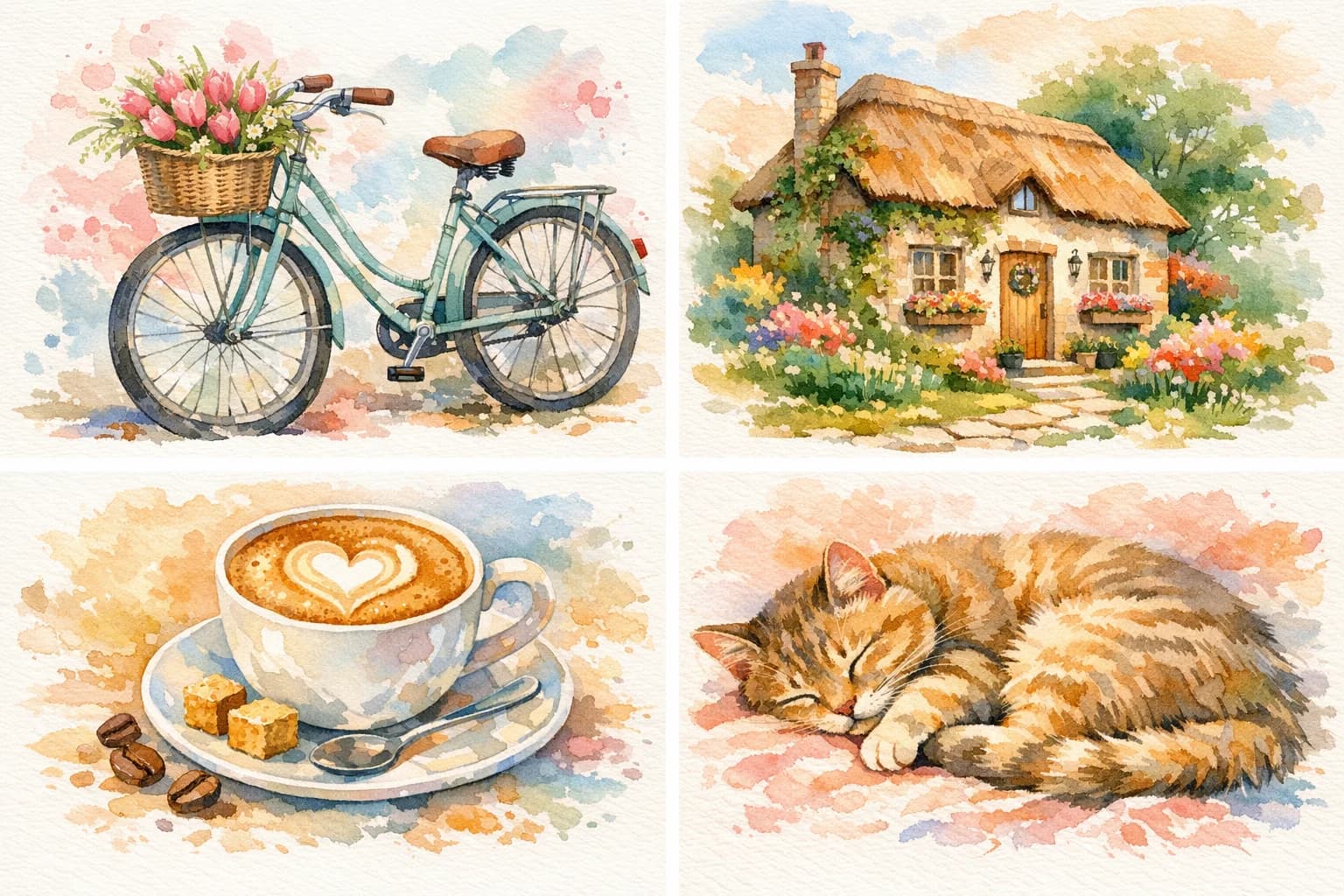
Batch Processing for Creators
Need to process multiple images? Batch convert entire photo albums or product catalogs into a cohesive watercolor style effortlessly.
FAQ
Frequently Asked Questions
Everything you need to know about our photo to watercolor converter.
We support all major image formats including JPG, PNG, WebP, and GIF. For the best watercolor results, we recommend uploading high-resolution JPG or PNG files.
You can upload images up to 10MB in size with a maximum resolution of 4096×4096 pixels. You can also process up to 4 images per batch.
The AI processing is incredibly fast. It typically takes about 15 seconds to completely analyze your image and generate a high-quality watercolor painting.
Yes! You get free trial access immediately after registration to test out the watercolor converter. No credit card is required to sign up.
Absolutely. Our AI preserves high-resolution details and generates authentic-looking paper textures, making the output perfect for printing on canvas, greeting cards, or framing as wall art.
Yes, our specialized AI model is trained to recognize facial features. Unlike basic filters that smudge faces, our tool delicately applies watercolor washes while maintaining the likeness and expression of the original portrait.
Yes, any watercolor images you generate from your own original photos can be used commercially. Many of our users create artwork for Etsy shops, book covers, and marketing materials.
Join thousands of creators turning everyday photos into stunning watercolor art.
Ready to Create Your Watercolor Masterpiece?
Upload your first photo and see the magic happen in seconds.
Secure & Private
AI-Powered
No credit card requiredFree trial includedCancel anytime

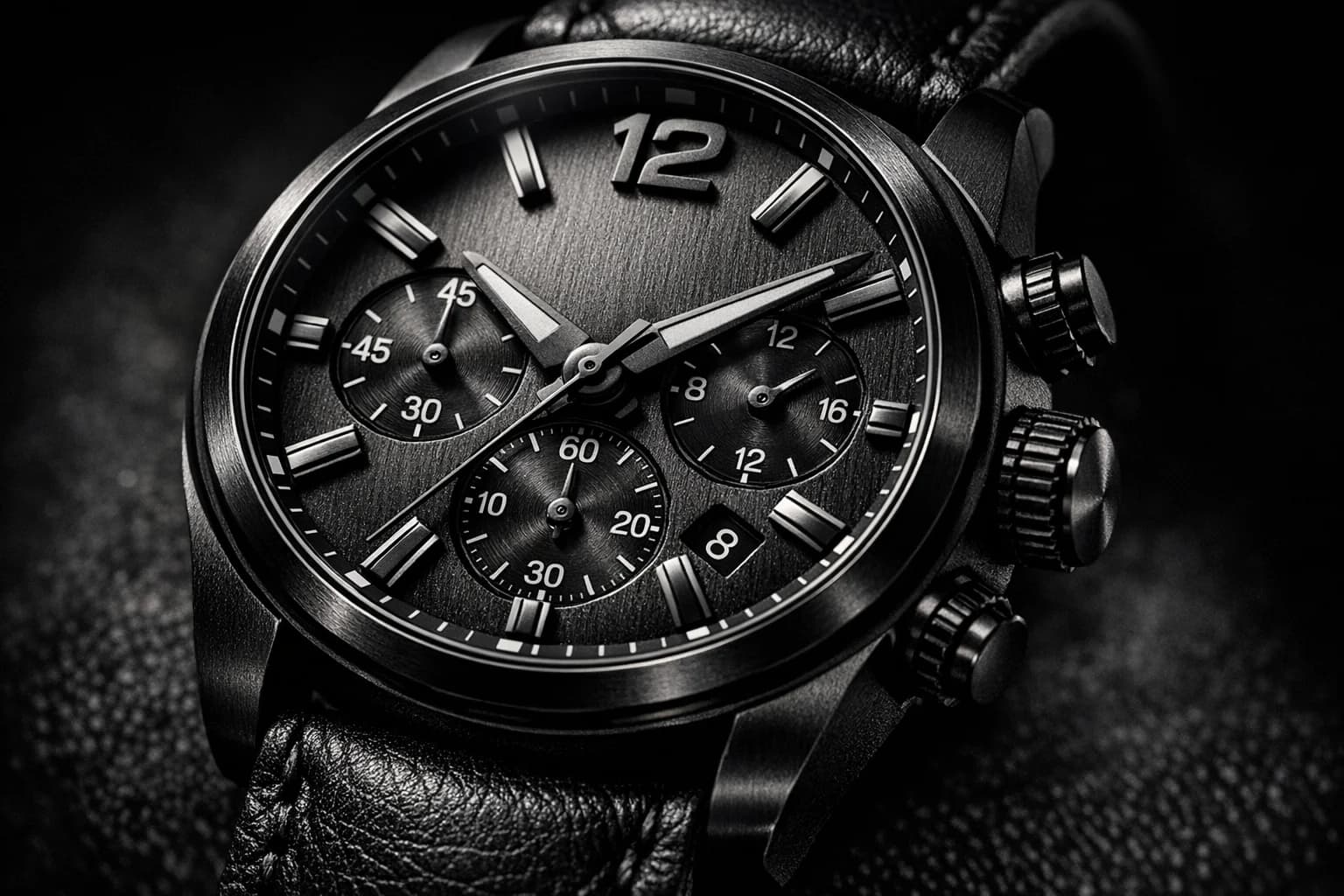

See how creators and professionals are using our watercolor converter.
What Our Users Say
I use this to turn photos of my clients' new homes into watercolor paintings for closing gifts. They absolutely love the personal touch, and the paper texture looks incredibly real.
Michael Chen
Real Estate Agent
As an Etsy seller, this tool has completely streamlined my custom pet portrait business. The AI captures the personality of the dogs perfectly while giving it that loose, fluid watercolor feel.
Sarah Johnson
Etsy Shop Owner
I wanted to make my own wedding invitations but I'm terrible at painting. I uploaded a photo of our venue and this tool turned it into the most gorgeous watercolor header!
Emily Rodriguez
DIY Bride
The batch processing feature is a lifesaver. I converted an entire album of my trip to Italy into watercolors to print a custom coffee table book. It looks like an artist painted my whole vacation.
David Thompson
Travel Blogger
I've tried Photoshop filters before, but they always look cheap and digital. This actually looks like wet paint on cold-press paper. The color bleeds are so authentic.
Jessica Williams
Graphic Designer
Turned a basic iPhone picture of my garden into a beautiful watercolor piece that is now framed in my living room. It's so easy to use and the quality is amazing.
Robert Davis
Hobbyist