👾 Top Rated Tool
Turn Any Photo into Pixel Art Instantly
The ultimate free online photo to pixel art converter. Create retro 8-bit avatars, game assets, and Minecraft-style art in seconds with AI.
Whether you want to pixelate an image for a social media profile or generate assets for your indie game, our AI pixel art generator delivers crisp, vibrant results.
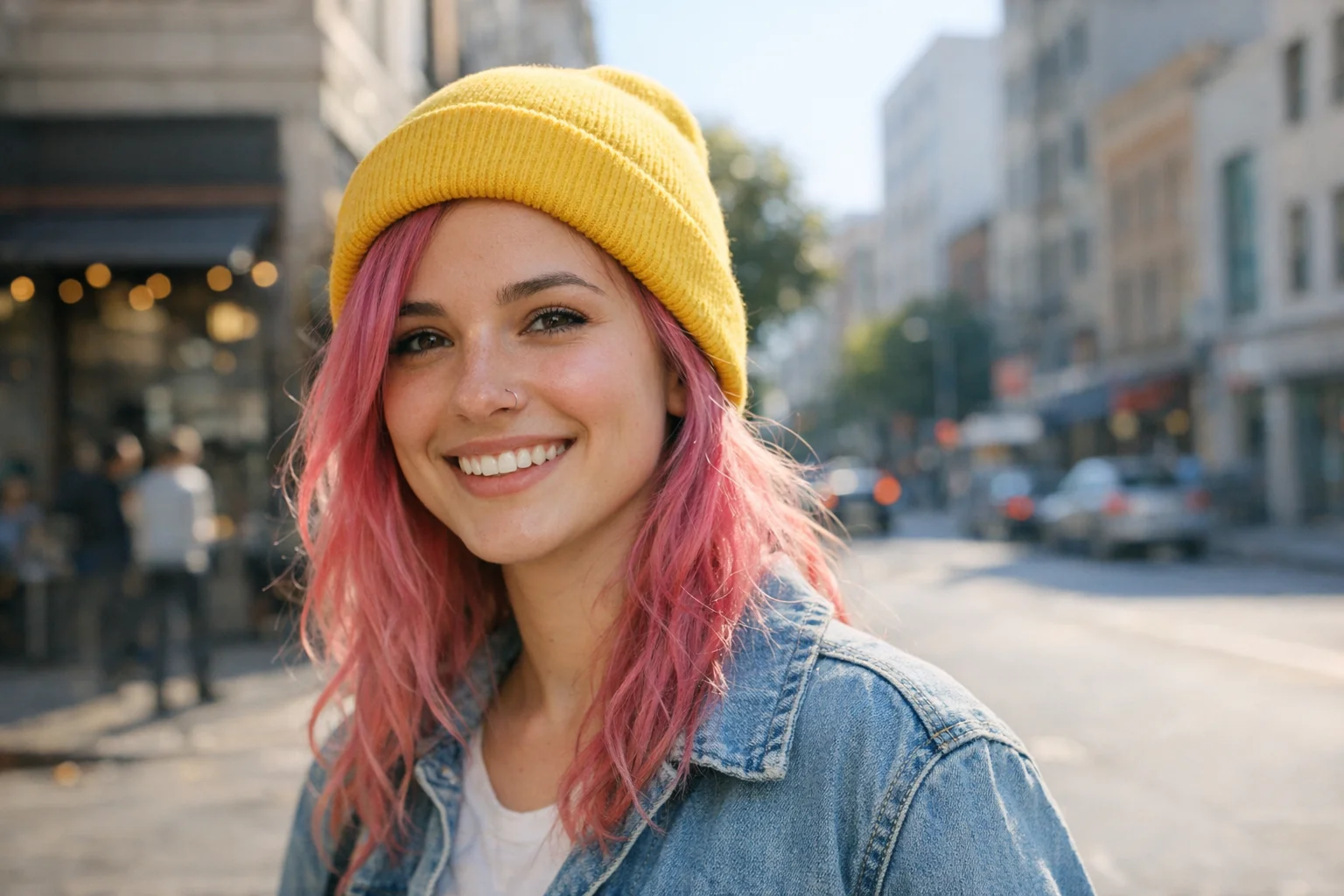
AI Pixel Art Generator
Upload your picture to pixel art instantly. Adjust settings for 8-bit, 16-bit, or Minecraft styles.
Images generated by free users will have a watermark
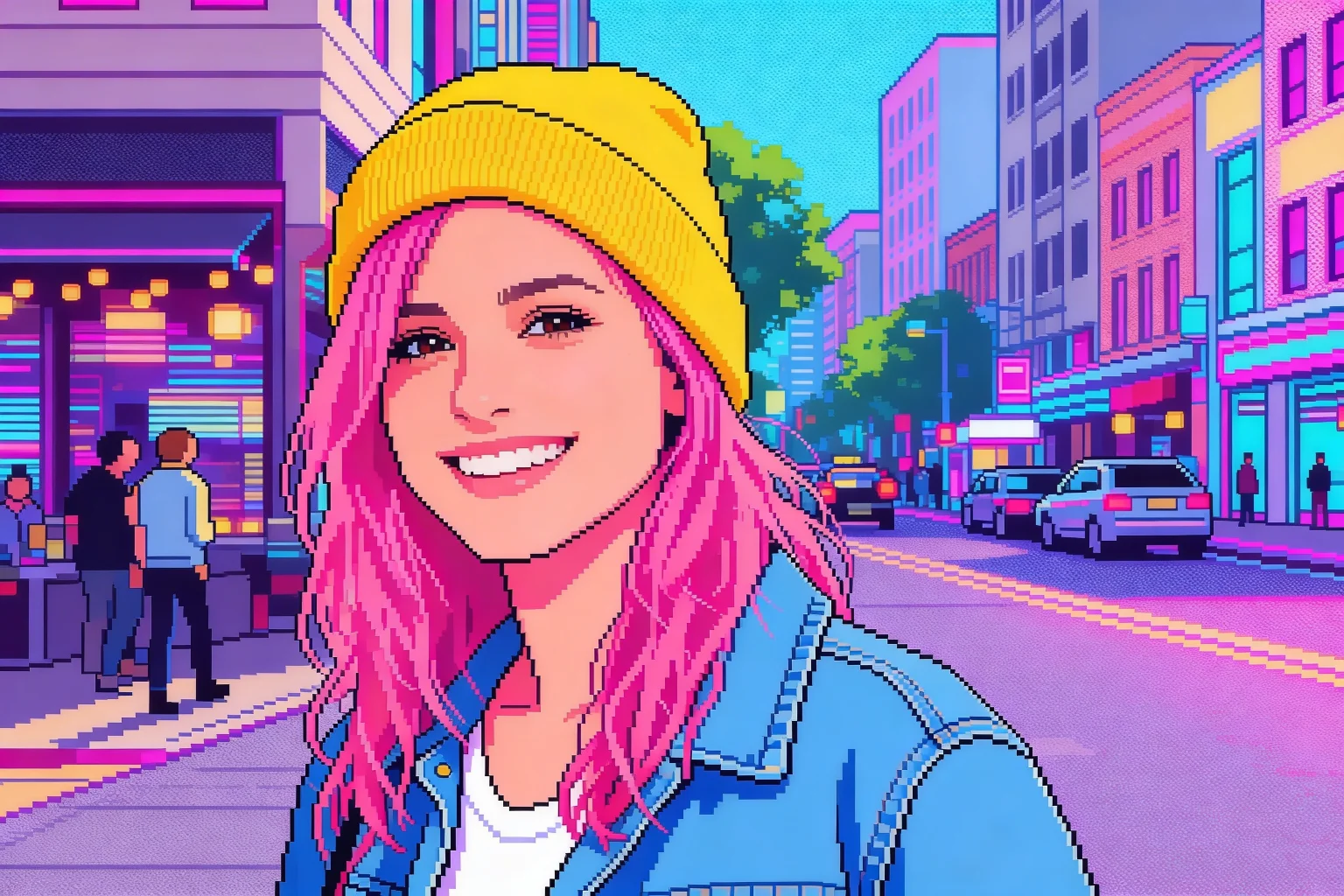
Social Media Avatar
Turn this selfie into a vibrant 8-bit retro gaming avatar
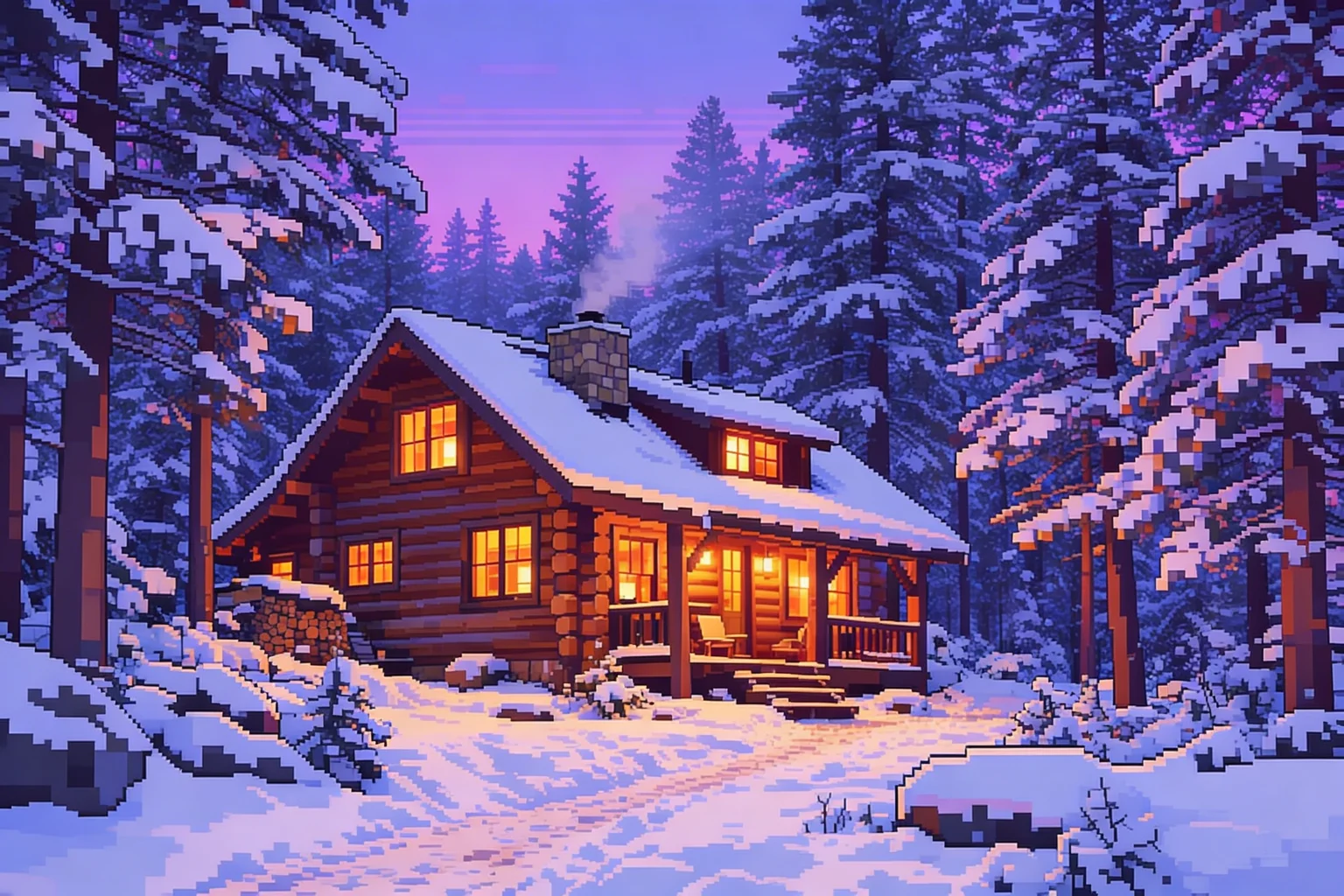
Minecraft Style Landscape
Convert this landscape photo into a blocky Minecraft pixel art background
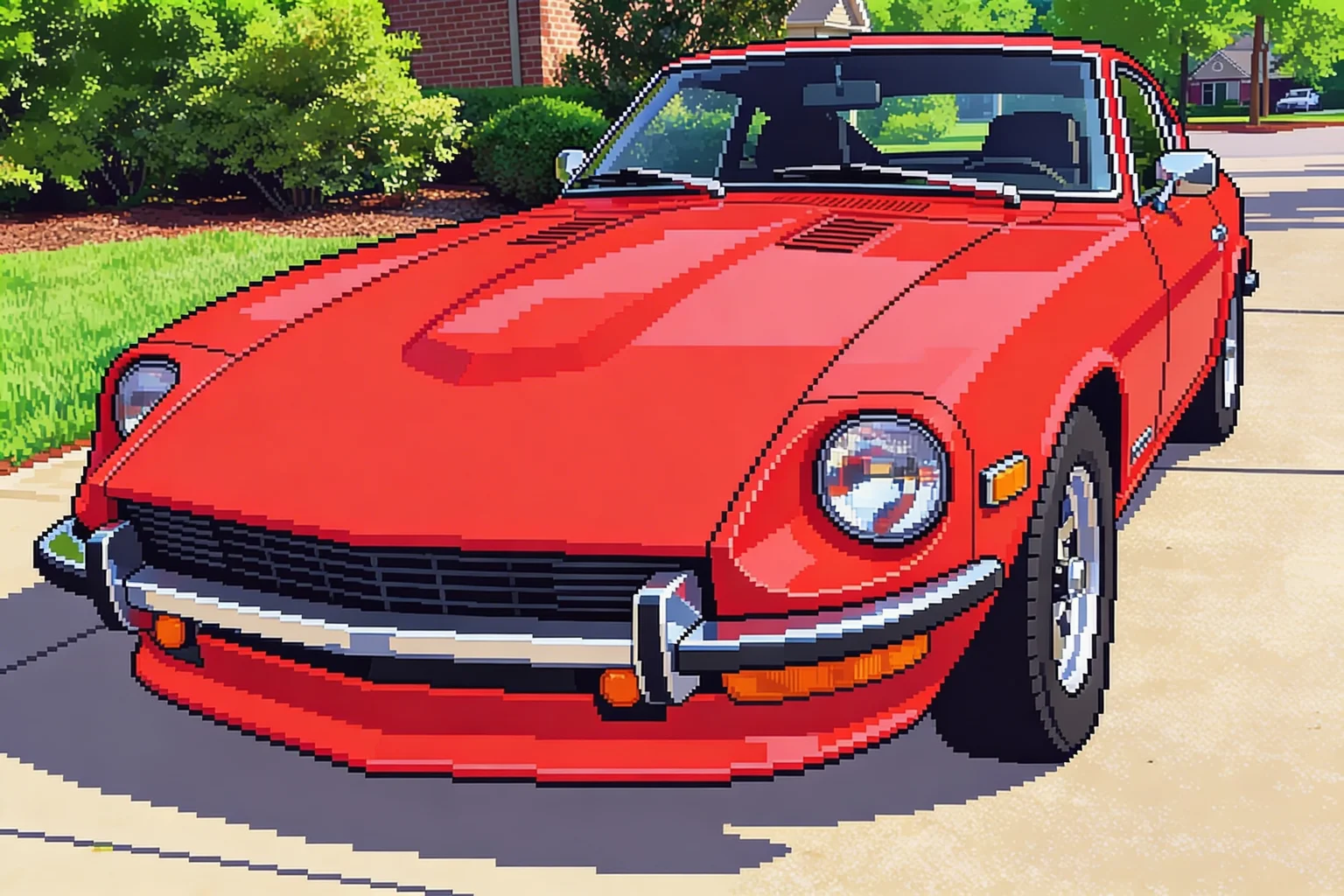
Retro Game Asset
Transform this object into a classic 16-bit arcade game sprite
FEATURES
Why Choose Our Pixel Art Converter?
Discover how our AI-powered tools make it incredibly easy to turn any photo into pixel art for games, art, and social media.
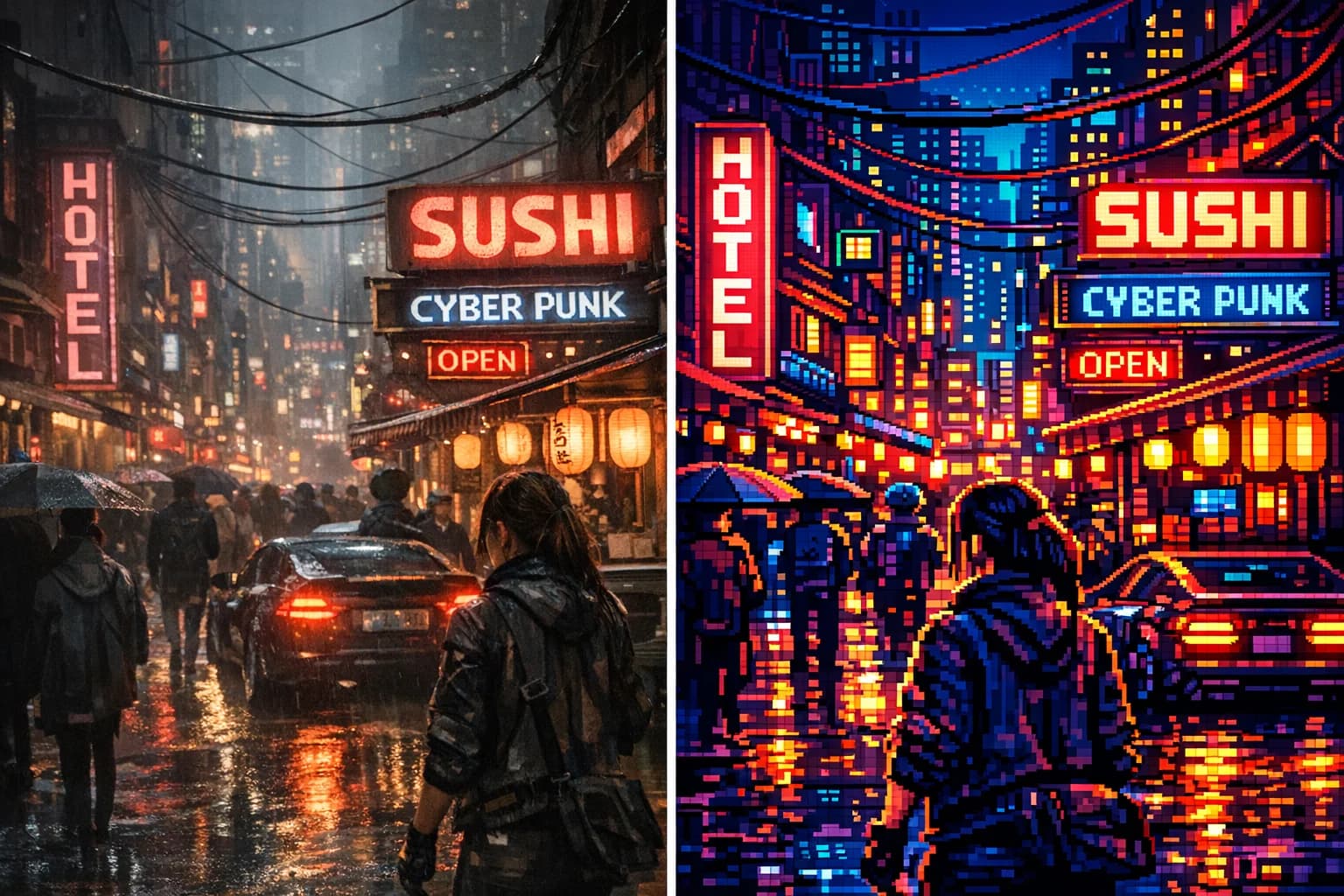
Instant Photo to Pixel Art Converter
Instantly convert any photo to pixel art with our AI-powered tool. The perfect pixel art converter for gamers, artists, and creative professionals.
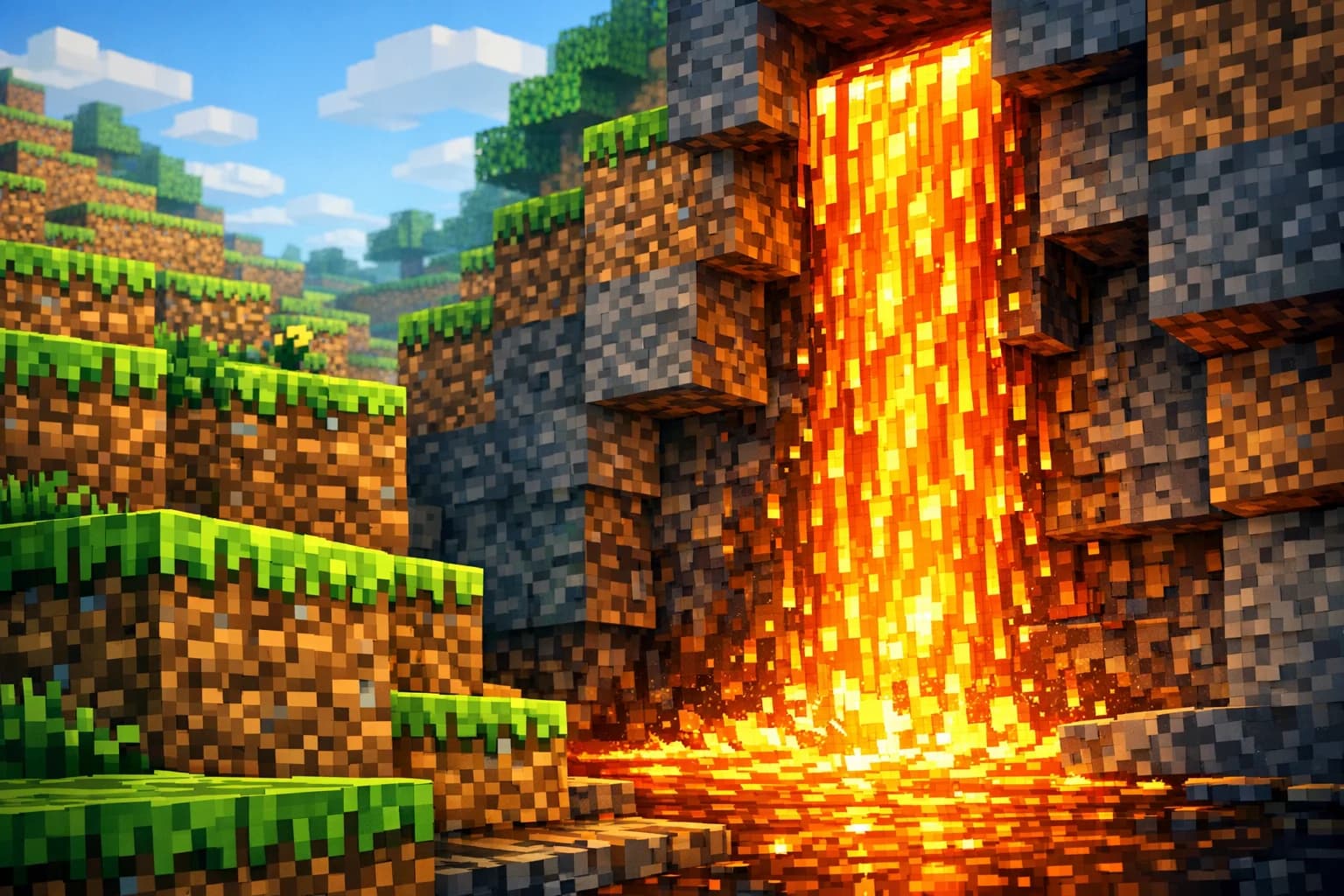
Perfect for Minecraft & Game Assets
Looking for how to make image into pixel art for games? Generate stunning Minecraft photo to pixel art assets and 8-bit backgrounds effortlessly.
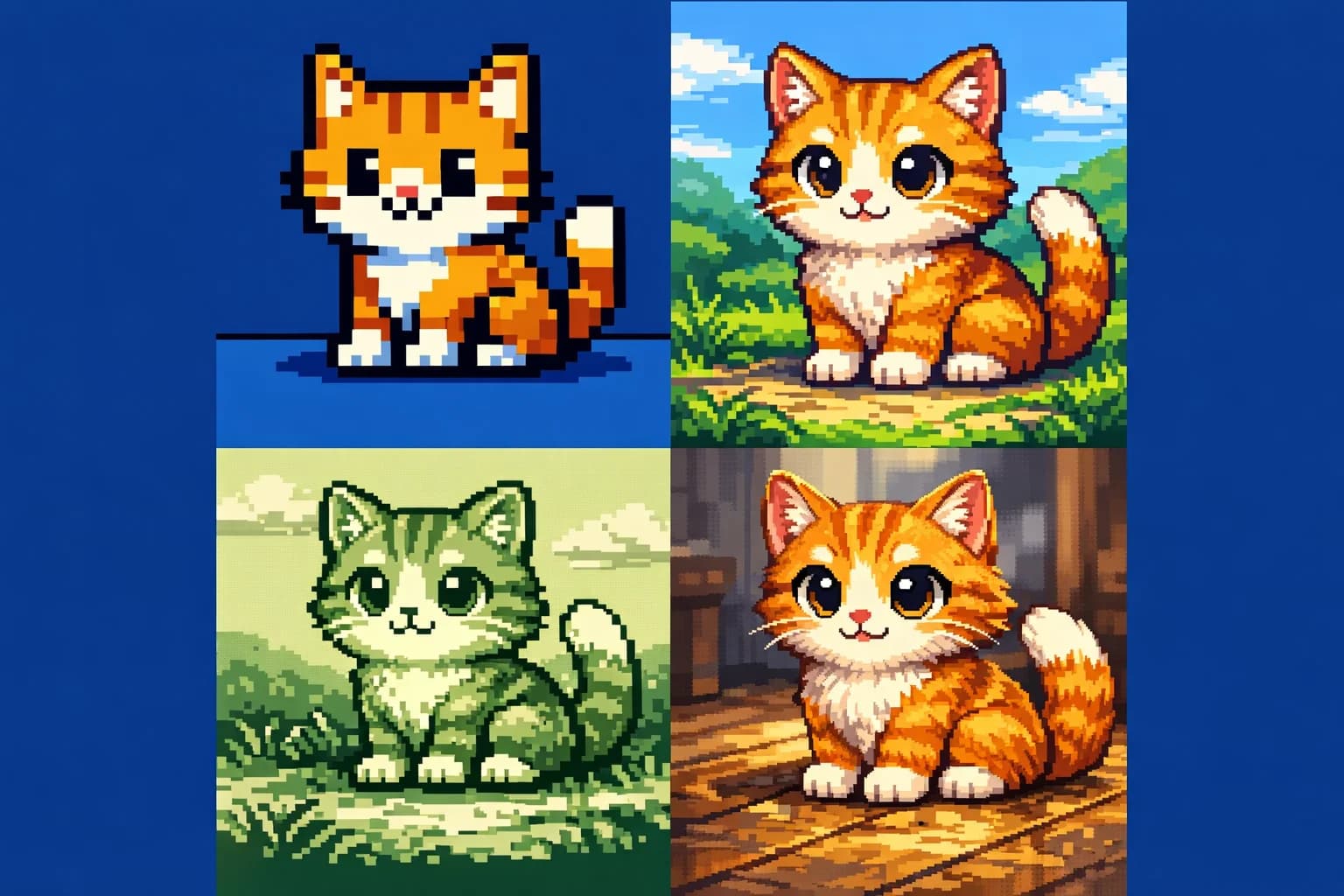
Multiple Retro 8-Bit & 16-Bit Styles
Our advanced pixel art generator offers multiple retro styles. Transform your picture to pixel art with customizable 8-bit and 16-bit color palettes.
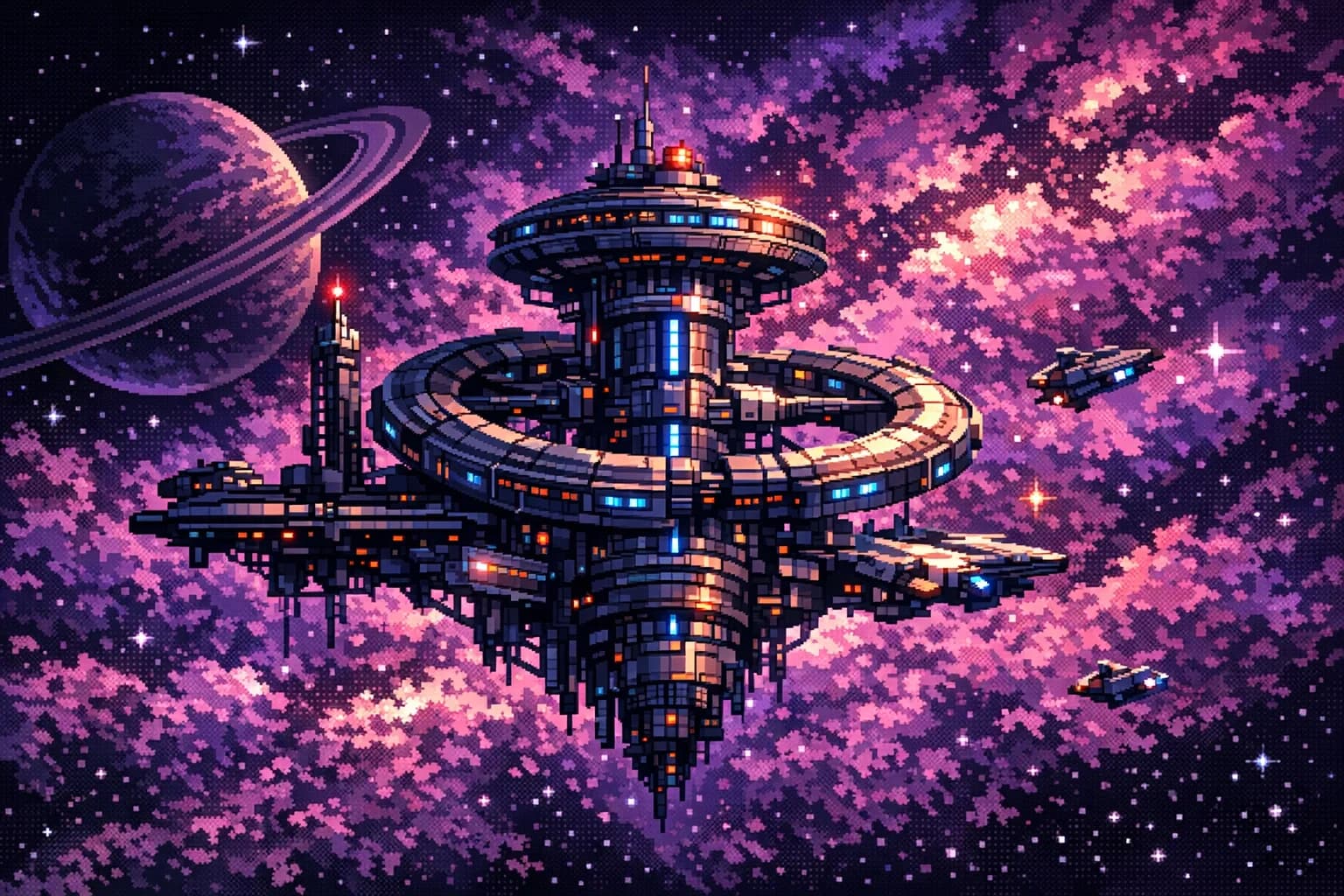
Preserves Details in High Resolution
Pixelate image files in bulk while preserving crisp details. High-resolution exports make this the ultimate image to pixel art solution for creators.
FAQ
Frequently Asked Questions
Everything you need to know about our photo to pixel art converter.
Our tool supports all major image formats including JPG, PNG, WebP, and GIF. You can easily upload your picture to pixel art conversion without worrying about format compatibility.
You can upload images up to 10MB in size with a maximum resolution of 4096×4096. Our batch processor allows you to convert up to 4 images at once.
The AI processing time is incredibly fast, typically taking approximately 15 seconds to completely pixelate an image and generate your retro artwork.
Yes! We offer a free tier that includes free trial access after a simple registration. No credit card is required to try our photo to pixel art converter.
Simply upload your photo, select the 'Minecraft' or 'Blocky' style preset in our generator, and click convert. The AI will automatically optimize the color palette and grid size to match the iconic Minecraft photo to pixel art aesthetic.
Absolutely. Once you use our image to pixel art tool to create your assets, you have full rights to use the generated output in your commercial indie games, Twitch overlays, or social media profiles.
Join thousands of gamers and artists using the best free online pixel art converter.
Ready to Pixelate Your Images?
Transform your everyday photos into nostalgic 8-bit masterpieces in seconds.
Secure & Private
AI-Powered
No credit card requiredFree trial includedCancel anytime
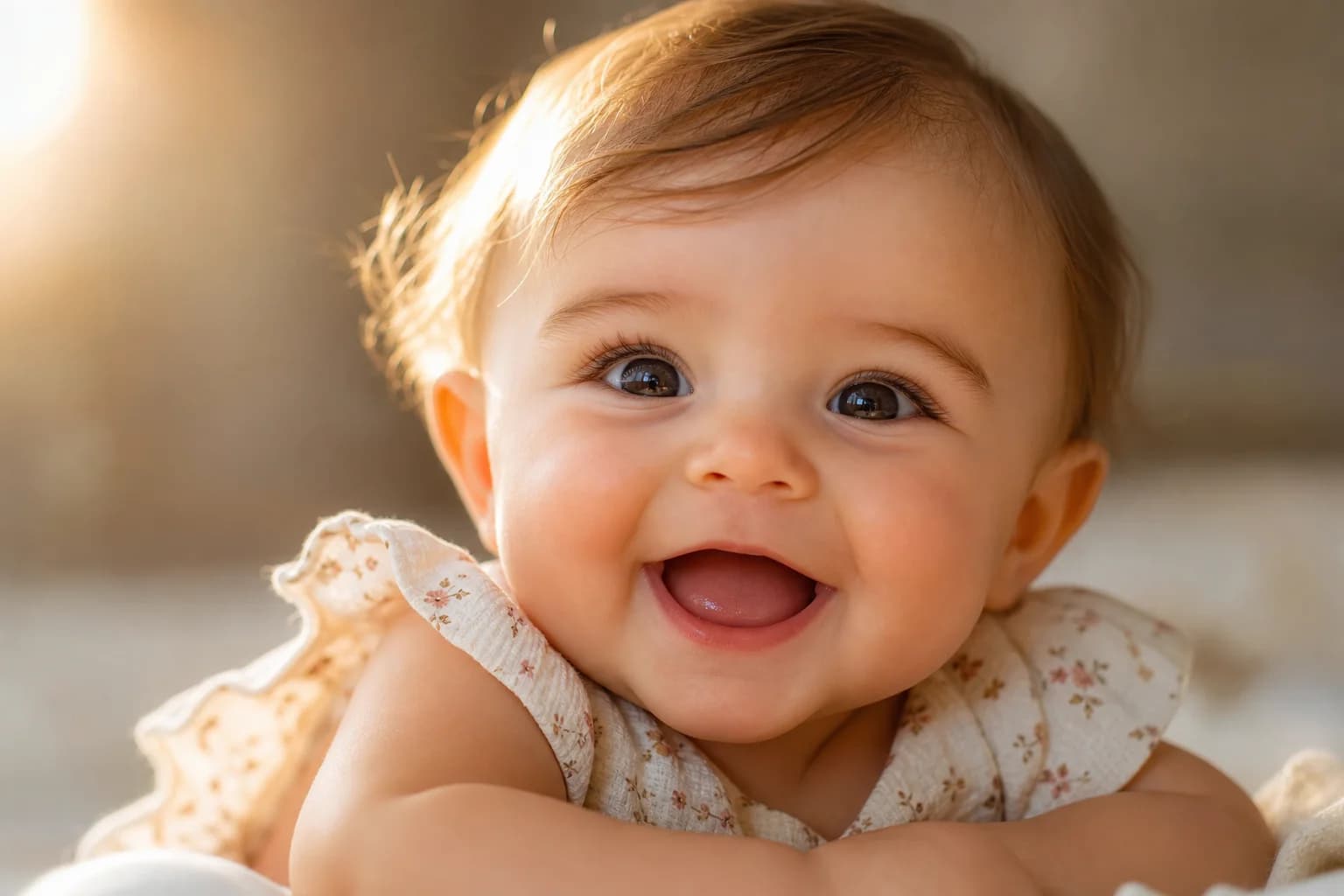
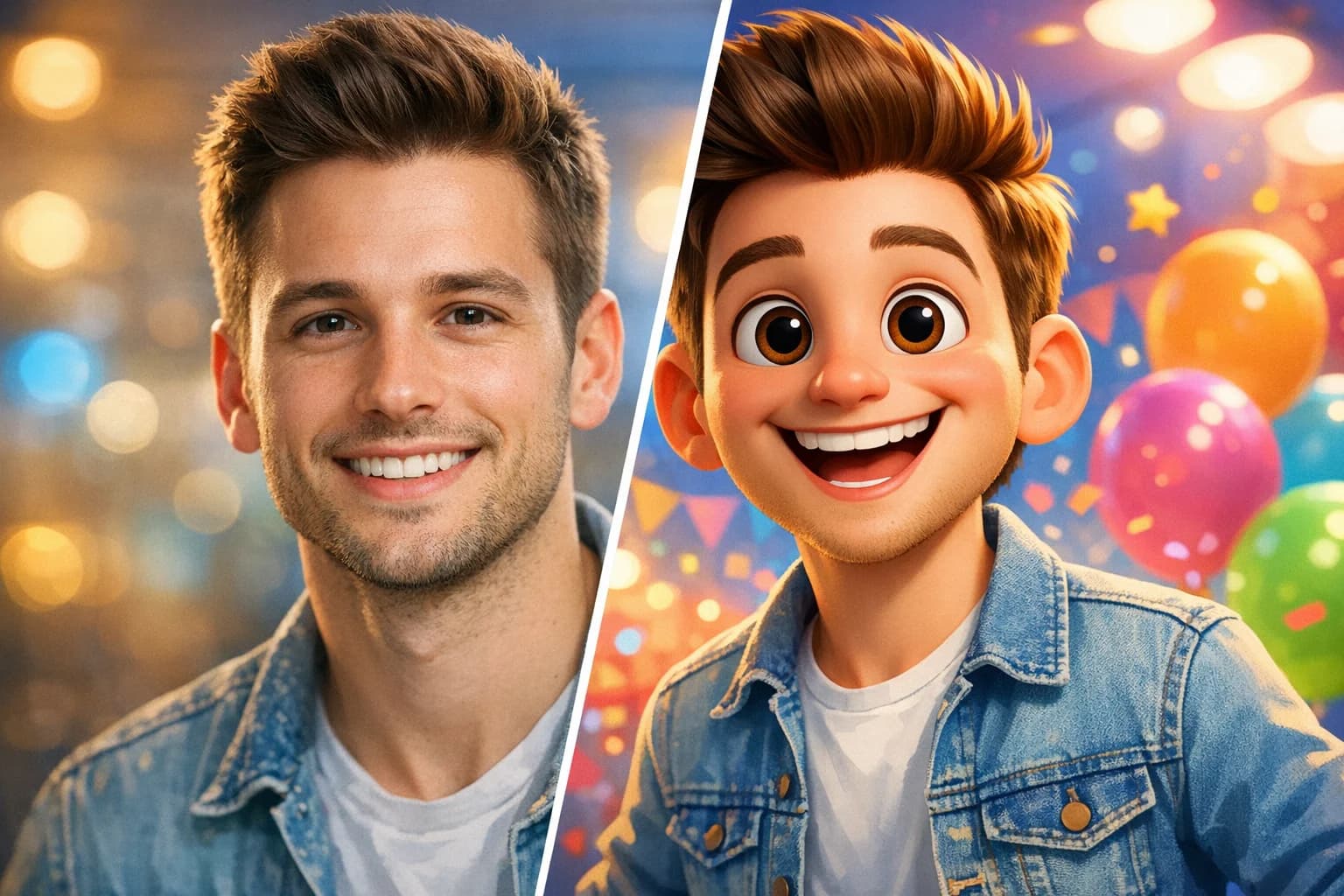
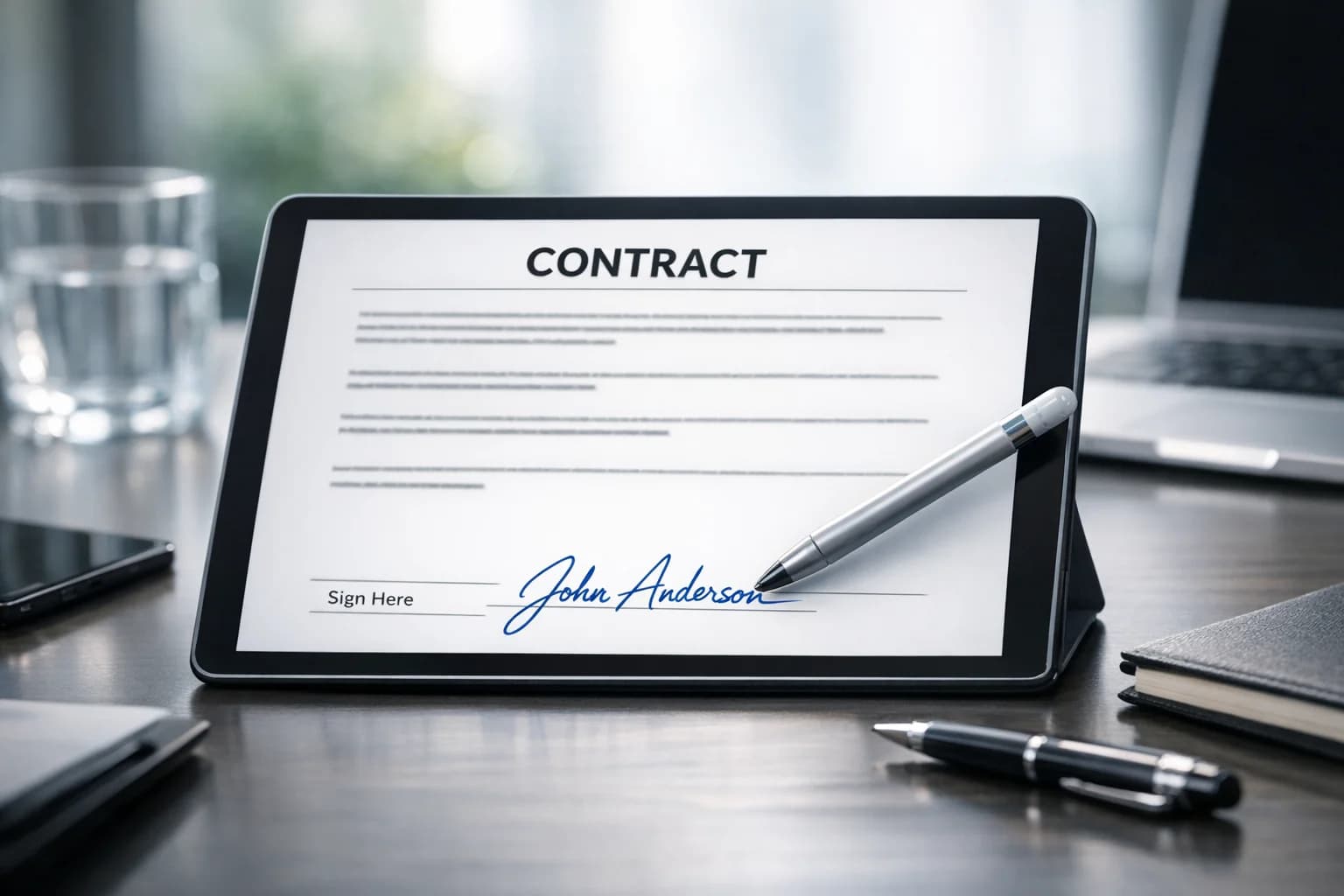
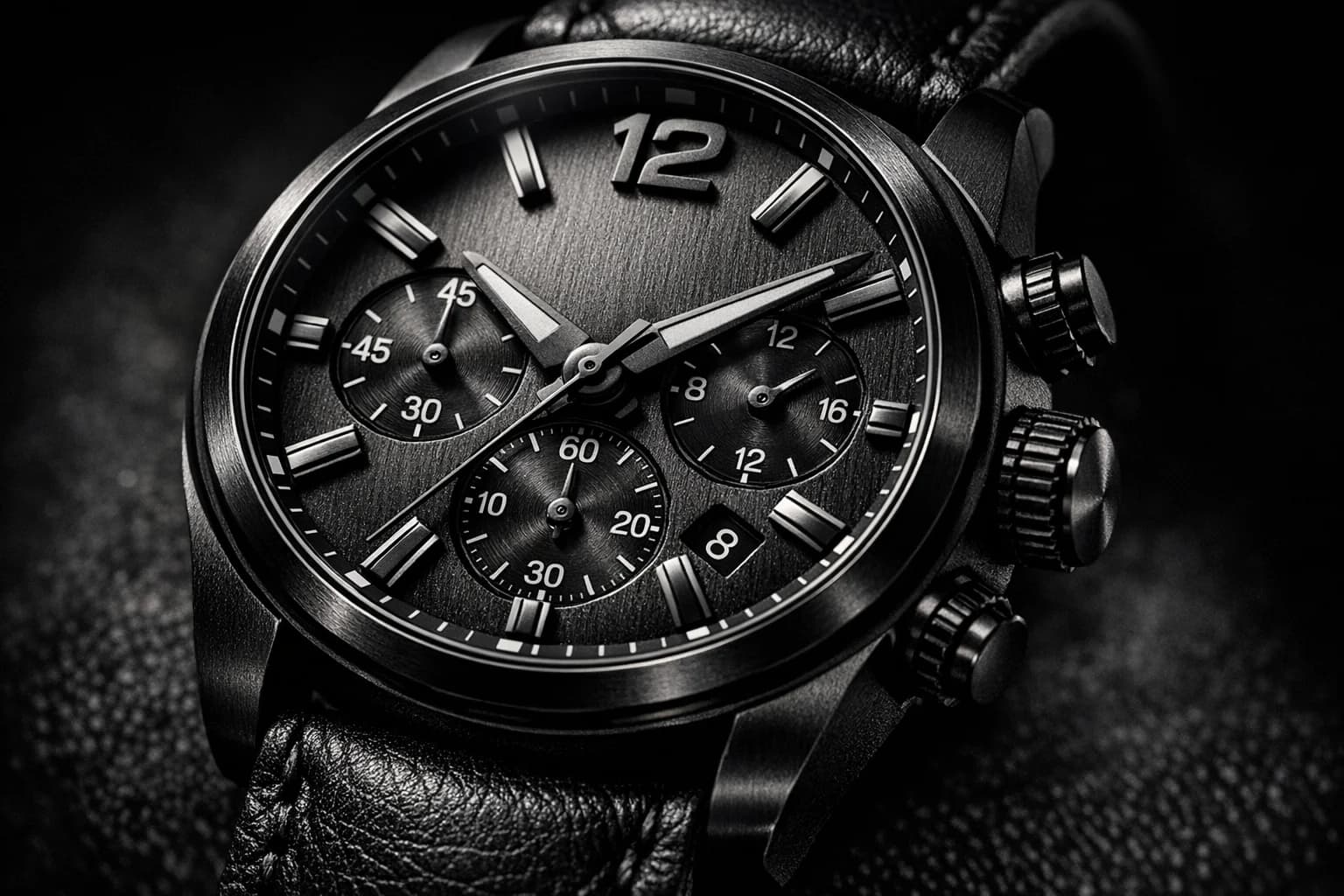
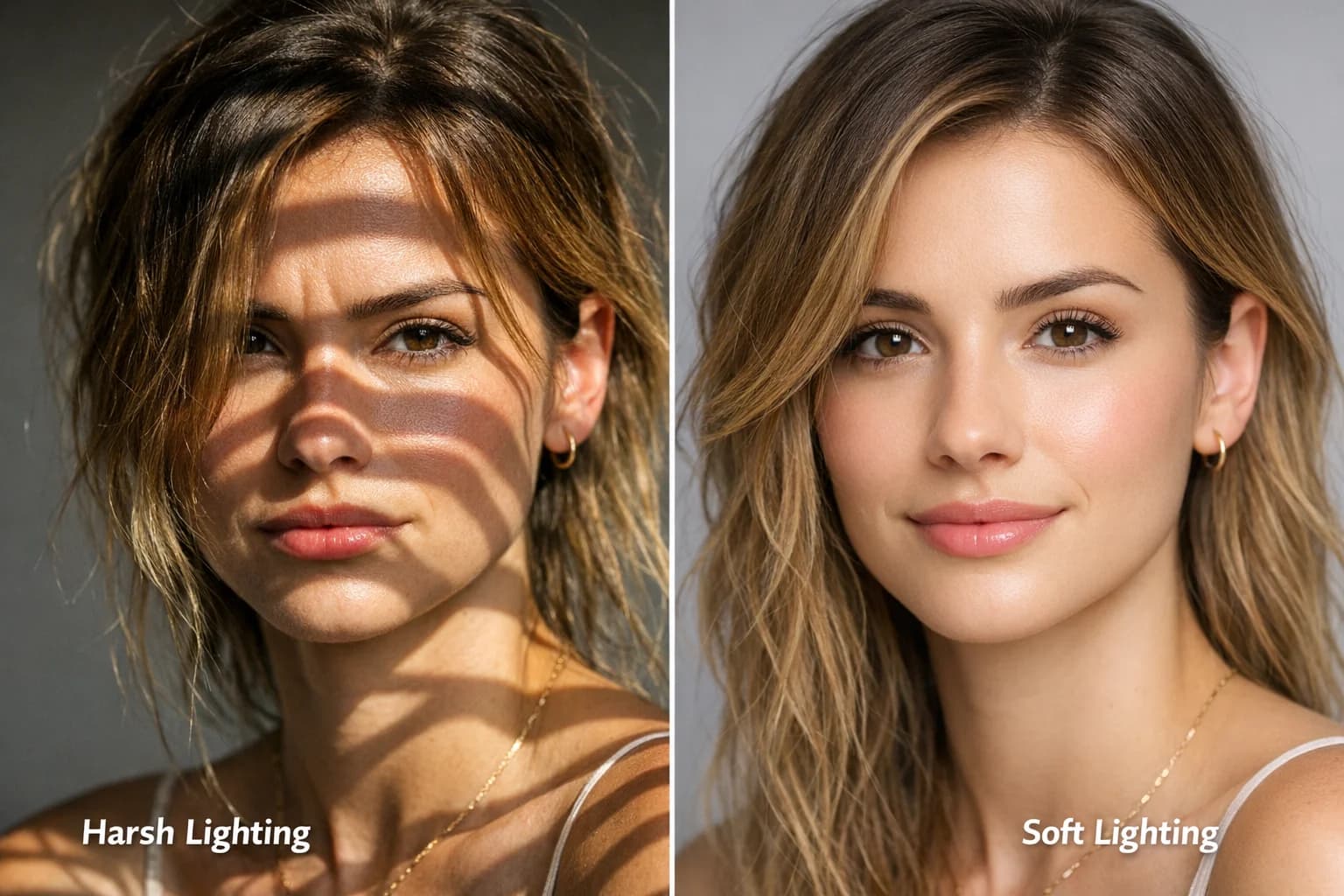
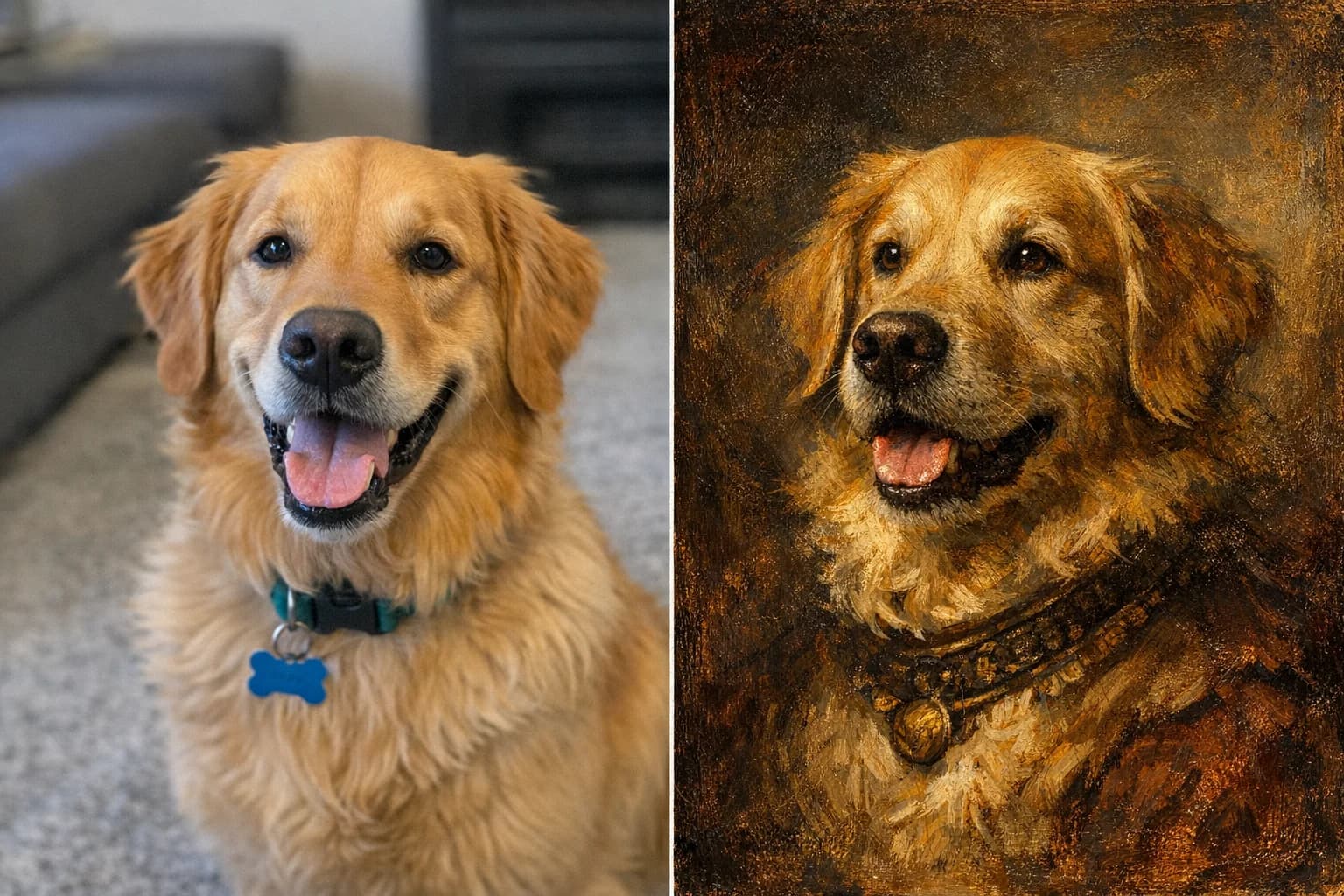
See how creators are using our photo to pixel art converter for games, art, and fun.
What Our Users Say
I've been searching for how to make image into pixel art for my 2D platformer. This converter saved me weeks of manual sprite work. The 16-bit style is phenomenal!
Marcus Thorne
Indie Game Developer
Turned my real-life house into a Minecraft photo to pixel art blueprint, and it worked flawlessly. The blocky textures look exactly like the game.
Chloe Jenkins
Minecraft Content Creator
The best pixel art generator I've used. I convert photos of my cats into 8-bit avatars for my Twitch channel and my subscribers absolutely love them.
David Lin
Twitch Streamer
As a graphic designer, I occasionally need a retro aesthetic for client campaigns. This image to pixel art tool gives me the exact vintage arcade look instantly.
Sarah Johnson
Graphic Designer
I tried other tools to pixelate image files, but they just made things blurry. PicFixer actually understands the edges and creates a true pixel art palette.
Elena Rodriguez
Digital Artist
Super easy to use. I uploaded a picture to pixel art just for fun to make a retro poster for my room, and the resolution was high enough to print perfectly.
James Wilson
Hobbyist Maker