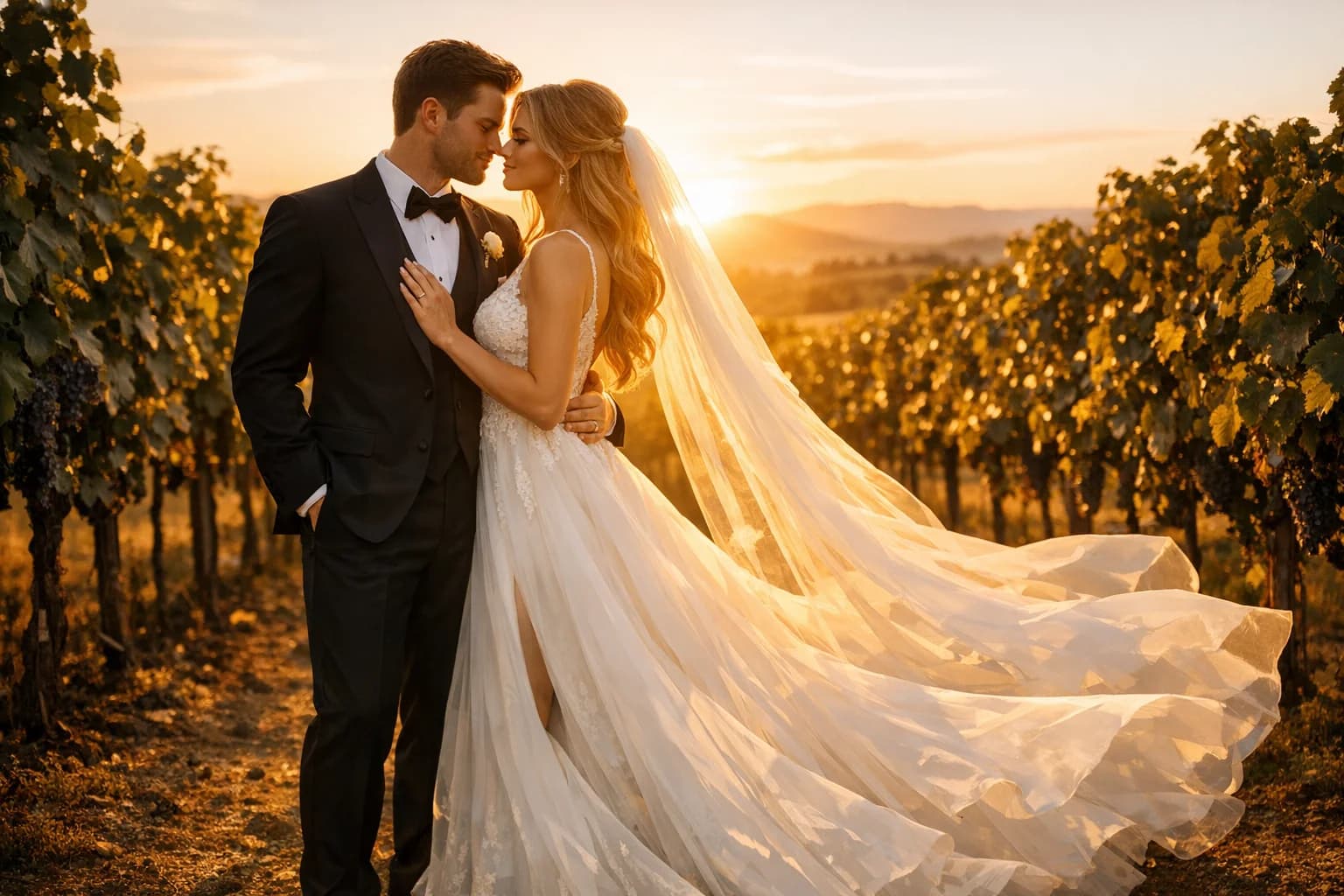
Medical Residency Headshots
Medical Residency Headshots from Your Photo
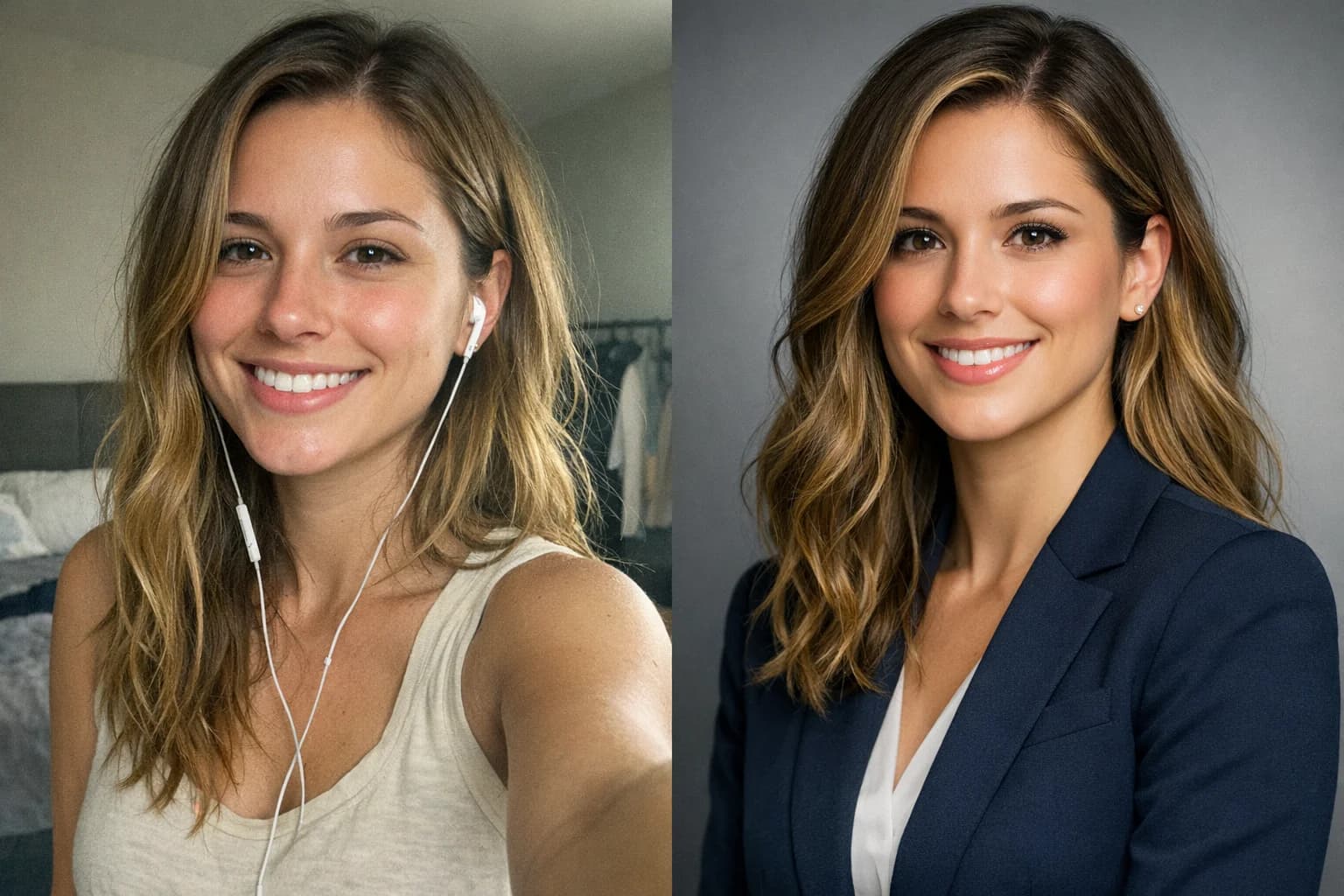
Turn a casual photo into a polished portrait for your residency application. Review the result before using it in MyERAS.
Adjust clothing, lighting, and background with AI, then check your download against current AAMC photo requirements.
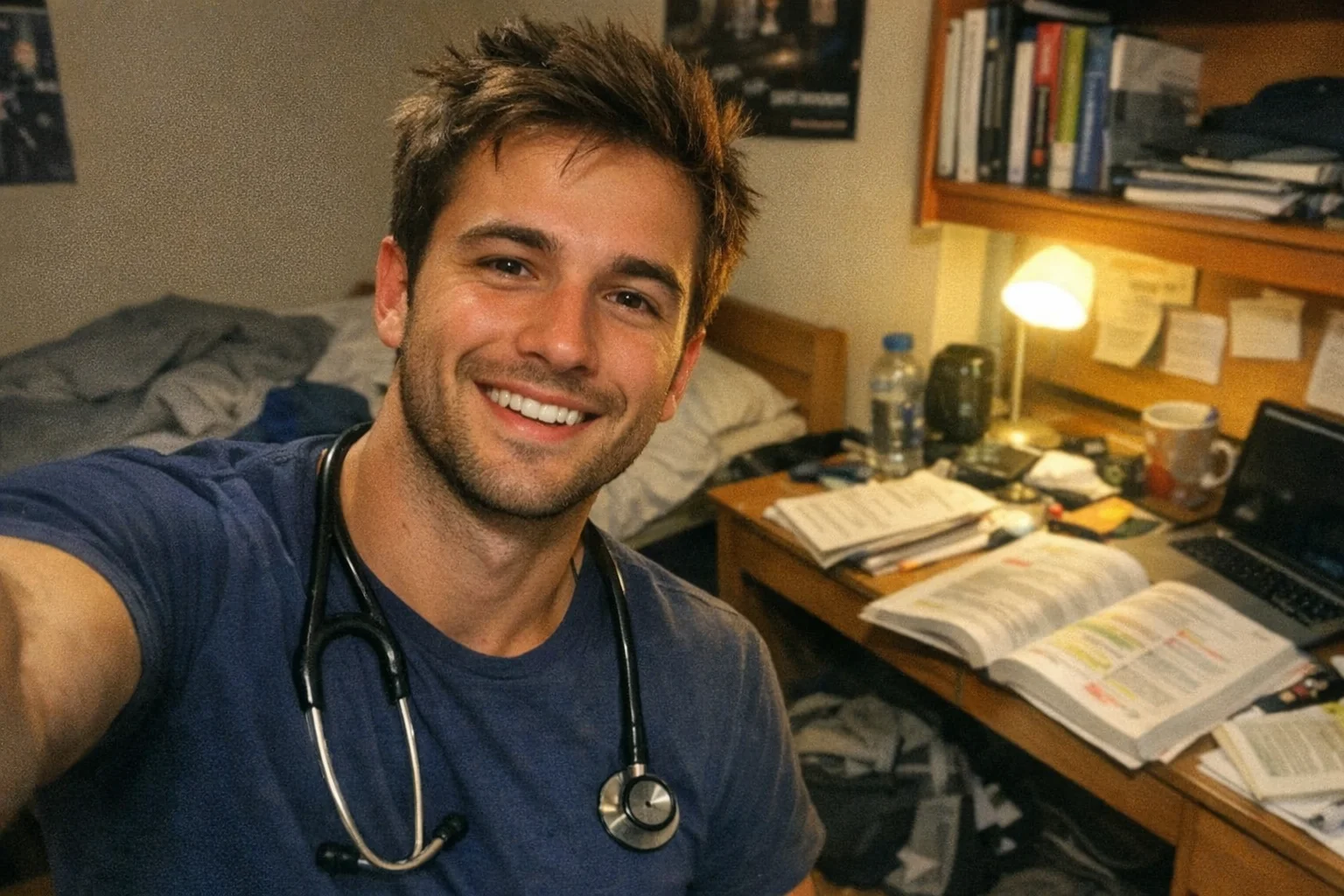
Create a Professional Medical Portrait from Your Photo
Upload a photo and try AI adjustments to clothing, lighting, and background.
Images generated by free users will have a watermark
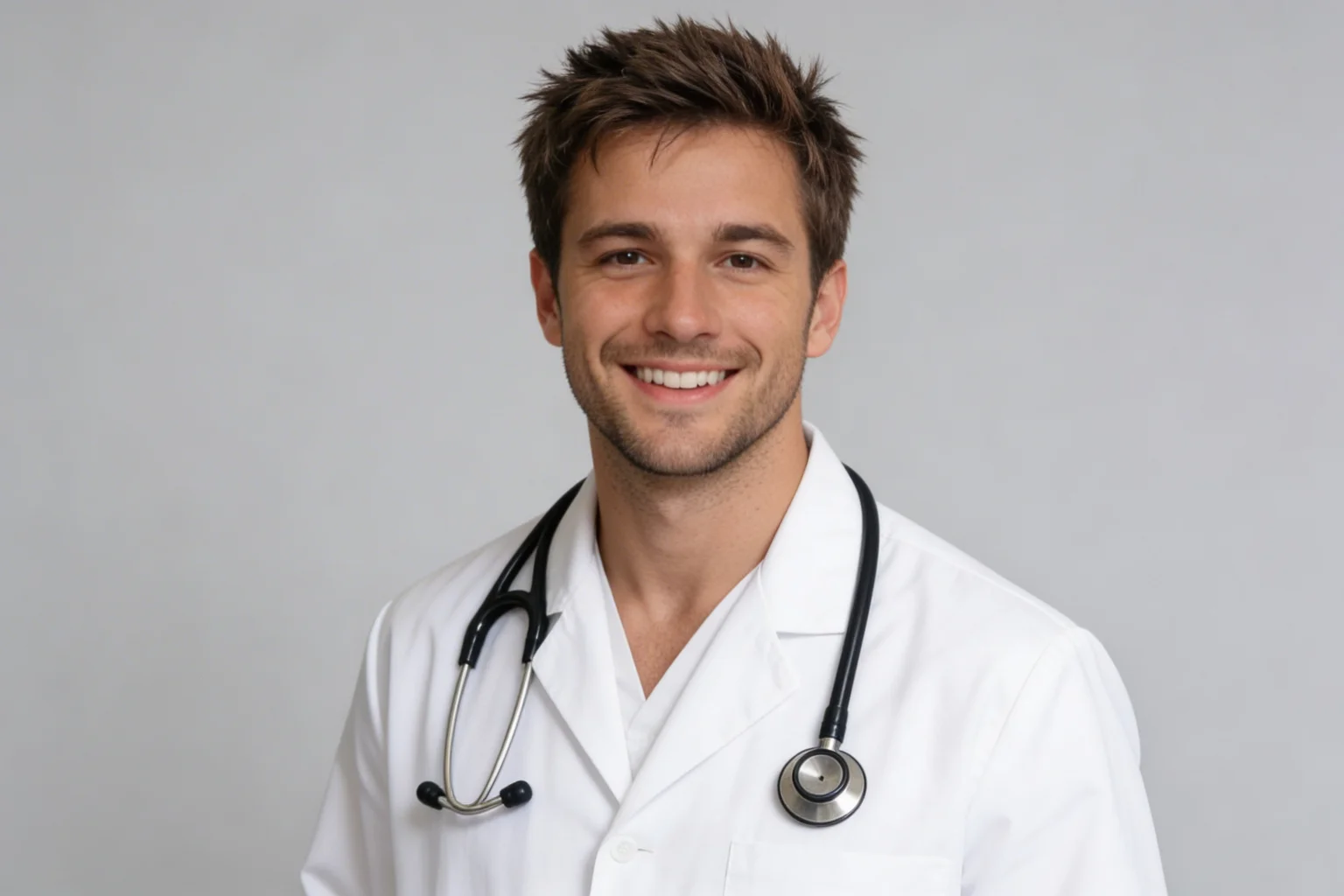
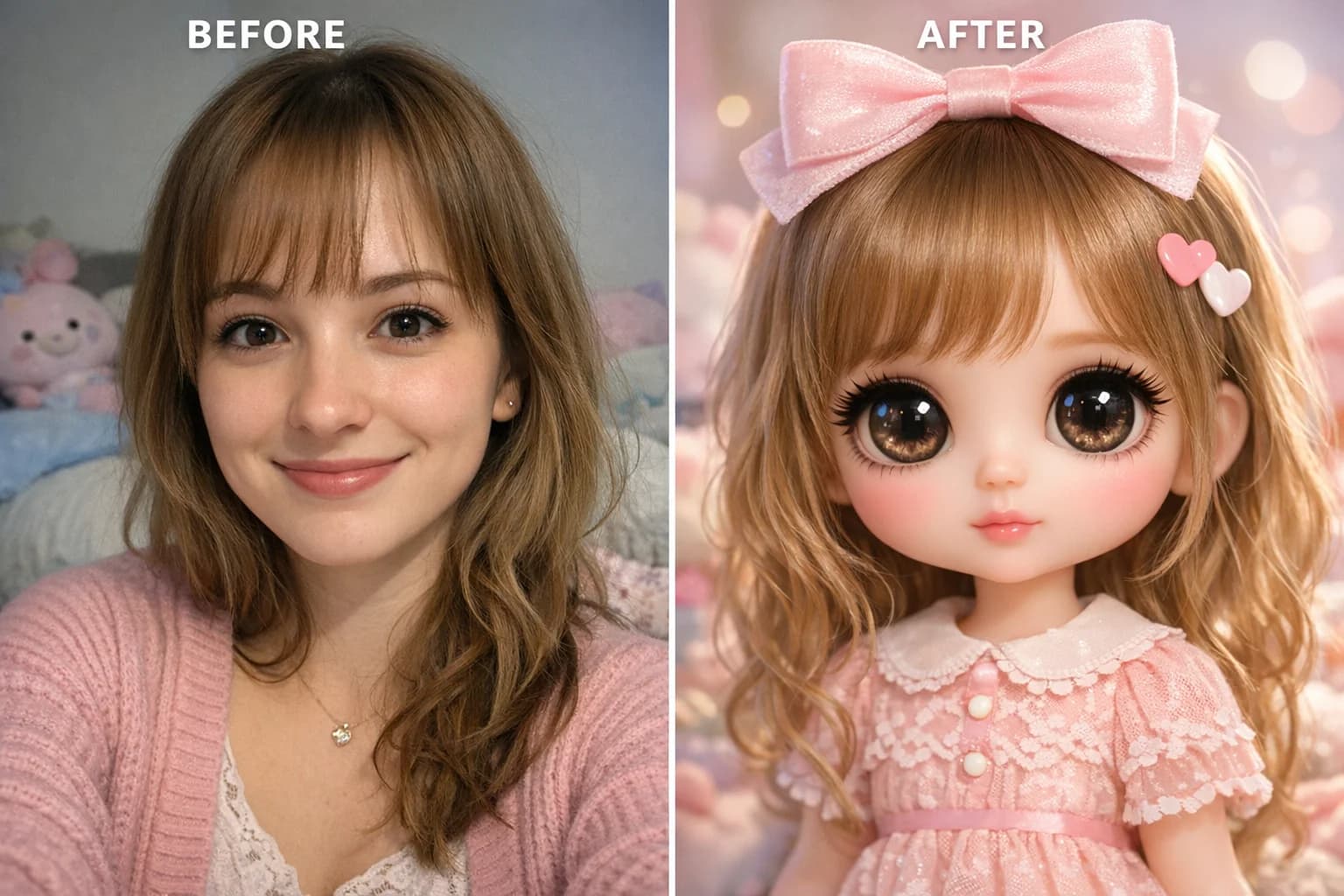
Casual to White Coat
Professional medical headshot, white coat, neutral background
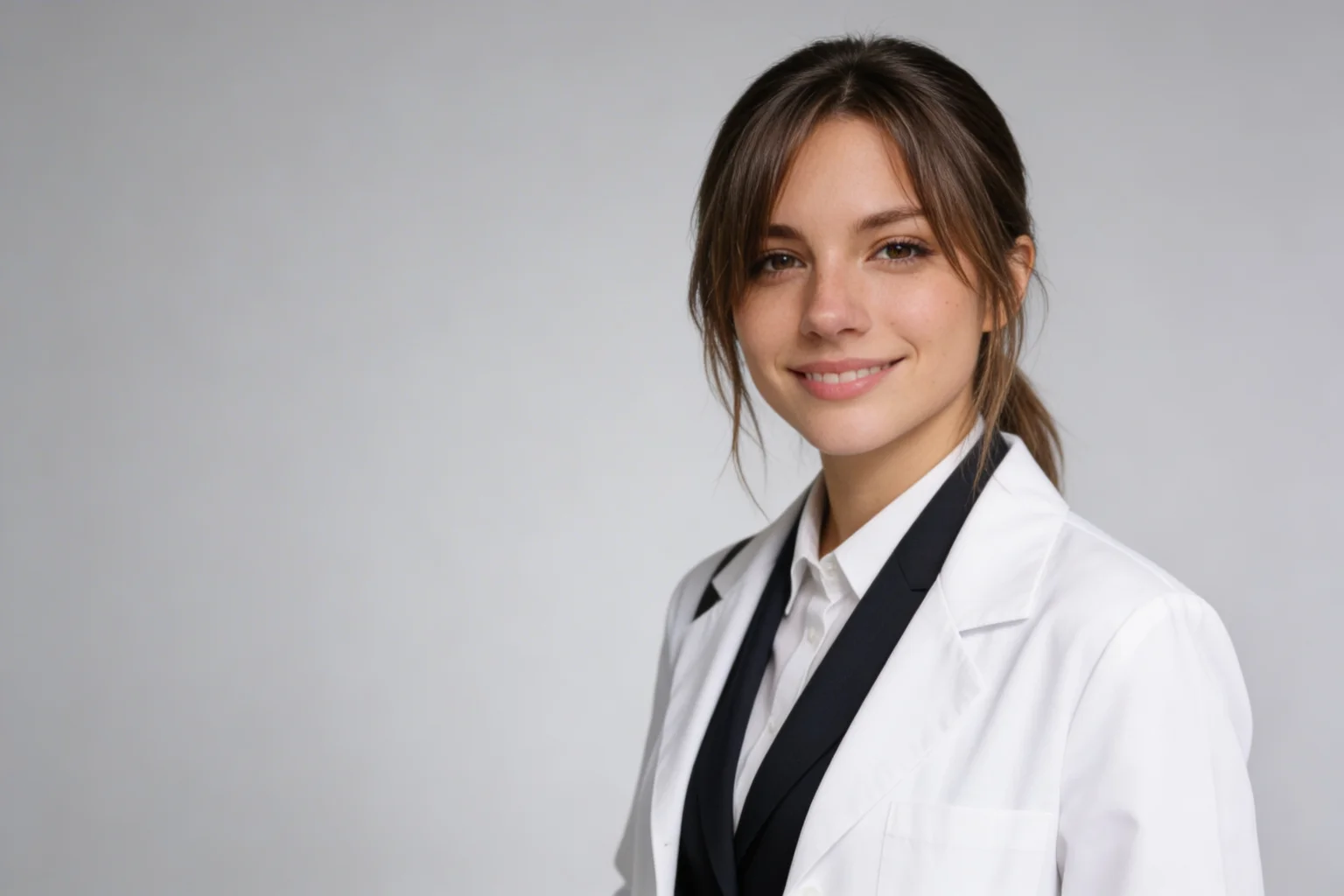
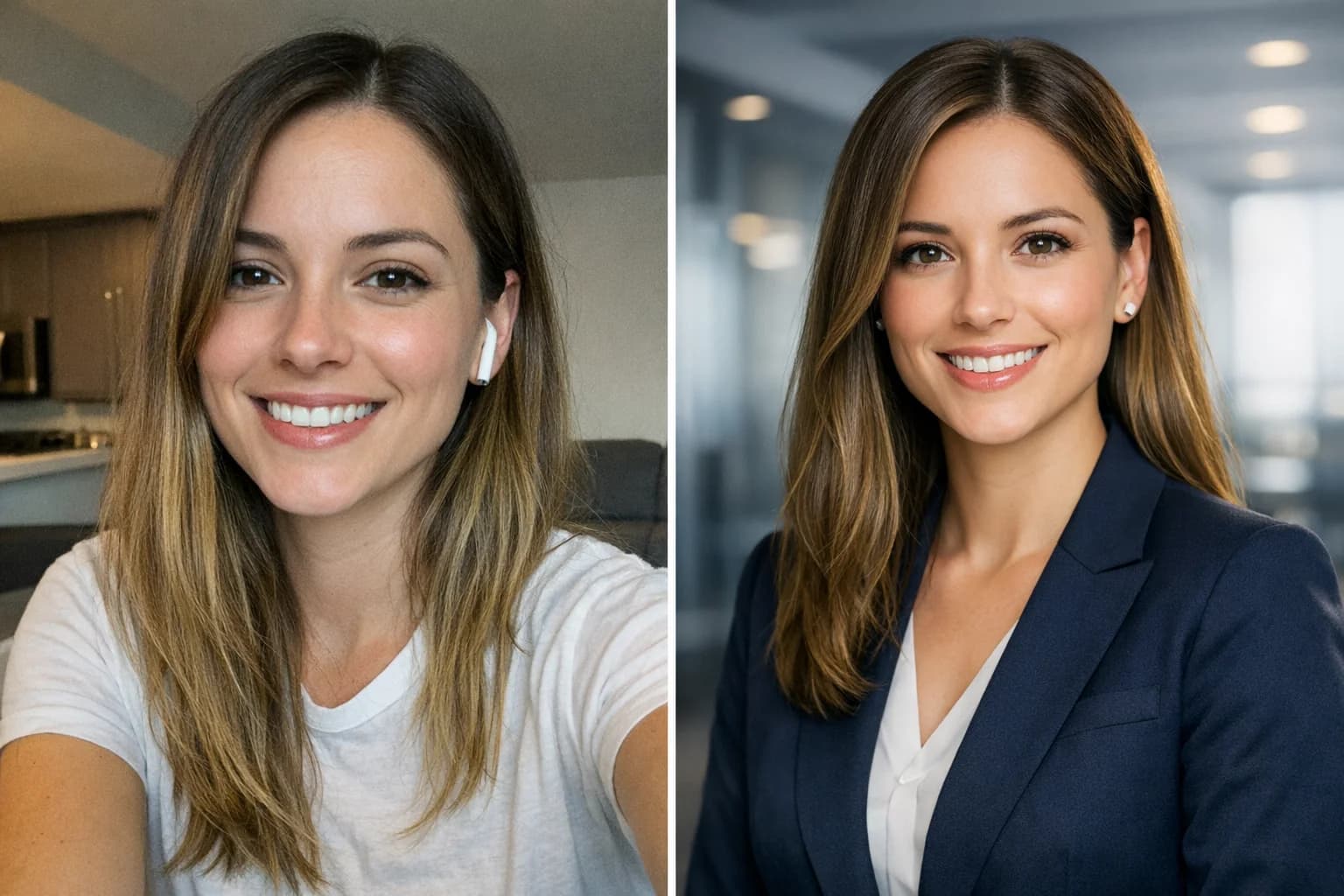
Outdoor to Studio
Female doctor headshot, formal suit, studio lighting

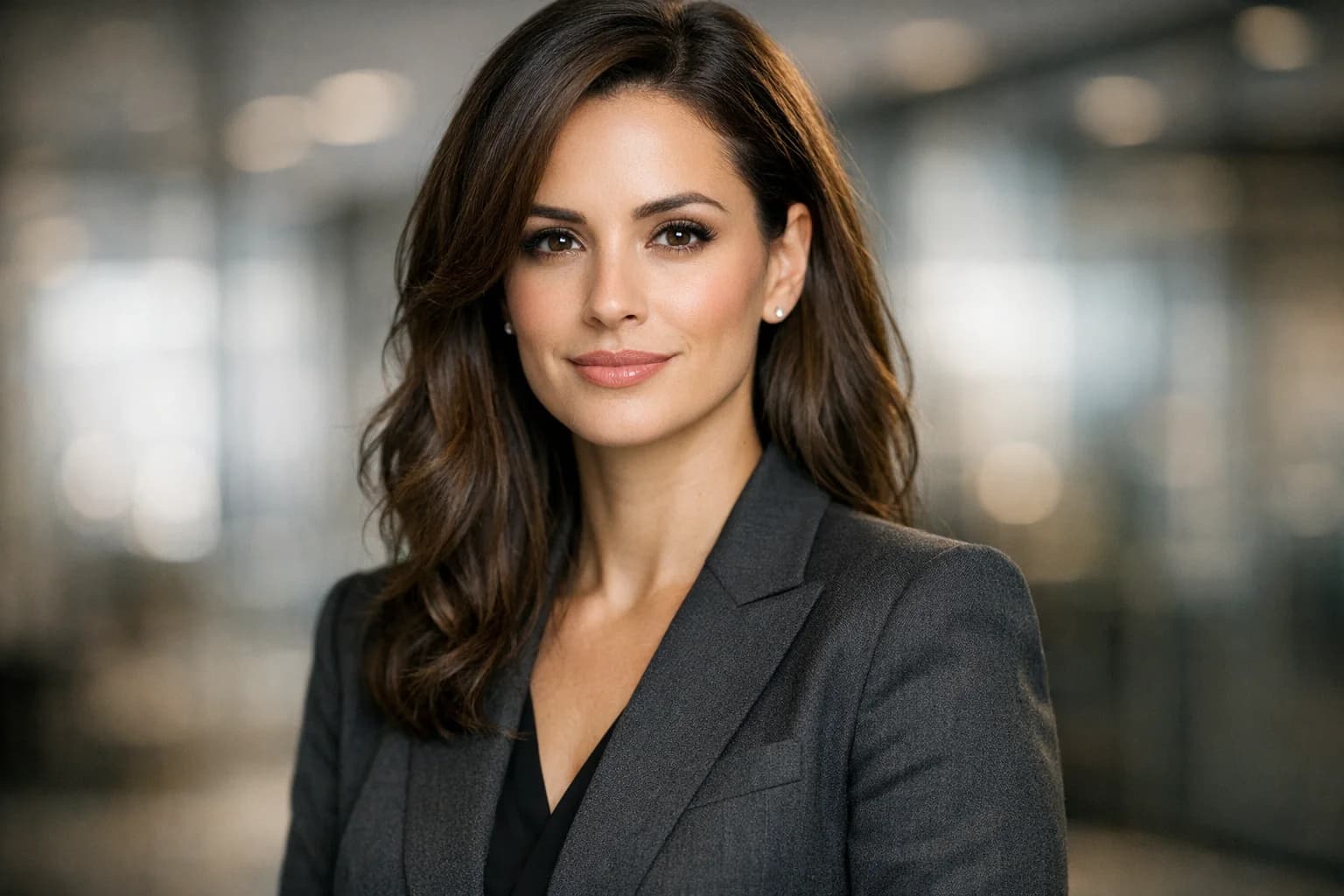
Hospital Hallway to Professional Profile
Senior physician headshot, professional attire, grey background
FEATURES
Designed for Residency Applications
Explore AI tools for clothing, lighting, and background. Review the final image and file details before using it in an application.
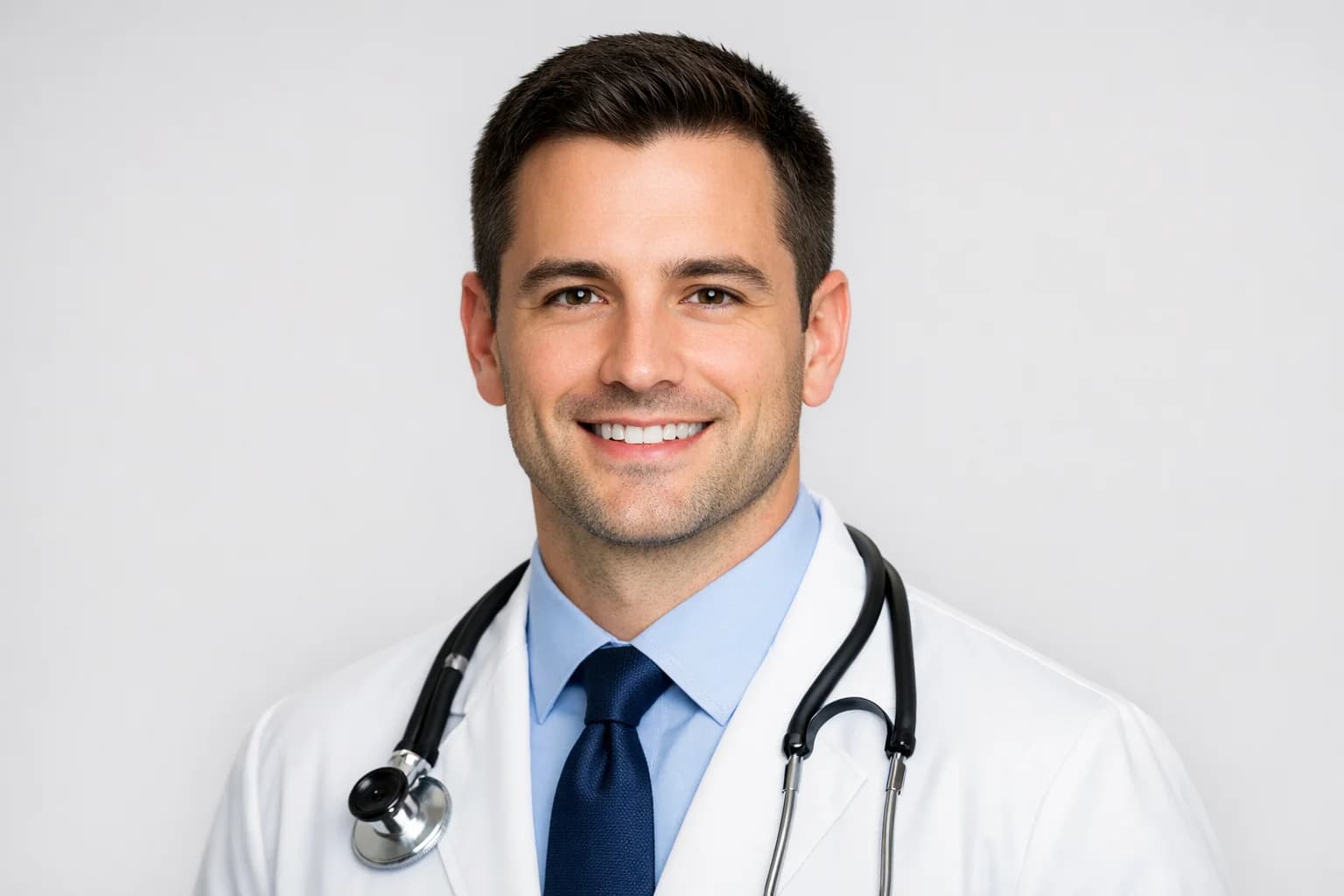
Prepare Your Photo for MyERAS
AAMC residency guidance lists JPG/JPEG or PNG, a maximum file size of 150 KB, and a centered face. Check your downloaded image for size, format, appearance, and any program-specific requirements before uploading.
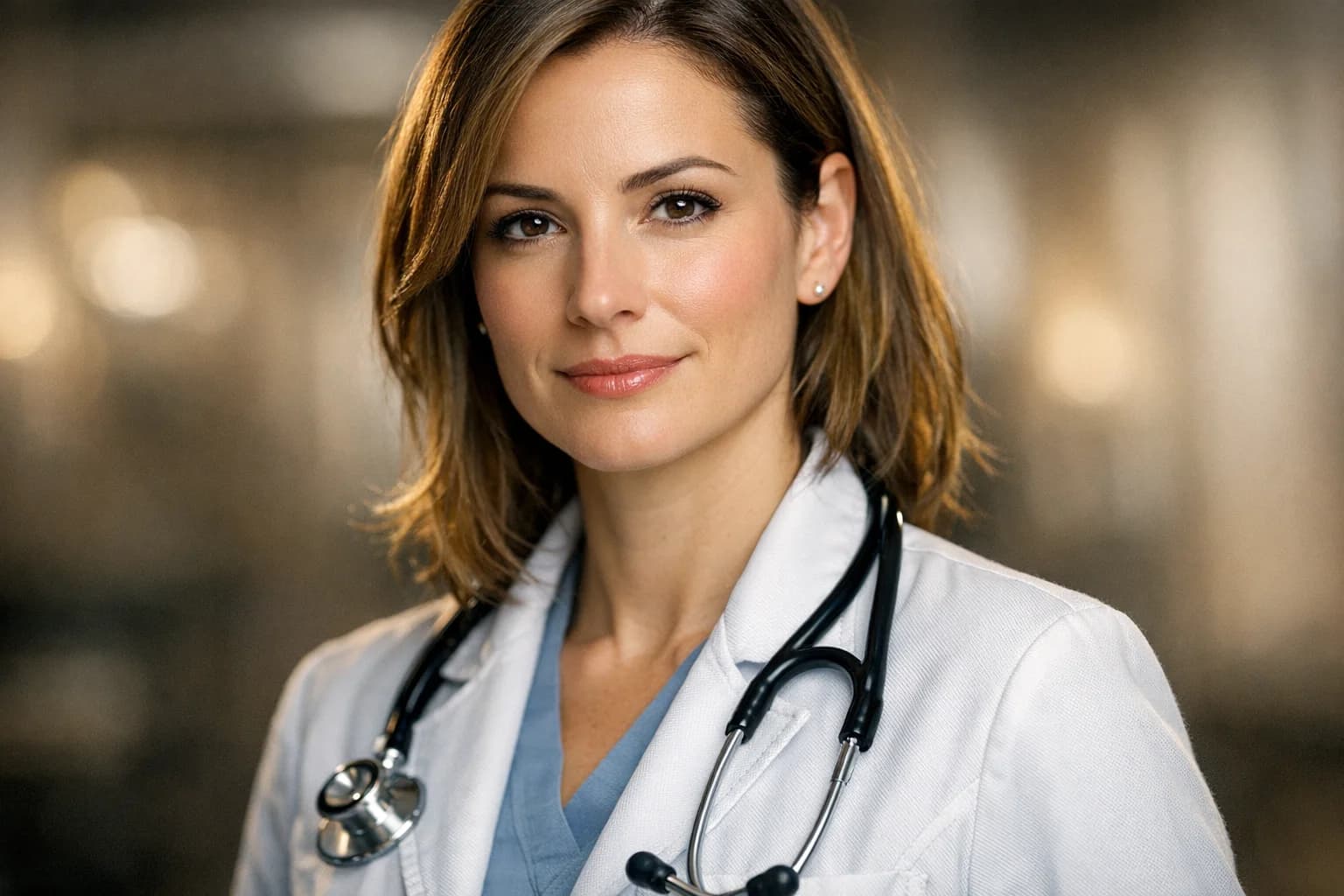
AI White Coat & Suit Wardrobe
Instantly swap casual clothes for a professional white coat, scrubs, or business suit. Our AI seamlessly integrates professional medical attire that looks natural and authoritative.
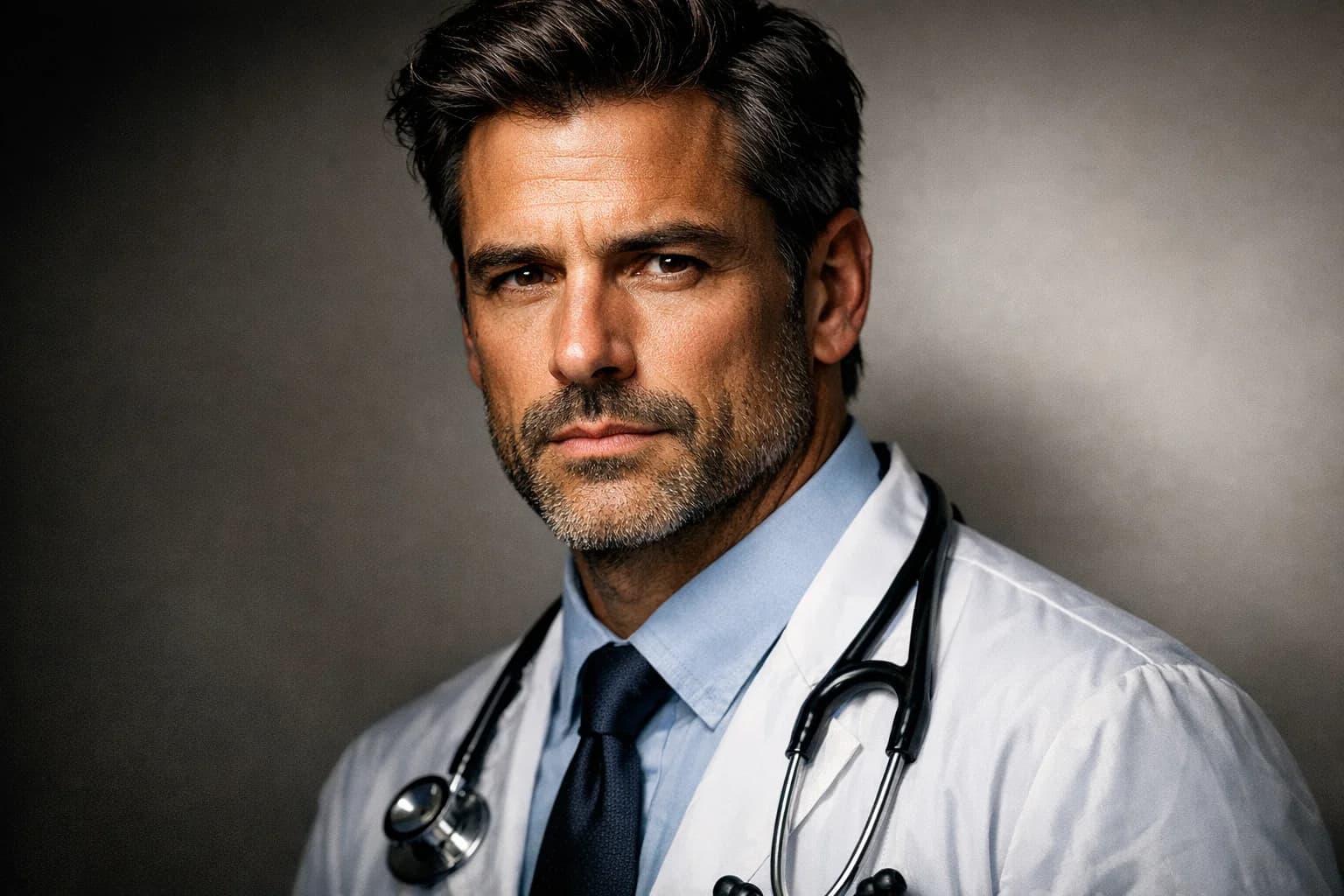
Studio-Quality Lighting Enhancement
Fix poor indoor lighting and harsh shadows automatically. We simulate professional three-point studio lighting to highlight your features and convey confidence and warmth.
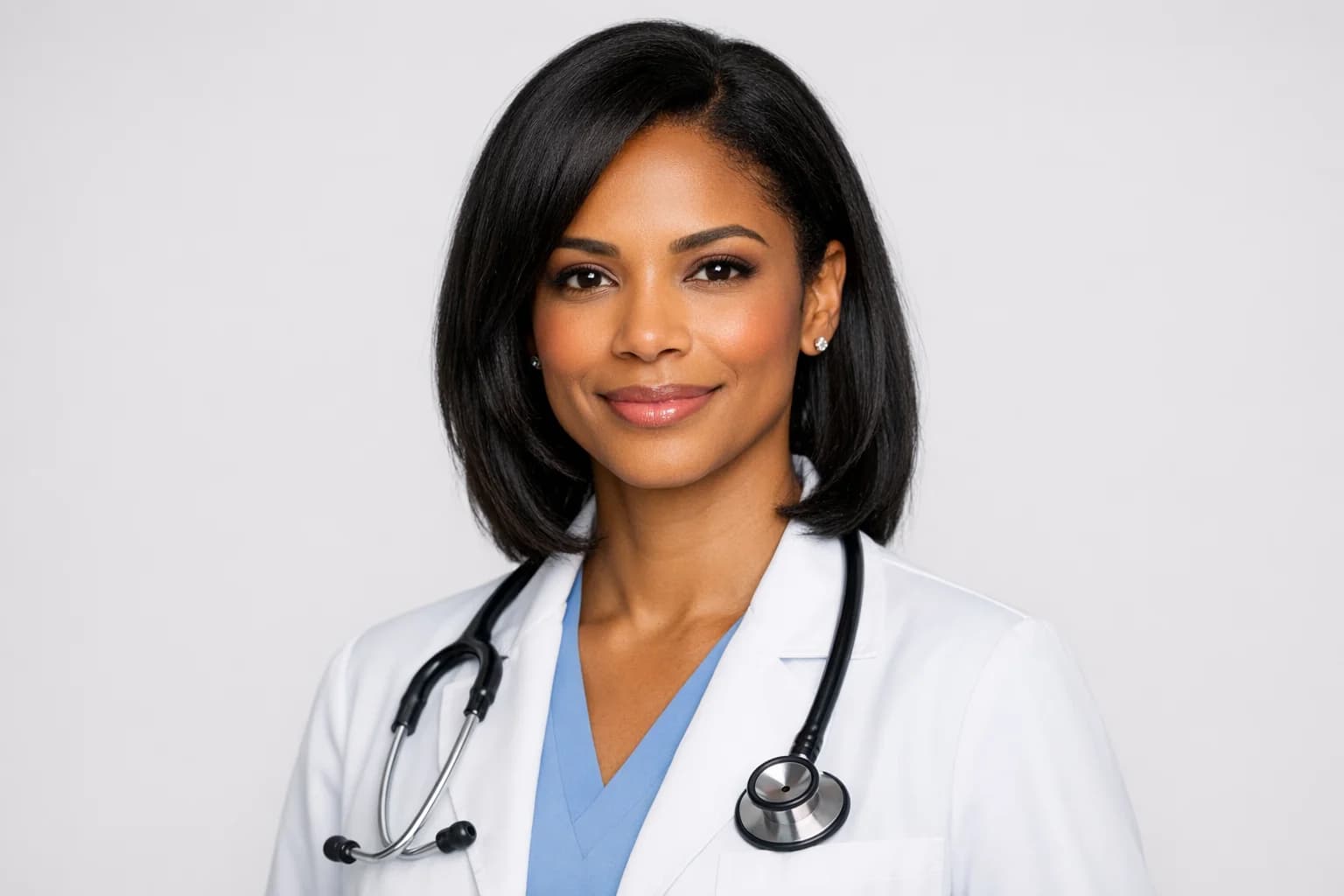
Smart Background Removal
Replace a busy setting with a neutral background for a cleaner portrait. Review the result to make sure it still looks like you.
FAQ
Frequently Asked Questions
Common questions about ERAS photos and our generator.
AAMC residency applicant guidance says a photo should not exceed 2.5 x 3.5 inches, 150 dpi, or 150 KB. Its photo guidance lists JPG/JPEG or PNG and a centered face. Check the latest MyERAS and program requirements, then verify your downloaded file yourself before uploading.
You can try an AI white coat, scrubs, or suit. Review the final image for accuracy and check the relevant application or program rules before using an edited photo.
Generation time varies with image size and system load. Review the resulting image and its file properties before using it in an application.
Check the upload control for currently supported input formats. MyERAS currently lists JPG/JPEG or PNG for residency photos and a 150 KB maximum. Verify the type and size of your downloaded file before uploading.
Yes. Compare the generated portrait with your original photo, check the current AAMC and program instructions, and verify the downloaded file before submitting it.
Check the upload control for current supported file types and size limits. Keep your original photo so you can compare it with the generated result.
Try different clothing, lighting, and background styles, then review the result before using it in an application.
Create a Medical Residency Headshot
Check your download against current AAMC MyERAS photo guidance before you upload it.
Secure & Private
AI-Powered