Create a Traditional Tattoo Flash Concept from Your Idea
Start with a short written idea. This generator makes one American traditional style flash image on paper. It does not create a stencil, show a design on skin, or confirm that the design will work as a tattoo.
Generate a Tattoo Flash Idea
Name the main subject and any flowers or colors you want. Start with one clear composition.
Images generated by free users will have a watermark
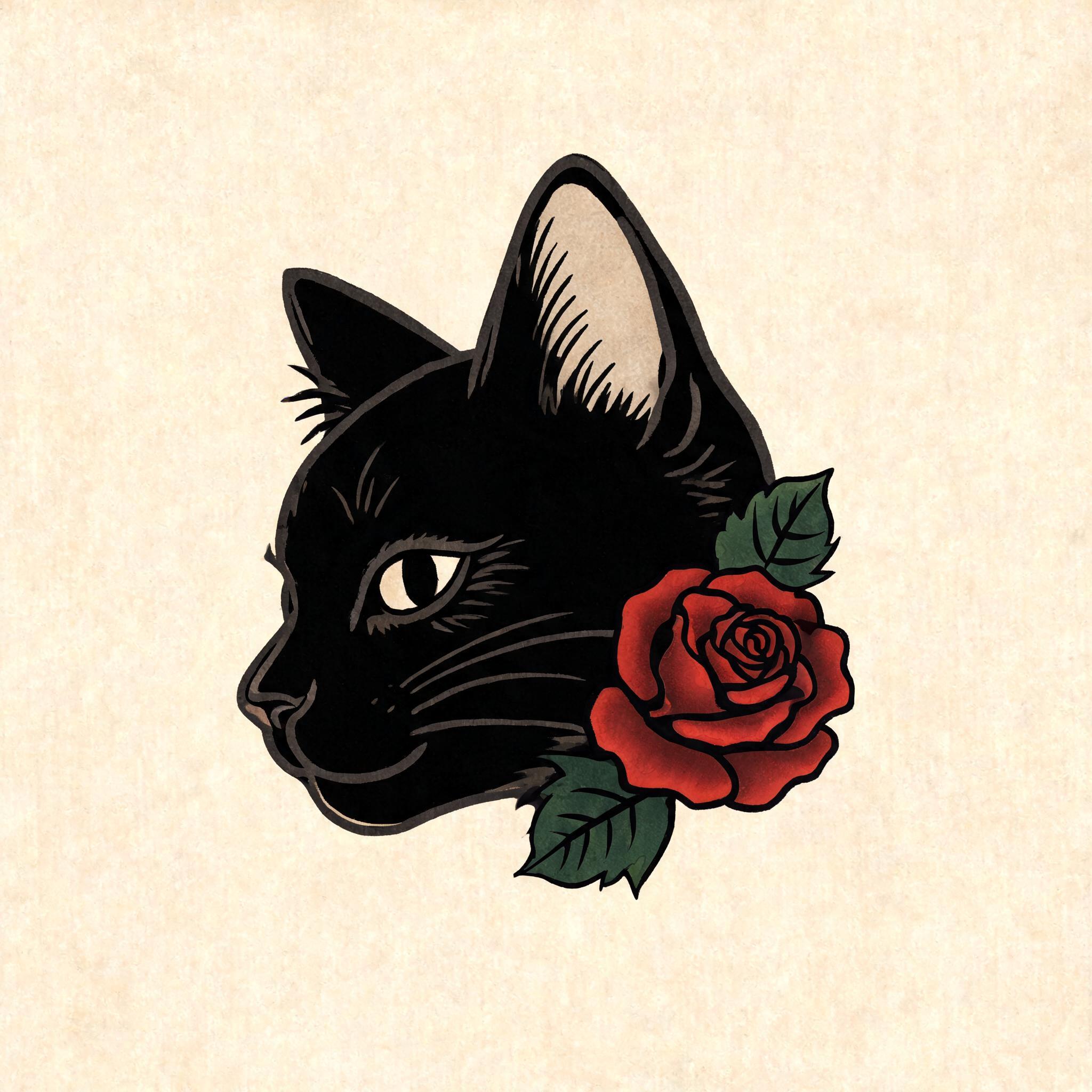
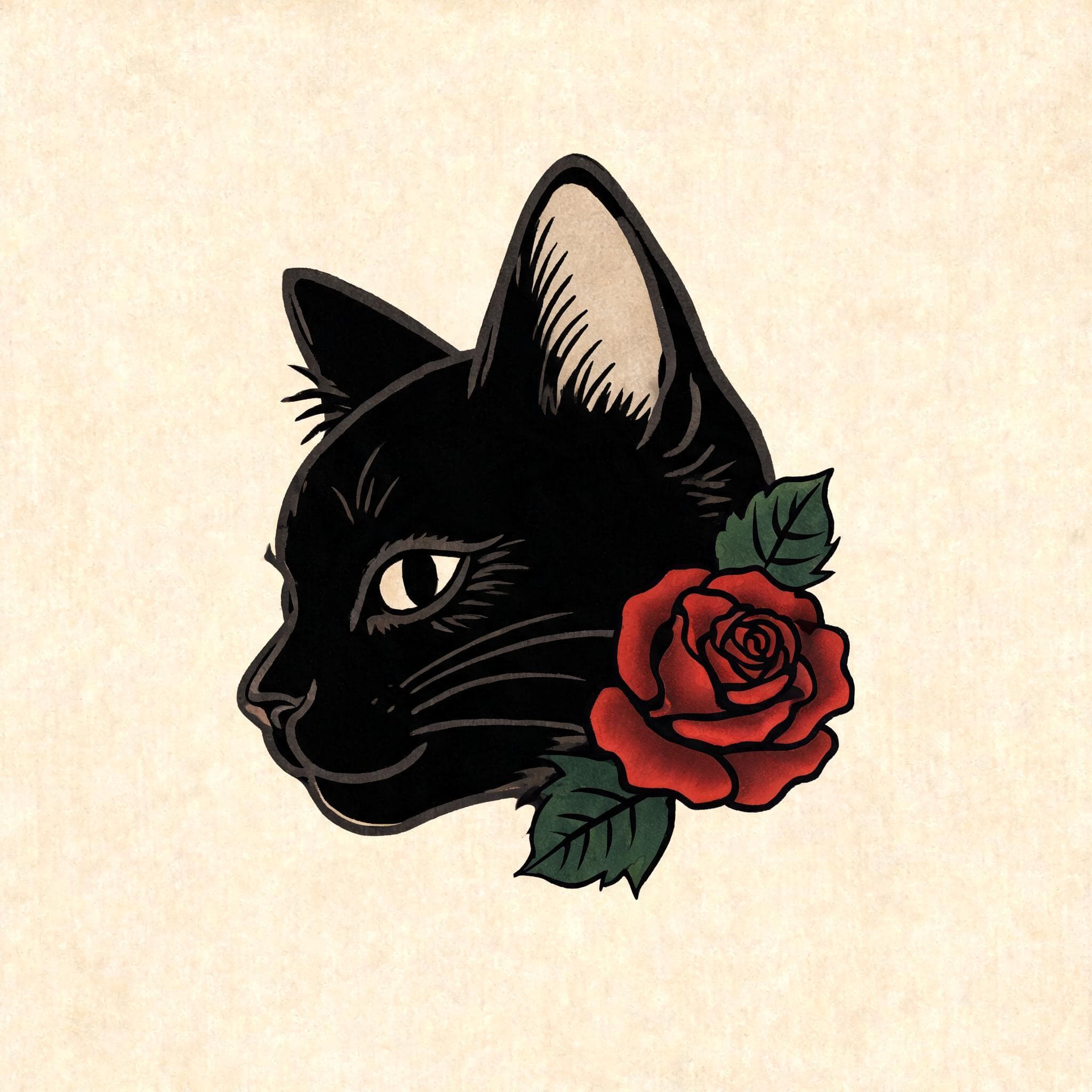
Black Cat and Rose
a black cat head in three-quarter view with one deep-red rose and two green leaves
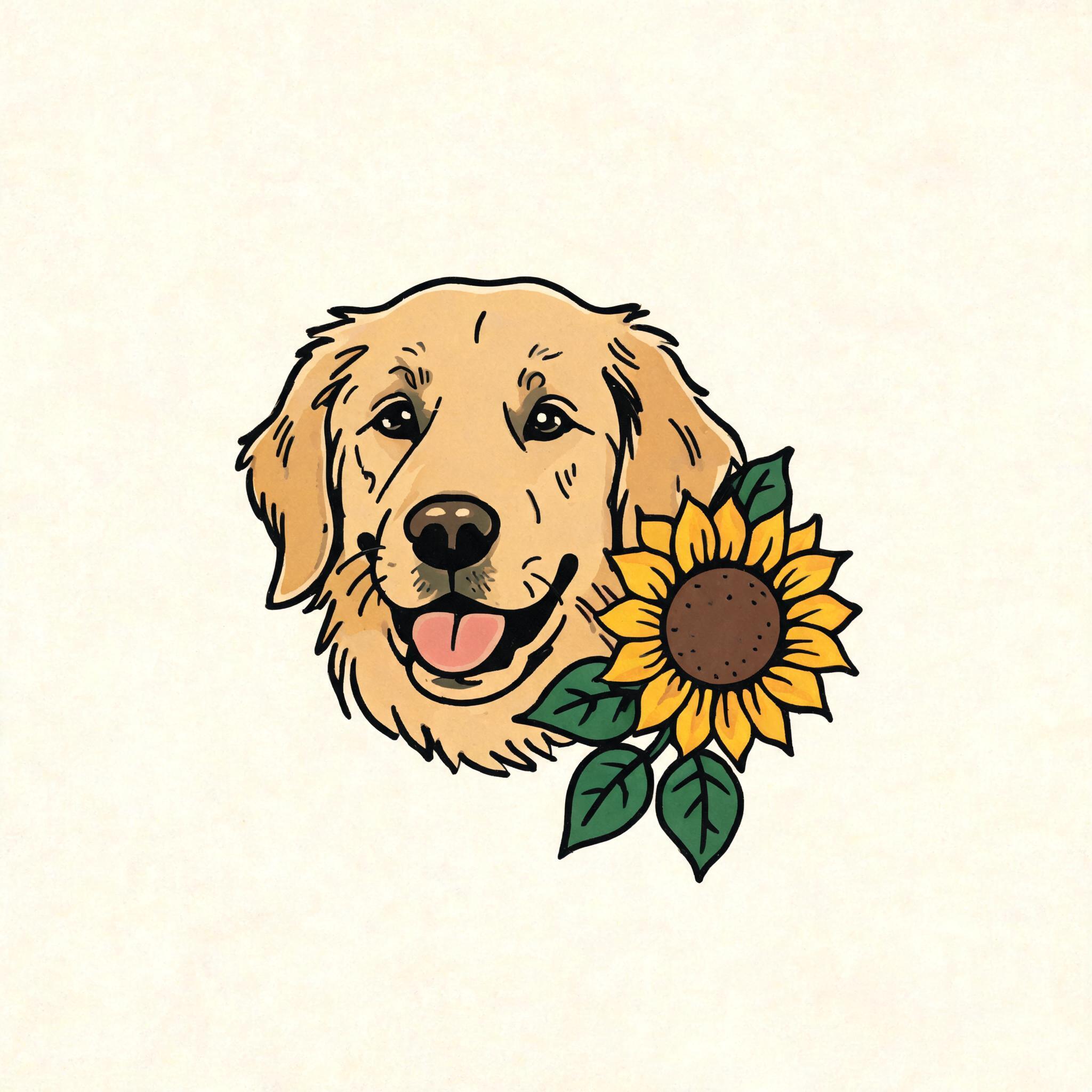
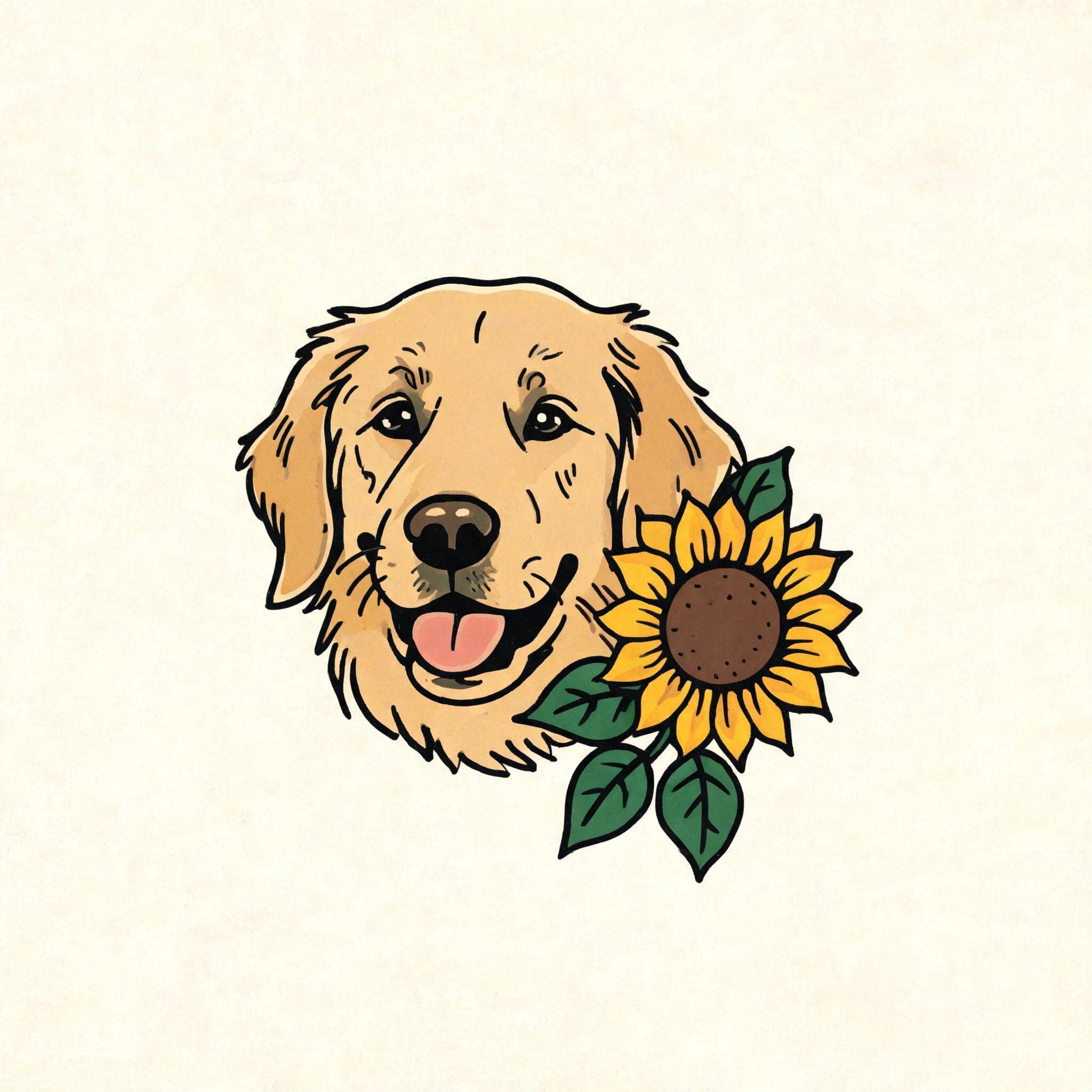
Golden Retriever Tribute
a friendly golden retriever head portrait with one sunflower and two green leaves, as a pet tribute
See What a Written Idea Can Become
Combine a Subject and a Symbol
Explore a Pet Tribute Concept
From Idea to Artist Conversation
Keep the first prompt focused, then use the image as a starting point for a conversation.
1. Describe Your Concept
Name the main subject, a small number of supporting elements, and any colors you prefer. This page starts from text, without a photo upload.
2. Generate One Image
The generator shows its current credit cost before you submit. It produces one traditional flash style image from your description.
3. Review the Details
Check that the subjects, shapes, and colors match what you meant. Generated art can add or change details, so revise your description and try again if needed.
4. Talk with a Tattoo Artist
Bring the downloaded concept to a tattoo artist. The artist should assess anatomy, size, placement, line weight, and whether the idea can be adapted into a tattoo.
Questions About AI Tattoo Concepts
Make a Tattoo Concept to Discuss
Describe your subject, generate a flash style image, and review it with a tattoo artist before using it as the basis for a tattoo.