🕰️ Preserve Memories
Bring Old Memories Back to Life with AI
Instantly restore old photos online. Remove scratches, sharpen blurry faces, and repair damage with our advanced AI old photo restorer.
Transform torn, faded, and degraded family pictures into breathtakingly clear, pristine images in seconds.
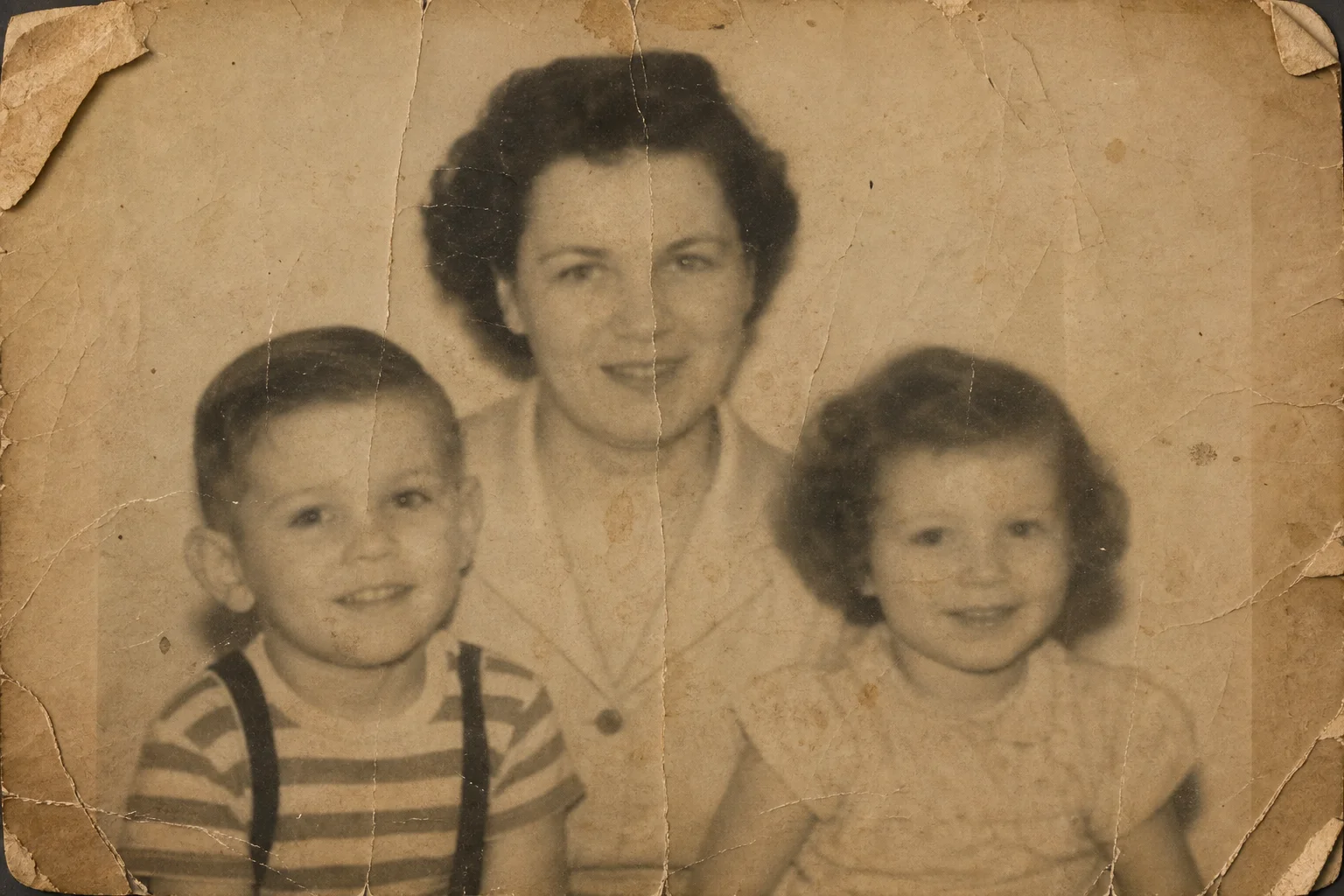
AI Old Photo Restorer
Upload your damaged, faded, or blurry vintage picture and let our AI restore it to perfect clarity instantly.
Images generated by free users will have a watermark
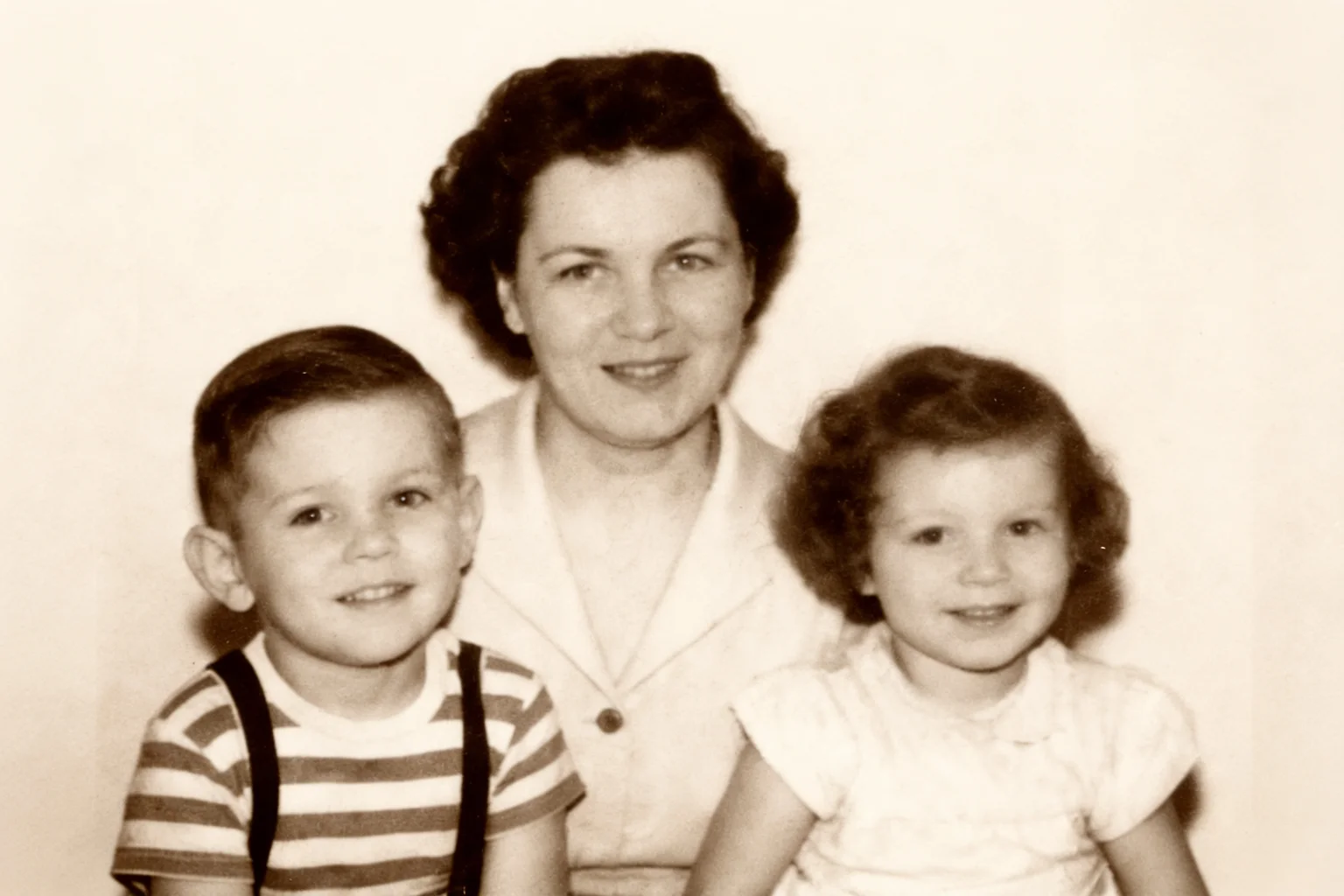
Family Portrait Repair
Remove the scratches and water damage, and sharpen the faces of my grandparents.
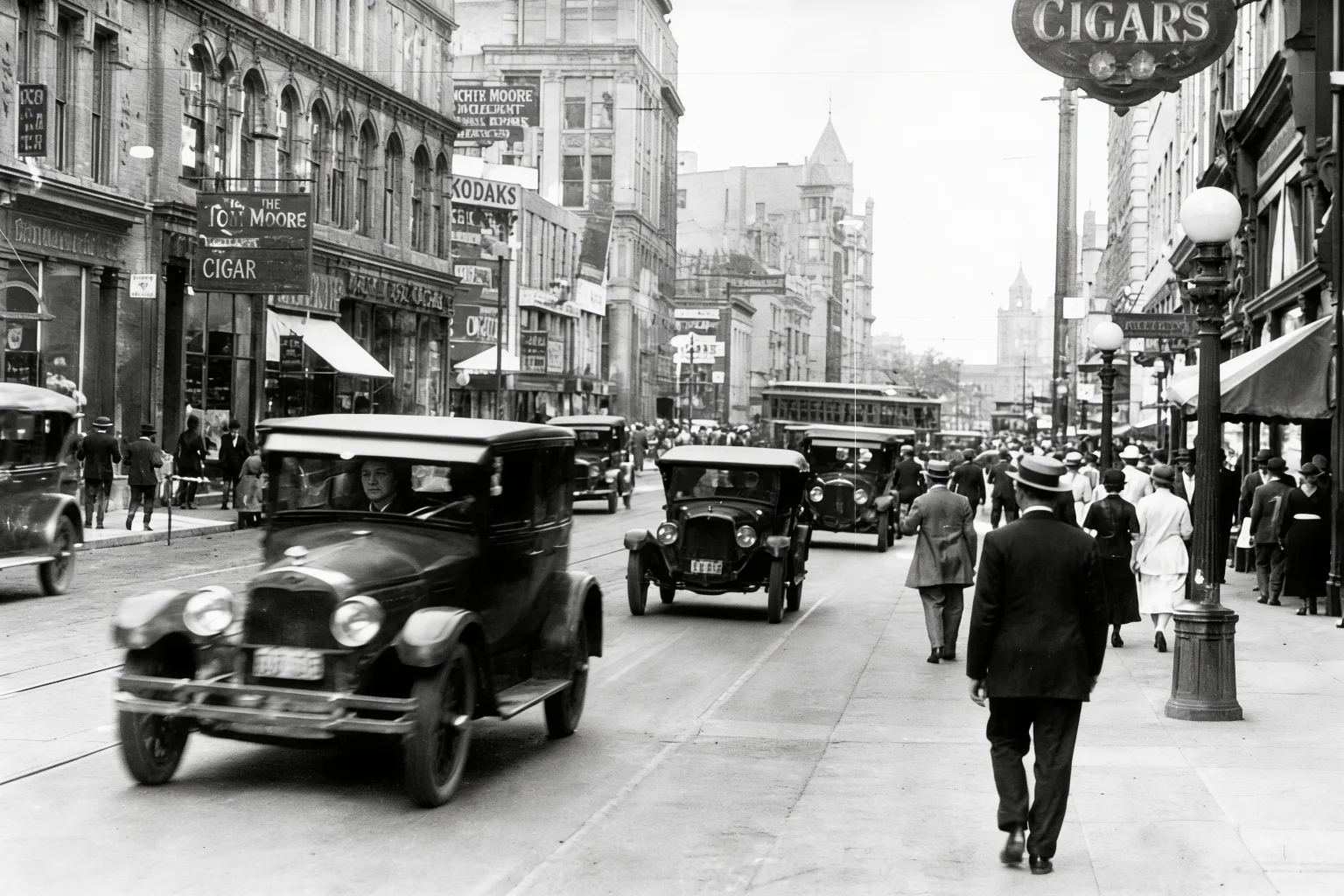
Historical Architecture
Clean up the dust and grain, improve contrast, and reveal the details of the old storefronts.
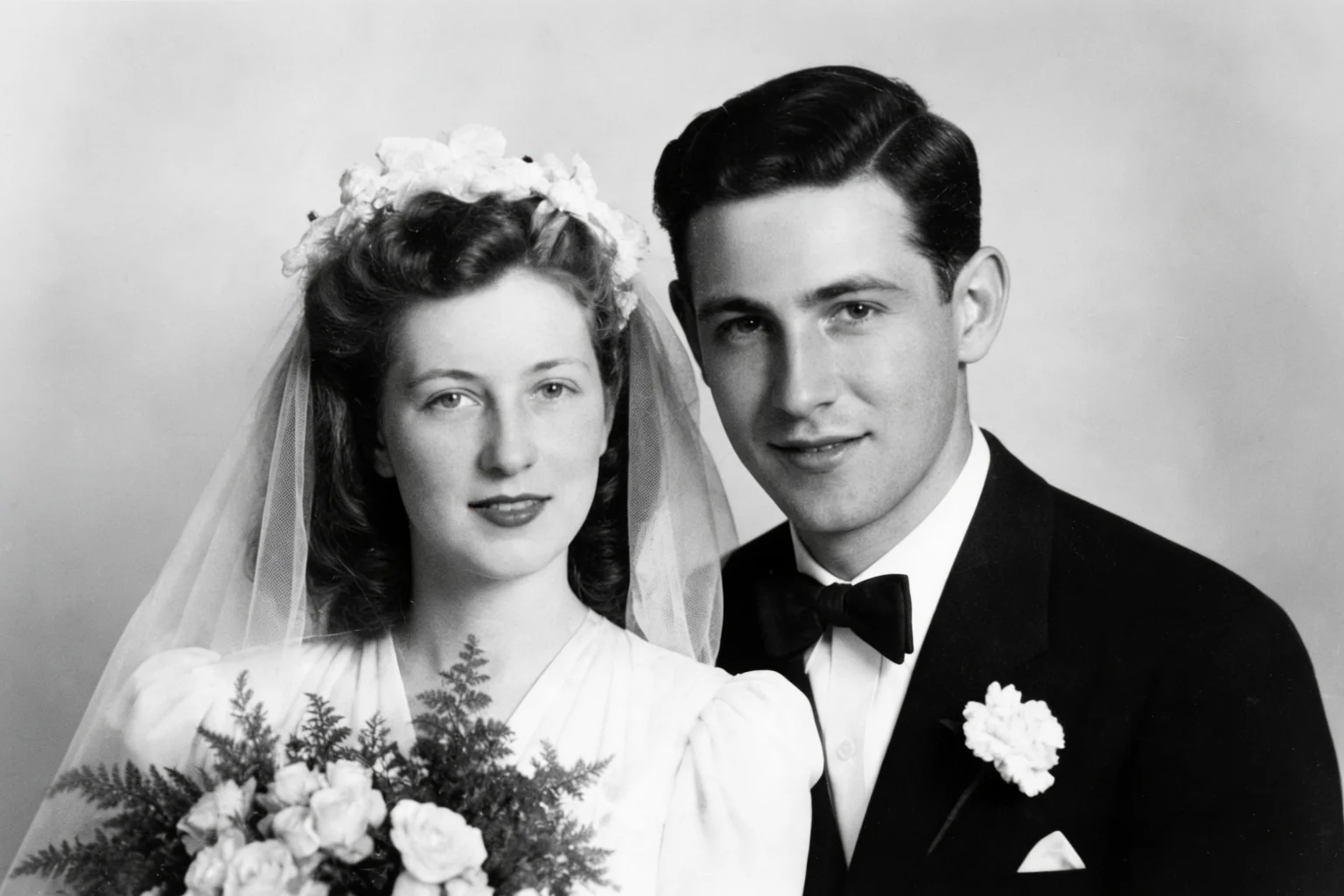
Severe Crease Removal
Fix the massive tear across the middle and restore the faded contrast.
FEATURES
Complete AI Photo Restoration
Everything you need to rescue and revive your precious historical memories.
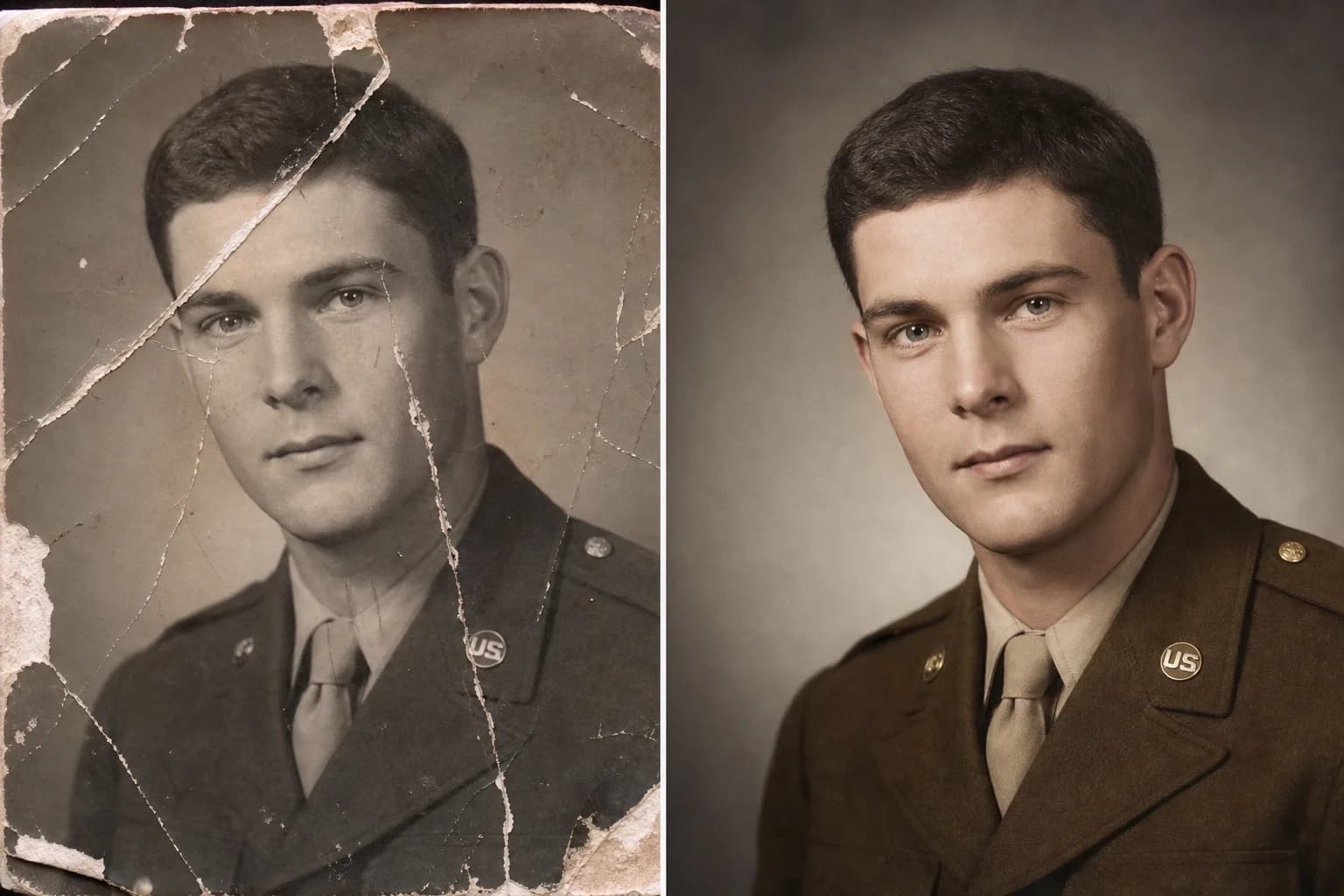
Instant Scratch & Tear Removal
Easily restore old photos online by automatically eliminating deep scratches, tears, and dust spots. Our AI old photo restoration tool repairs physical damage seamlessly.

Intelligent Face Sharpening
Bring blurry, faded faces back into sharp focus with smart facial reconstruction. The AI photo restorer analyzes features to recover lost details with stunning clarity.
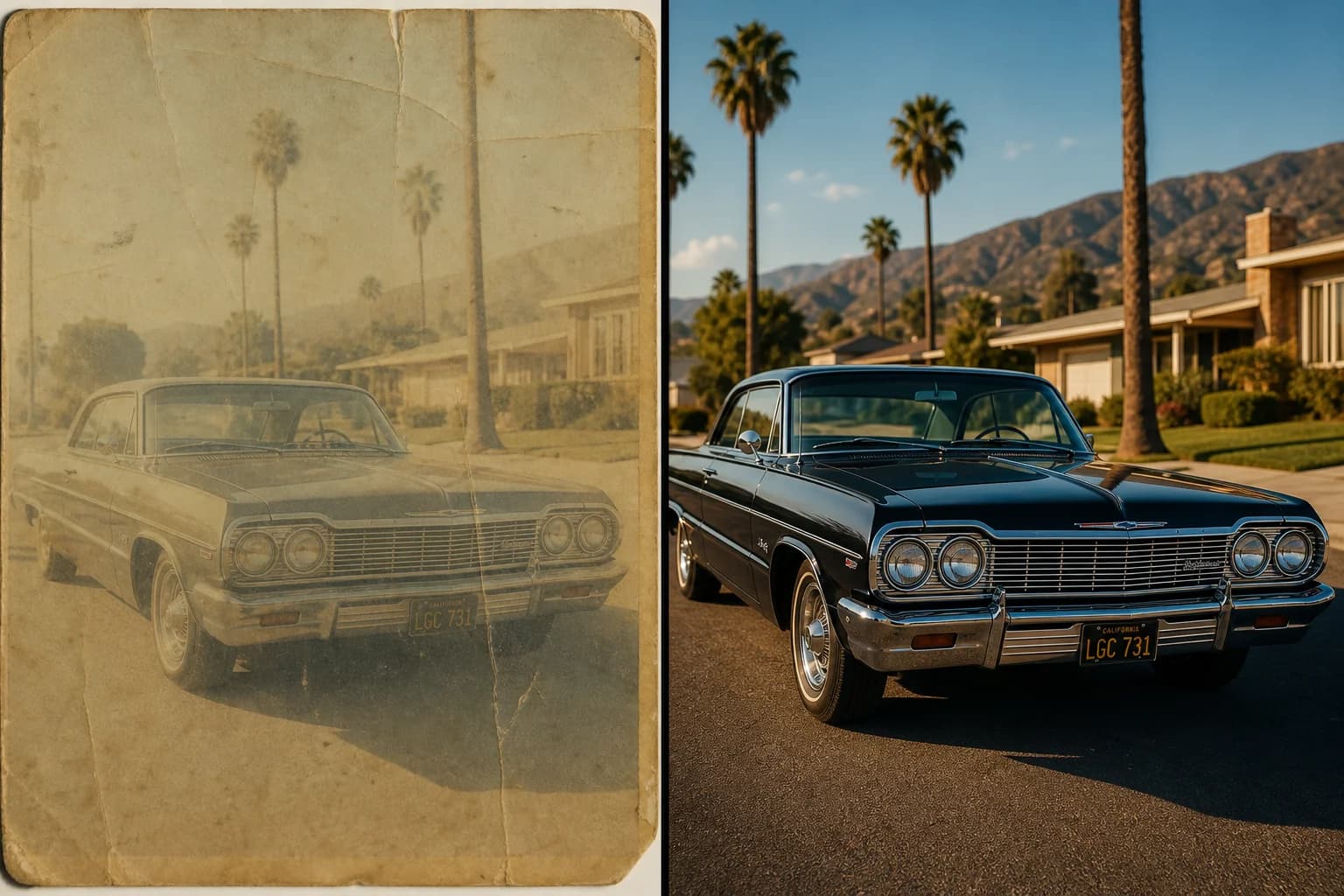
Contrast & Fade Correction
Revive washed-out, yellowed, or faded images to their original tonal glory. AI old photo restoration perfectly balances contrast and exposure for a vibrant, professional finish.
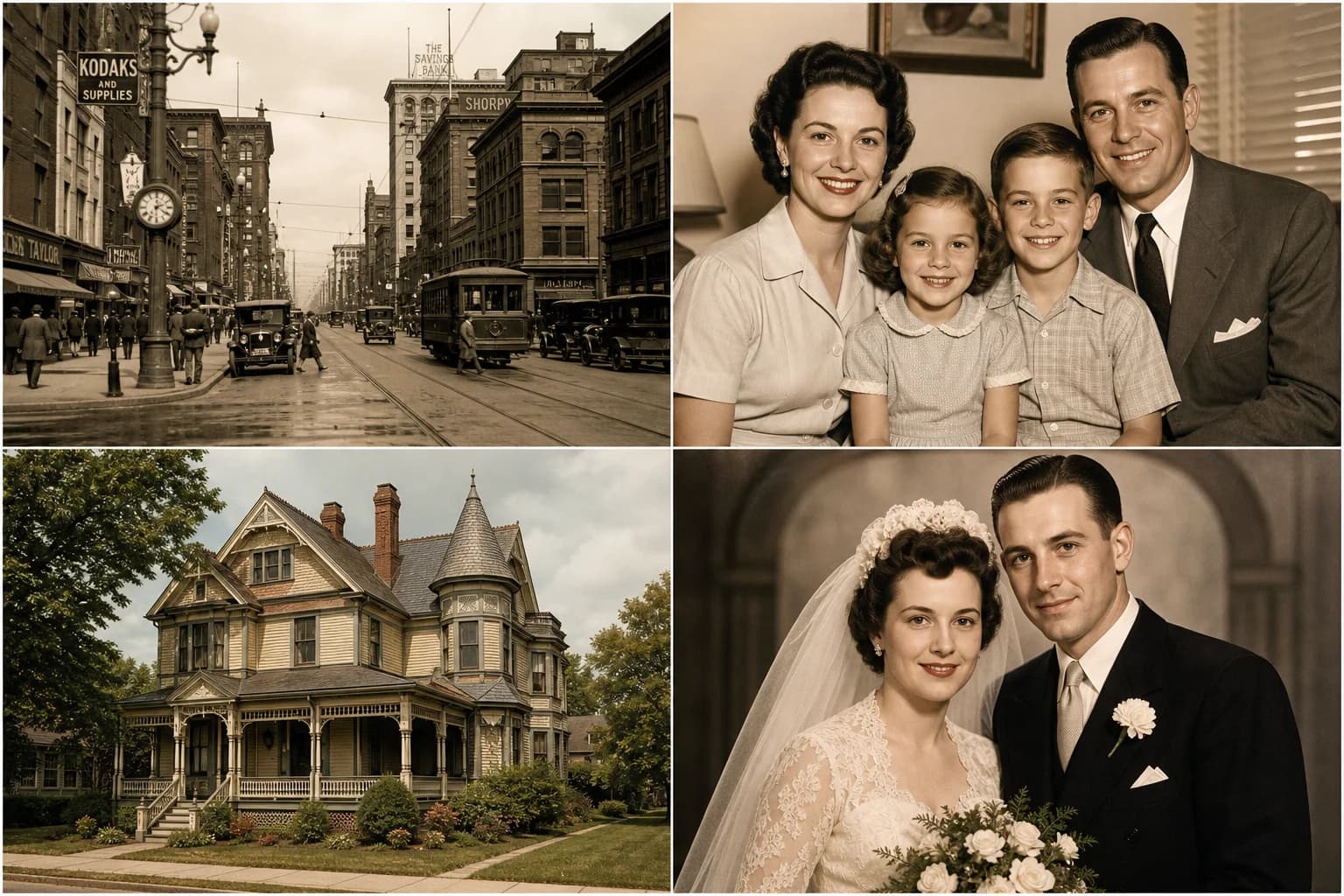
Batch Processing for Archives
Got an entire family album to fix? Restore multiple old photos simultaneously with our batch feature, saving hours of manual editing while delivering pristine results.
FAQ
Frequently Asked Questions
Everything you need to know about our AI photo restoration tool.
You can upload and restore old photos in JPG, PNG, WebP, and GIF formats. For the best restoration results, we recommend uploading the highest resolution scan you have.
Yes, the maximum file size is 10MB per image, and the maximum resolution supported is 4096×4096 pixels. You can process up to 4 images per batch.
Our AI photo restorer is incredibly fast. Most images are fully repaired, sharpened, and enhanced in approximately 15 seconds.
Yes! You receive free trial access immediately upon registration to test the AI old photo restoration capabilities. We also offer affordable premium plans for bulk processing.
Absolutely. Our deep learning model is specifically trained to identify and seamlessly fill in missing gaps caused by deep scratches, severe tears, folds, and water stains.
No, our AI is designed to preserve historical authenticity. It removes the physical damage and sharpens the underlying details without artificially altering the original subjects or the natural vintage aesthetic.
Your privacy is our top priority. All uploaded photos are encrypted during processing and are automatically deleted from our servers shortly after you download your restored images.
Stop letting time degrade your precious memories. Use our AI photo restorer to bring your vintage pictures back to life today.
Ready to Rescue Your Family Heritage?
Join thousands of users who have already saved their family archives.
Secure & Private
AI-Powered
No credit card requiredFree trial includedCancel anytime


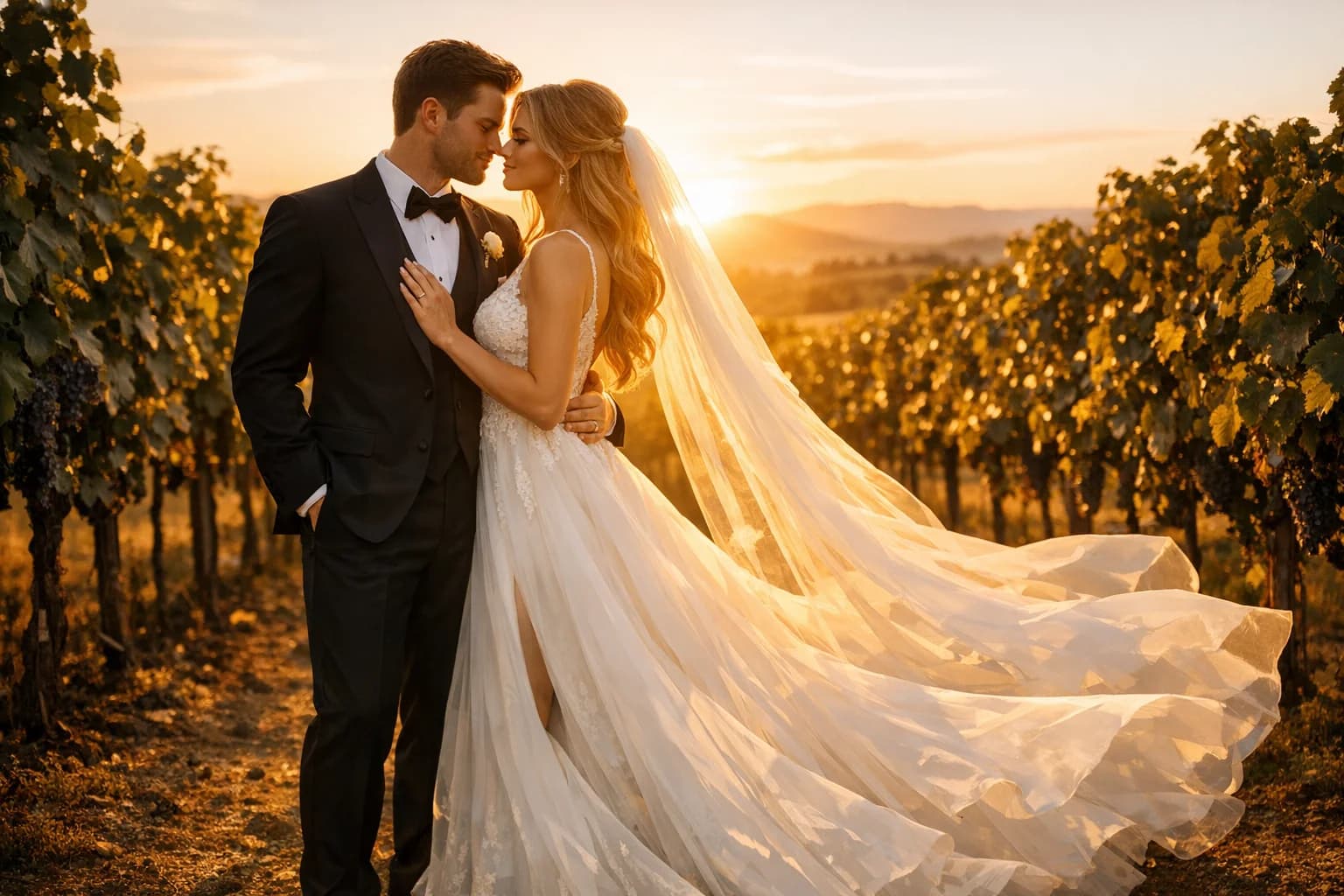

See how our AI old photo restoration is helping people preserve their history.
What Our Users Say
I had a 1910 portrait of my great-grandfather that was completely covered in scratches and mold spots. This AI photo restorer fixed it in 15 seconds. I actually cried when I saw his face clearly for the first time.
Martha Higgins
Amateur Genealogist
As someone who scans hundreds of archival photos a week, the batch processing feature is a lifesaver. It removes the dust and minor scratches perfectly without destroying the historical integrity of the images.
David Chen
Historical Society Archivist
I tried fixing my parents' wedding photo in Photoshop and gave up after two hours. PicFixer did a better job instantly. The way it sharpened their blurry faces is just incredible.
Sarah Johnson
Casual User
The contrast correction on faded sepia prints is top-notch. It brought back details in the shadows that I thought were lost forever. Highly recommend for any old photo restoration needs.
Marcus Thorne
Professional Photographer
I'm putting together a family scrapbook and many of our 1970s polaroids were faded and yellowed. This tool restored the natural colors beautifully. Super easy to use, even for a beginner.
Elena Rodriguez
Hobbyist Scrapbooker
The tear repair blew my mind. I had a photo that was literally ripped in half and taped back together. The AI seamlessly blended the torn edge to the point where you can't even tell it was ever damaged.
James Wilson
History Teacher